Using Auto-SYNC for Digital Input Connections
206 TIMS MVP™ Setup and Configuration Guide
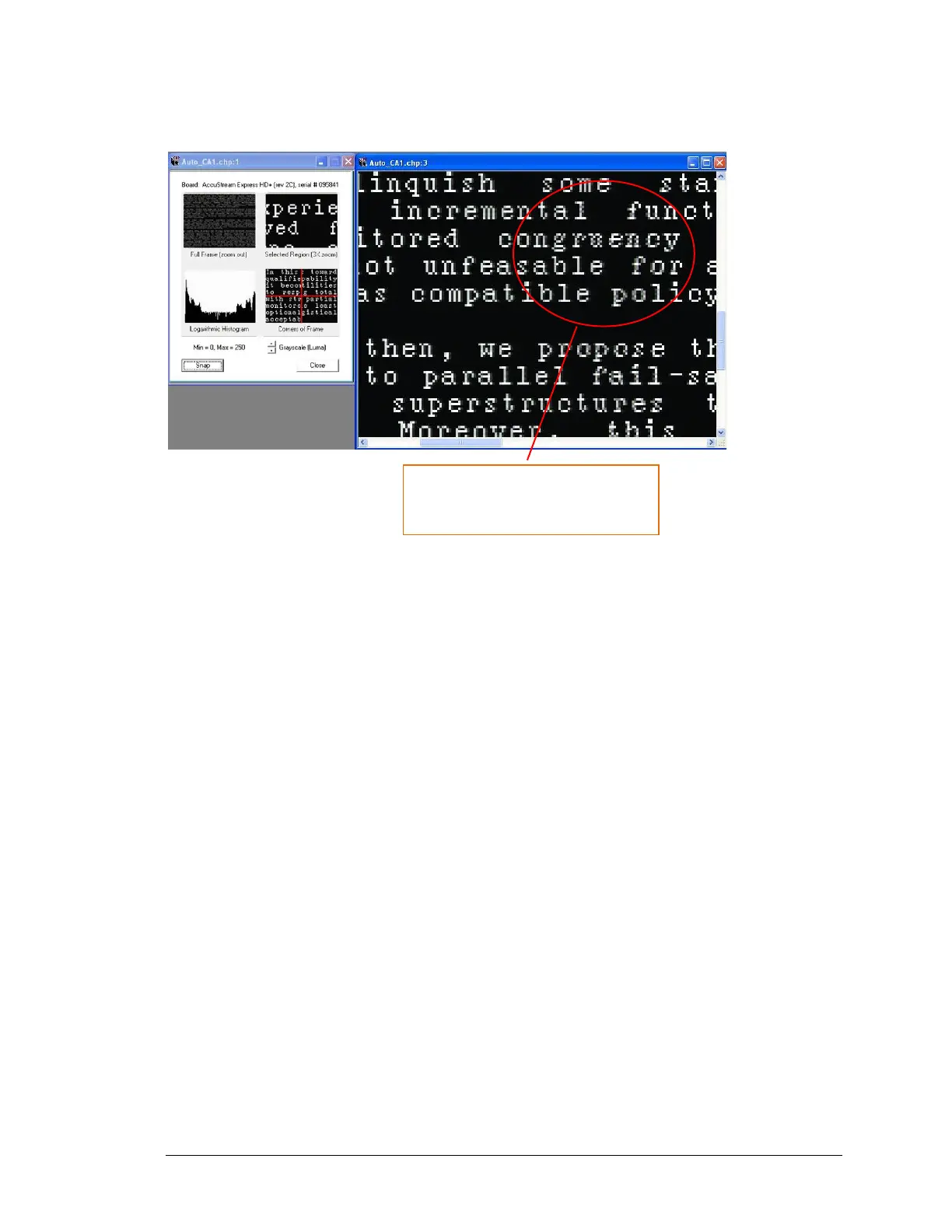
In this last example, you will see the aspect ratio distorted when viewing a video image with
text.
Figure 106: Example of Aspect Ratio with text that needs adjustment
When text is distorted, it is recommended that you change the Field Polarity.
TIPS:
Use the Histogram to view changes needed, if any. Use this Auto-SYNC step to make sure of the
following:
▪ Make changes to HTOTAL if you have issues with any of the following:
• Circles are not concentric
• Squares are not “square”
• Text is not even and consistent across
▪ Make aspect ratio adjustments through HTotal:
• Increase HTotal to widen image
• Decrease HTotal to narrow image



 To Next Page