Getting Started
TIMS MVP™ Setup and Configuration Guide 55
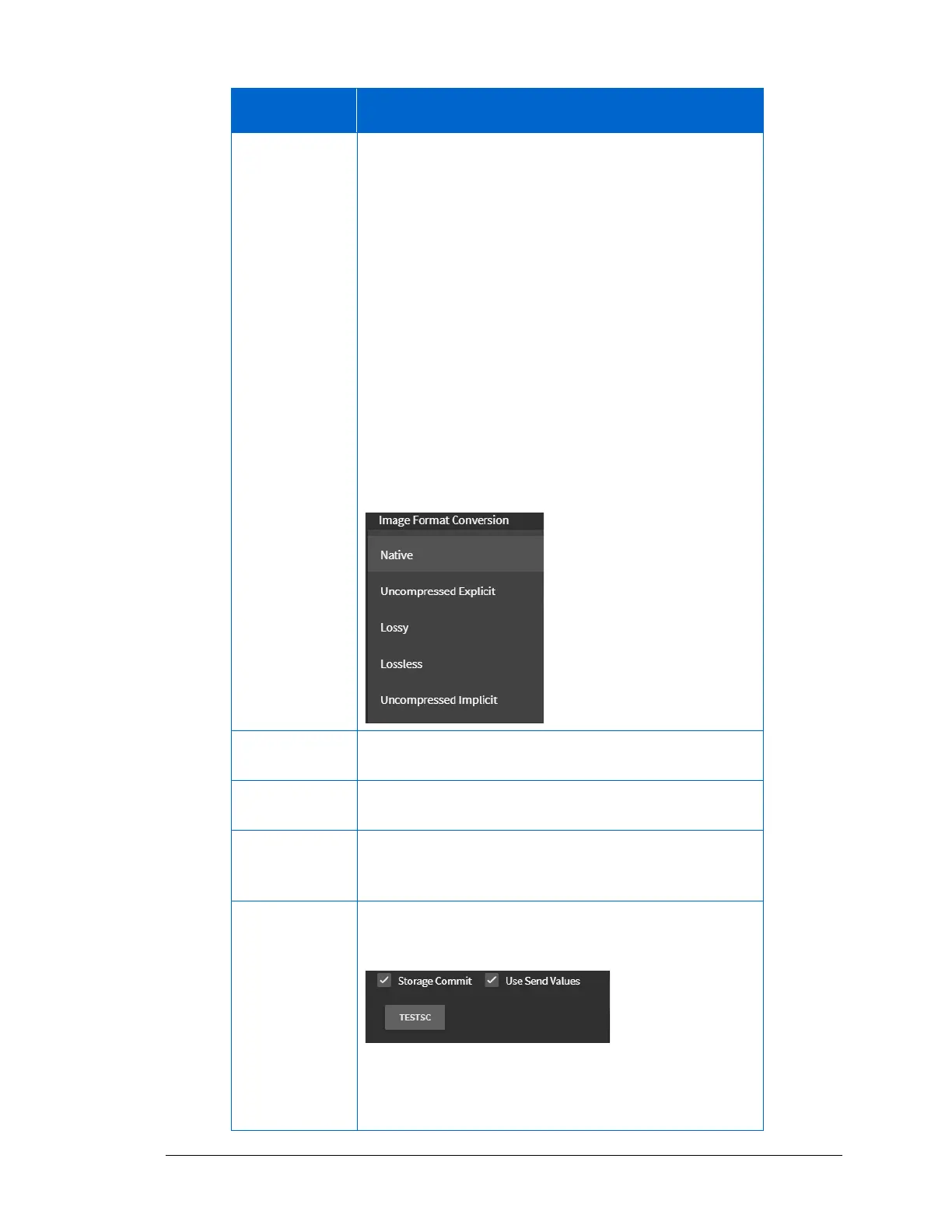
From the drop-down menu, select the image
compressions type you are using.
• Native – Uses the current format of the image file.
• Uncompressed Explicit – Means the DICOM transfer
syntax is Explicit VR, Little Endian. The images are
converted to uncompressed if this is not the native
capture format.
• Lossy - Uses some reduction in image quality.
• Lossless - Uses no reduction in image quality.
• Uncompressed Implicit – means the DICOM transfer
syntax is Implicit VR, Little Endian. The images are
converted to uncompressed if this is not the native
capture format.
If the destination server supports audio, click the
checkbox to enable audio.
If the destination server supports the PDF file format,
click the checkbox to enable.
Click to take all the series residing in a study and send it
as one large series. When the user sees it on the
receiving end, it is one series.
If the destination server supports storage commit, click
the checkbox to enable it. The additional menu items
display:
• Use Send Values – Duplicates the send to the server.
Uncheck to create a unique video/image source.
• TESTSC button – Tests the Storage Commit settings.



 To Next Page