Getting Started
58 TIMS MVP™ Setup and Configuration Guide
4. When have completed making edits to the selected DICOM server settings, you must
test your changes:
• If you enabled Storage Commit, click the TESTSC button. If the test is successful,
you receive a message that the test completed successfully at the top of the
page.
If the test is not successful, you receive an error message, check your settings
and then click TESTSC again. An example message is shown below:
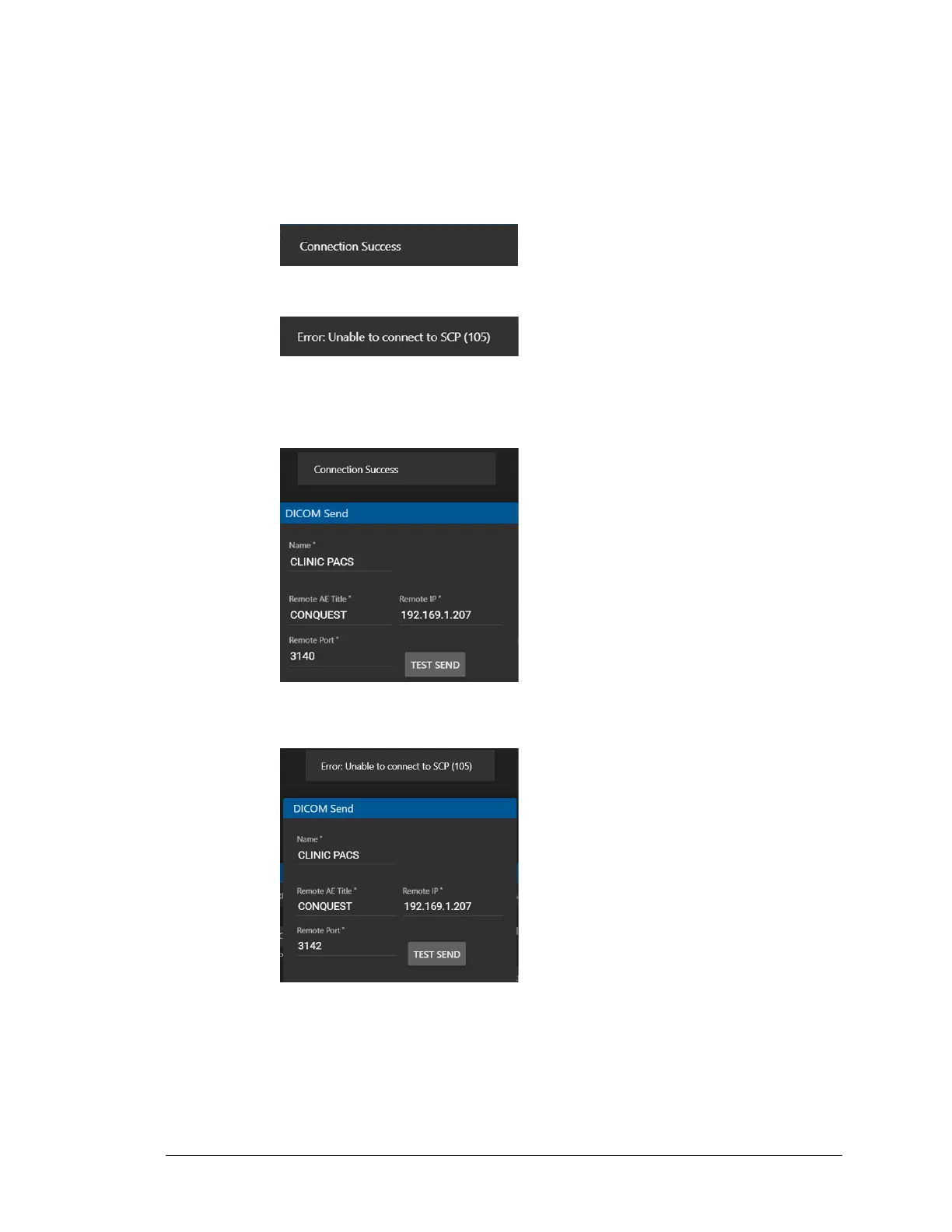
• For the DICOM Send settings, click the TEST SEND button. If the test is
successful, you receive a message that the test completed successfully at the
top of the page.
If the test is not successful, you receive an error message, check your settings
and then click TEST SEND again. An example message is show below:
5. Click OK to save after the test(s) succeed.



 To Next Page