Advanced Settings
TIMS MVP™ Setup and Configuration Guide 73
3. Click Login. The test begins.
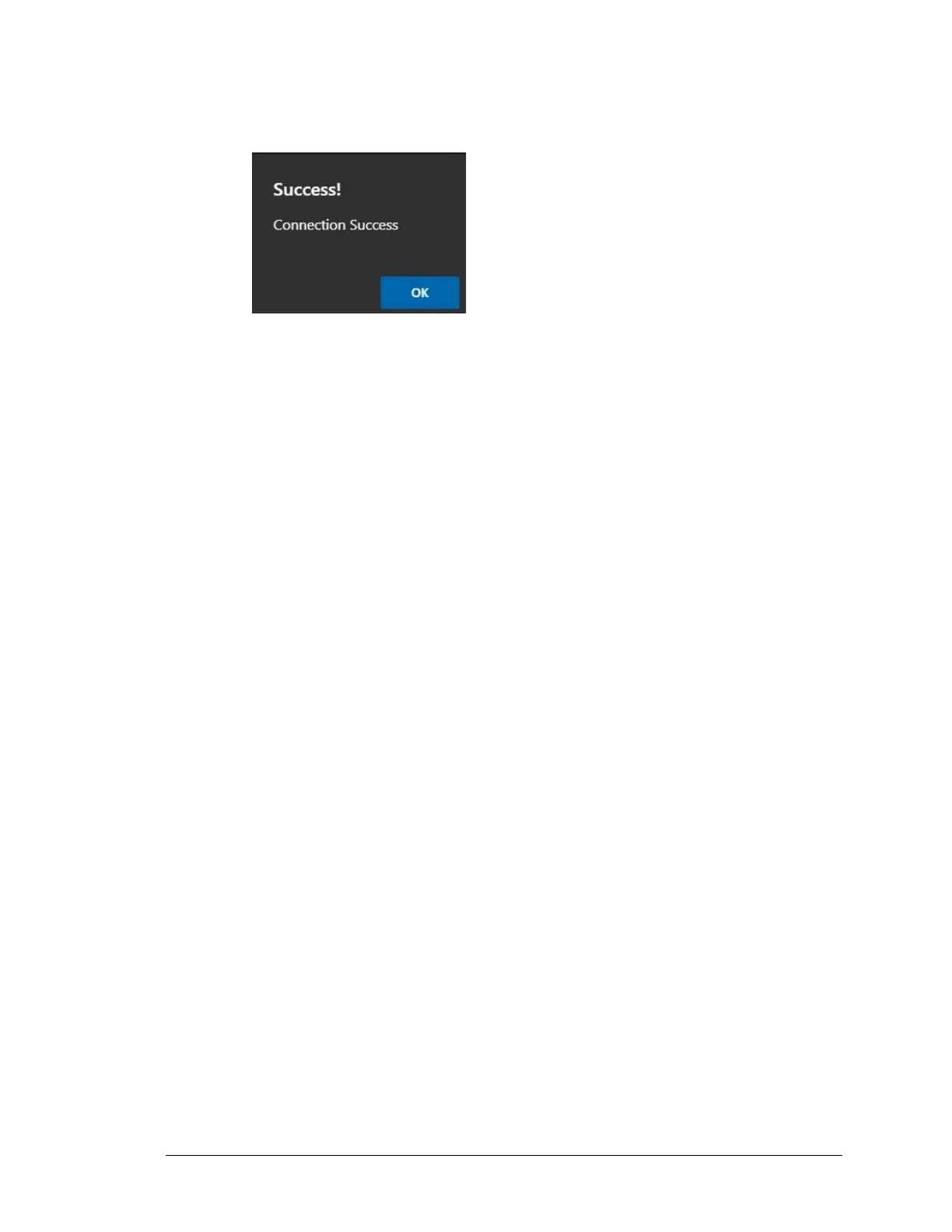
• If the test is successful, you receive a success message.
• If the test is not successful, you receive an error message above the Active Directory
home page. You must edit your settings and test again.
4. Once the test is successful, click Apply or OK to save the settings.



 To Next Page