Chapter 6: Receiver Configuration Modules IP Receiver Configuration
© Harmonic Inc. Manual p/n 101543/Ver 1.0 6-29 ProView 2900 Series/SW Version 1.94
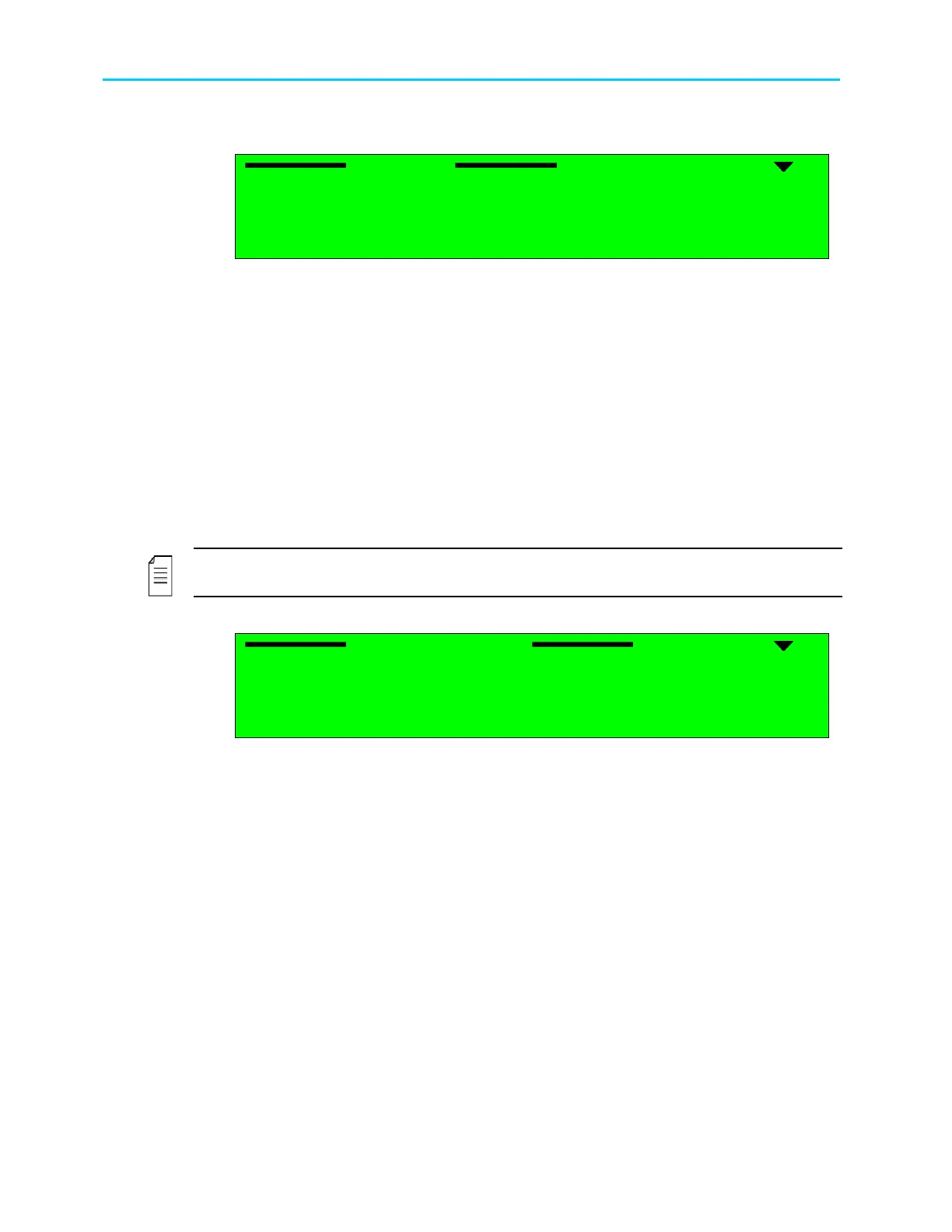
The following is the IP Receiver configuration menu as it is displayed on the ProView 2900
front panel screen:
Receiver
Receiver Receiver
Receiver
1
11
1-
--
-2
22
2-
--
-1
11
1
1 MPEGoIP Input 1
1 MPEGoIP Input 11 MPEGoIP Input 1
1 MPEGoIP Input 1
2 MPEGoIP Input 2
2 MPEGoIP Input 22 MPEGoIP Input 2
2 MPEGoIP Input 2
3 General
3 General3 General
3 General
The available options are:
• MPEGoIP Input 1 - allows the user to configure the MPEGoIP receiver connected to the
rear panel MPEGoIP IN 1 interface (for details, refer to paragraph 6.3.1).
• MPEGoIP Input 2- allows the user to configure the MPEGoIP receiver connected to the
rear panel MPEGoIP IN 2 interface (for details, refer to paragraph 6.3.1).
• General allows the user to confugure parameters such as redundancy, De-jittering
delay, and FEC (for details, refer to paragraph 6.3.2)..
6.3.1. MPEGoIP Input 1
The MPEGo-IP Input 1 sub-menu allows the user to configure the MPEGoIP receiver
connected to the rear panel MPEGoIP interface.
NOTE
MPEGoIP Input 2 menu is identical to the MPEGoIP Input 1 menu
MPEGoIP Input 1
MPEGoIP Input 1 MPEGoIP Input 1
MPEGoIP Input 1
1
11
1-
--
-2
22
2-
--
-1
11
1-
--
-1
11
1
1 Physical Link
1 Physical Link1 Physical Link
1 Physical Link
2 Logical Source
2 Logical Source2 Logical Source
2 Logical Source
3 FEC
3 FEC3 FEC
3 FEC
Figure 6-6 displays the corresponding DVB-IP Receiver MPEGoIP 1 Parameters Menu (Web
Management screen).



 To Next Page