Chapter 5: Operation and Management ProView 2900 Status Menu
© Harmonic Inc. Manual p/n 101543/Ver 1.0 5-26 ProView 2900 Series/SW Version 1.94
5.4.6. Data Status Menu
The Data Status Menu displays information about the data input stream. To access the Data
Status Menu in the front panel control interface go to Status
Data.
The High Speed Data Port option is supported only in the ProView 2960 and ProView 2990
models. In these models, the following is the corresponding front panel screen:
Data
Data Data
Data
1
11
1-
--
-3
33
3-
--
-6
6 6
6
1 Low Speed Data Port
1 Low Speed Data Port1 Low Speed Data Port
1 Low Speed Data Port
2 High Speed Data Port
2 High Speed Data Port2 High Speed Data Port
2 High Speed Data Port
IP-Out-Port is supported in all ProView 2900 models, except for the ProView 2960 and
ProView 2990 models. For these models, the Data Status menu is displayed as follows:
Data
Data Data
Data
1
11
1-
--
-3
33
3-
--
-6
6 6
6
1 Low Speed Data Port
1 Low Speed Data Port1 Low Speed Data Port
1 Low Speed Data Port
2 IP Out Port
2 IP Out Port2 IP Out Port
2 IP Out Port
5.4.6.1. Low Speed Data Port
This feature will be supported in the future software releases.
5.4.6.2. High Speed Data Port
This feature will be supported in the future software releases.
5.4.6.3. IP-Out-Port Status Menu
The IP-Out-Port status menu provides IP and Port related parameter statuses.
To access the IP-Out-Port status menu in the front panel control interface go to
Status
Data
IP Output Port.
The following screen displays the Output Port Status menu:
IP Out Port
IP Out Port IP Out Port
IP Out Port
1
11
1-
--
-3
33
3-
--
-6
66
6-
--
-3
3 3
3
1 MAC Address
1 MAC Address1 MAC Address
1 MAC Address
00
0000
00-
--
-OC
OCOC
OC-
--
-A2
A2A2
A2-
--
-03
0303
03-
--
-3A
3A3A
3A-
--
-64
6464
64
2 IP Data Port Link
2 IP Data Port Link2 IP Data Port Link
2 IP Data Port Link
Down
DownDown
Down
3 IP Data Port Speed
3 IP Data Port Speed3 IP Data Port Speed
3 IP Data Port Speed
--
----
--
4 IP Data Port Duplex
4 IP Data Port Duplex4 IP Data Port Duplex
4 IP Data Port Duplex
--
----
--
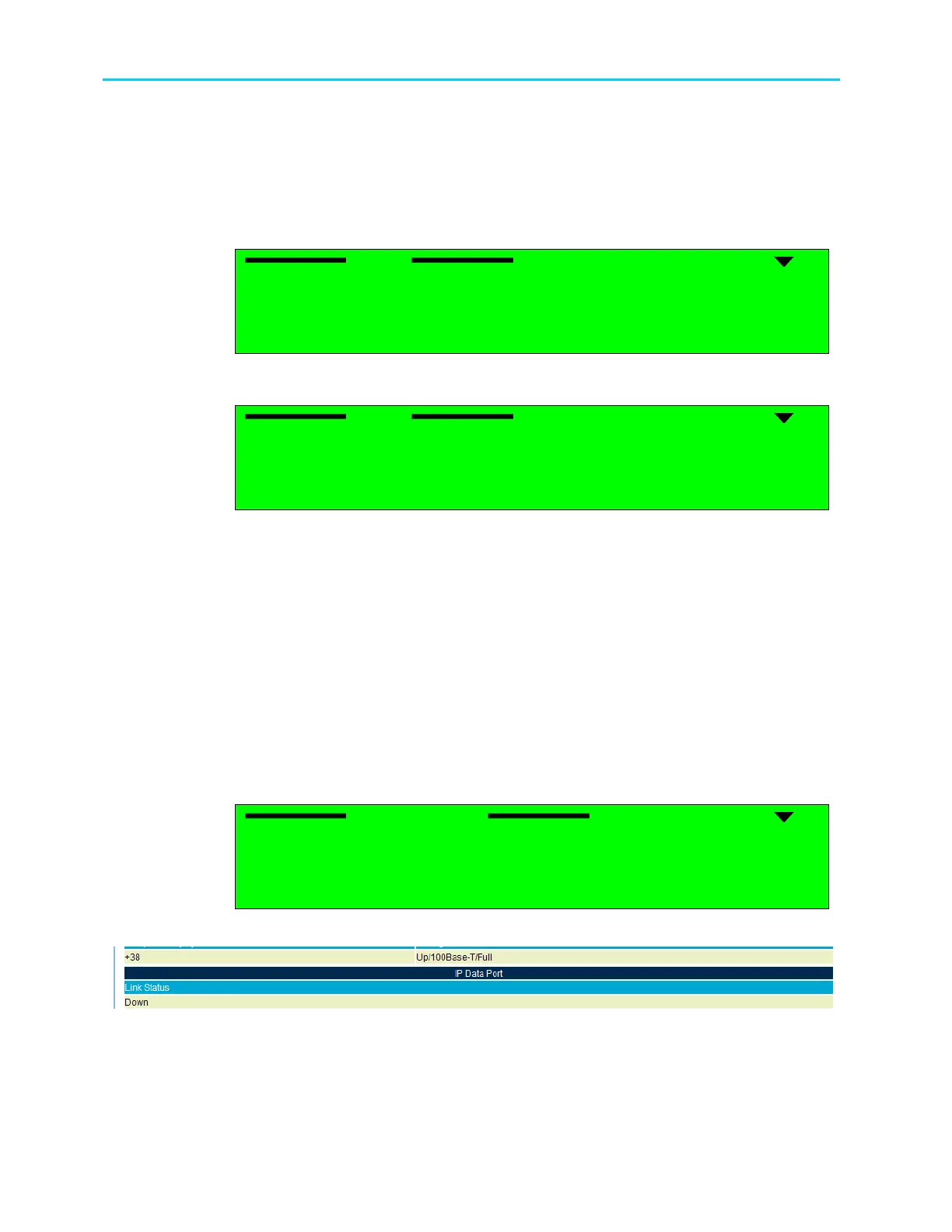
Figure 5-13 displays the corresponding Web management screen.
Figure 5-13: ProView 2900 IP Data Port Status Screen
The available options are:
• MAC Address – Displays the IP MAC address.
• IP Data Port Link – Displays the status of the IP port (Up or Down).



 To Next Page