Chapter 5: Operation and Management ProView 2900 Preset Menu
© Harmonic Inc. Manual p/n 101543/Ver 1.0 5-5 ProView 2900 Series/SW Version 1.94
5.2.1. Recall Preset
Recall submenu allows loading saved presets from the unit's non-volatile storage.
TO RECALL A PRESET THOUGH THE FRONT PANEL:
1. To access the Preset menu from the front panel go to Root
Preset
Recall.
The Recall screen lists all stored presets and allows selecting a preset to recall.
The following figure shows the front panel Recall screen:
Name
Name Name
Name
1
1 1
1 Default
DefaultDefault
Default
2
2 2
2 Setup_1
Setup_1Setup_1
Setup_1
3
3 3
3 Setup_2
Setup_2Setup_2
Setup_2
4
4 4
4 Setup_3
Setup_3Setup_3
Setup_3
2. Select one of the listed presets by using the [Up], [Down] and [ENTER] keys.
When selecting a preset to recall – the following screen appears: This screen
shows the selected preset name at its title and the option Recall.
Setup_1
Setup_1Setup_1
Setup_1
1
11
1
RECALL
RECALLRECALL
RECALL
3. Select the RECALL submenu tab.
NOTE
When selecting a preset, the front panel's orange warning light might lit until the unit is
synced with the new setup applied.
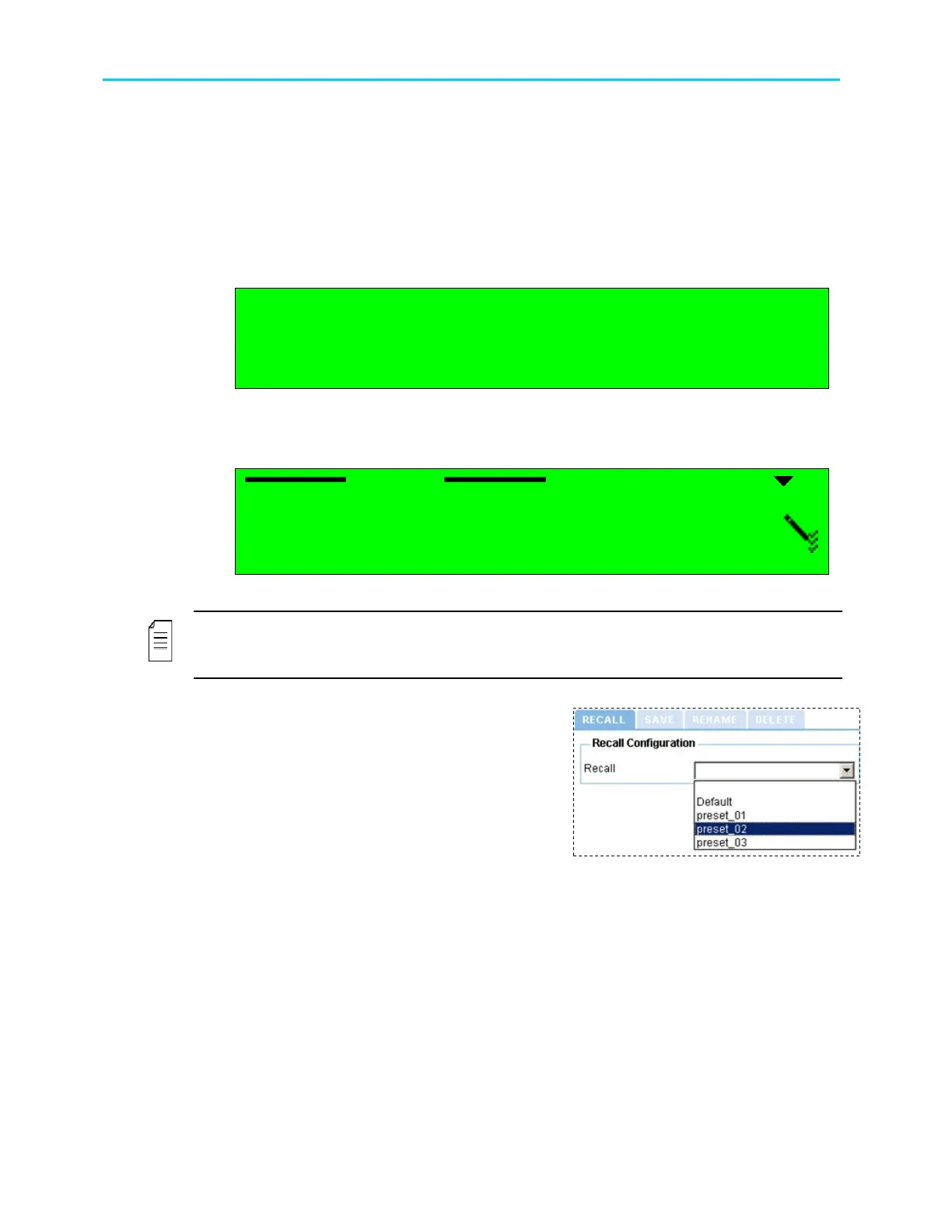
TO RECALL A PRESET THROUGH THE WEB-INTERFACE:
1. From the management bar, click the
Preset tab.
2. Click Recall tab.
3. Open the Recall drop-down menu. From
the list select a preset to recall.



 To Next Page