Chapter 7: Stream Configuration Menu Stream Input
© Harmonic Inc. Manual p/n 101543/Ver 1.0 7-6 ProView 2900 Series/SW Version 1.94
7.2.1. Source
The Source parameter defines the input stream source.
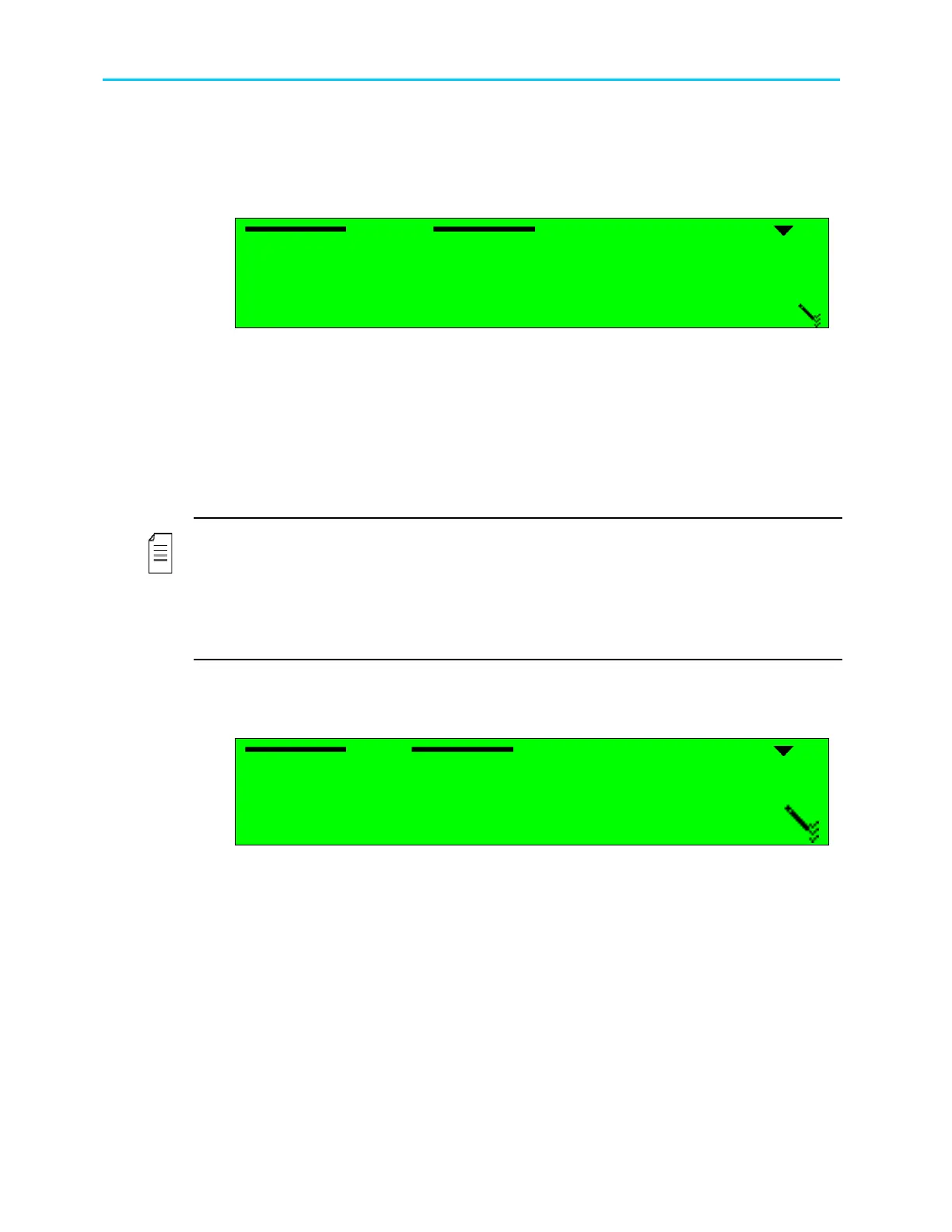
When the receiver is active in the ProView 2900, the following menu is displayed:
Source
SourceSource
Source
1
11
1
FRONT
FRONT FRONT
FRONT-
--
-END (QPSK)
END (QPSK)END (QPSK)
END (QPSK)
2
22
2
ASI
ASI ASI
ASI
3
33
3
SERIAL RS
SERIAL RS SERIAL RS
SERIAL RS-
--
-422
422422
422
4
44
4
None
None None
None
The available options are:
• FRONT-END (if applicable) – Selects the Receiver Front-End Interface as the source for
the input transport stream
• ASI – Select the ASI digital input as the source for the input transport stream
• SERIAL RS-422 – Selects the RS-422 serial input as the source for the input transport
stream
• None - No input source is selected for the ProView 2900.
NOTES
The Decoder Stream Source screen is dynamic and it changes according to the currently-
active ProView 2900 interface.
Only qualified personnel should handle serial RS-422 option.
When Front-End (IP) is selected, the 27 MHz Synchronization option must be set to Fixed-
Value.
7.2.2. Type
The Type parameter allows selecting between ATSC format and DVB format.
Type
Type Type
Type
1
11
1
ATSC
ATSC ATSC
ATSC
2
22
2
DVB
DVB DVB
DVB



 To Next Page