Chapter 9: Video Configuration Menu VBI 1 (and VBI 2) Configuration Options
© Harmonic Inc. Manual p/n 101543/Ver 1.0 9-13 ProView 2900 Series/SW Version 1.94
9.3.6. WSS (Wide-Screen Signalling) Parameter
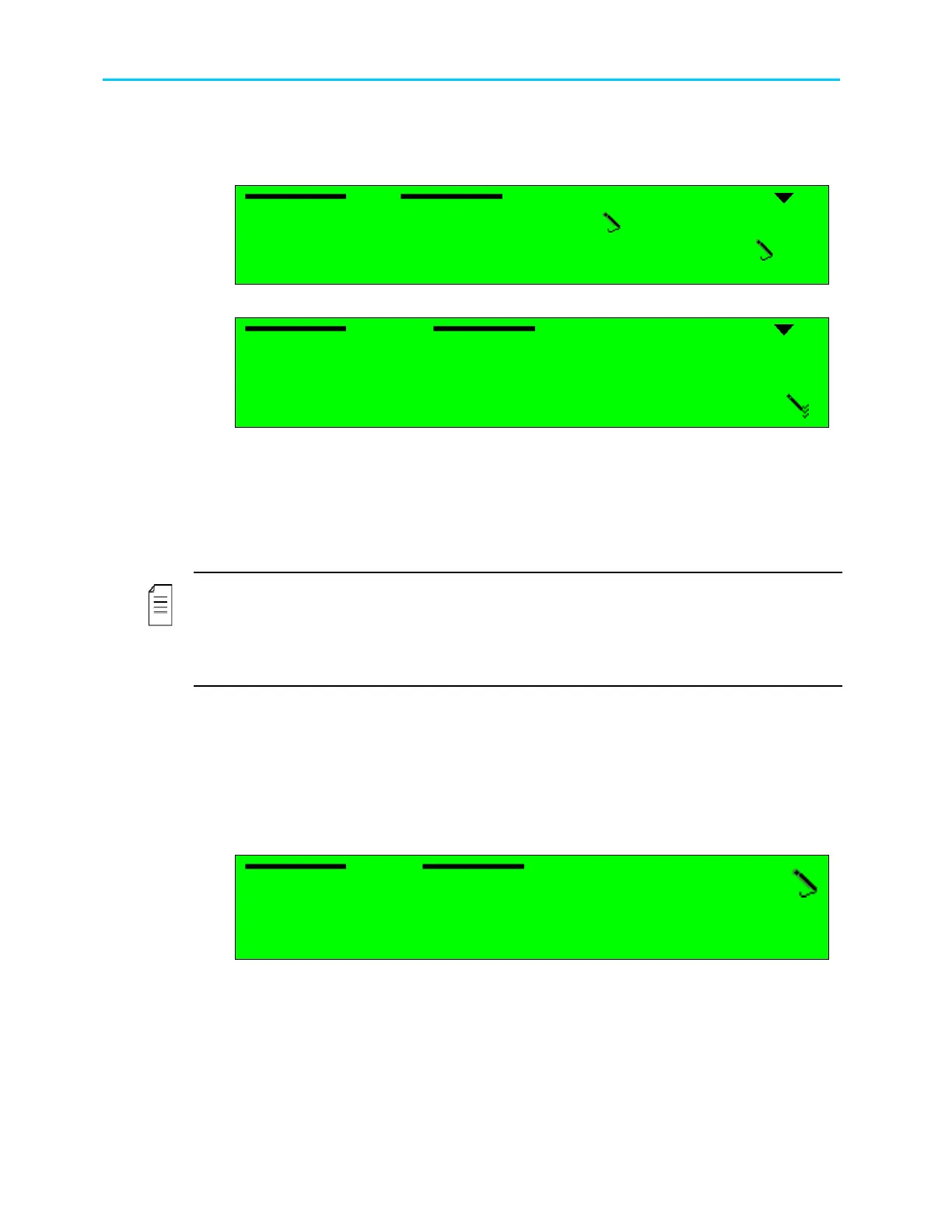
Selecting Wide-Screen Signaling (WSS) displays the following screen:
WSS
WSS WSS
WSS
1
1 1
1-
--
-2
22
2-
--
-4
44
4-
--
-2
22
2-
--
-6
6 6
6
1 Source
1 Source1 Source
1 Source
E.S (EN
E.S (ENE.S (EN
E.S (EN-
--
-301
301301
301-
--
-775)
775)775)
775)
2 Line1
2 Line12 Line1
2 Line1
23
2323
23
Selecting Source option displays the following screen:
Source
Source Source
Source
1
11
1
DISABLE
DISABLE DISABLE
DISABLE
2
22
2
TV MONITOR
TV MONITOR TV MONITOR
TV MONITOR
3
33
3
E.S (EN
E.S (EN E.S (EN
E.S (EN-
--
-301
301301
301-
--
-775)
775)775)
775)
4
44
4
VIDEO
VIDEO VIDEO
VIDEO
The available options are:
• DISABLE – The ProView 2900 does not output a WSS signal.
• TV MONITOR – The ProView 2900 generates the WSS signal according to the Aspect
Ratio value entered by the operator through
Root
Configuration
Video(1..2)
Monitor Aspect-Ratio (complies with ITU-T
standard J. 63).
NOTE
The option TV MONITOR should not be selected along with choosing VIDEO Source under
Configuration
Video
Video 1 / 2
Monitor Aspect Ratio, since the two A/R may
contradict each other and cause unexpected results.
See Appendix C for extensive details on how WSS configuration affects the resulting image.
• E.S. (EN-301-775) – The ProView 2900 generates the WSS signal according to the WSS
information taken from the VBI Elementary Stream (complies with DVB EN 301-775 WSS
standard).
• VIDEO – The ProView 2900 generates the WSS signal according to the WSS information
taken from the Video Header in the Video Elementary Stream.
Selecting Line1 displays the following screen:
Line1
Line1 Line1
Line1
23
2323
23
<00
<00 <00
<00 -
--
- 23>
23> 23>
23>
The WSS signal can be inserted into a line between 0 and 23.



 To Next Page