Chapter 10: Audio Configuration Menu Analog Mixer
© Harmonic Inc. Manual p/n 101543/Ver 1.0 10-5 ProView 2900 Series/SW Version 1.94
10.5. PassThru Sample Rate
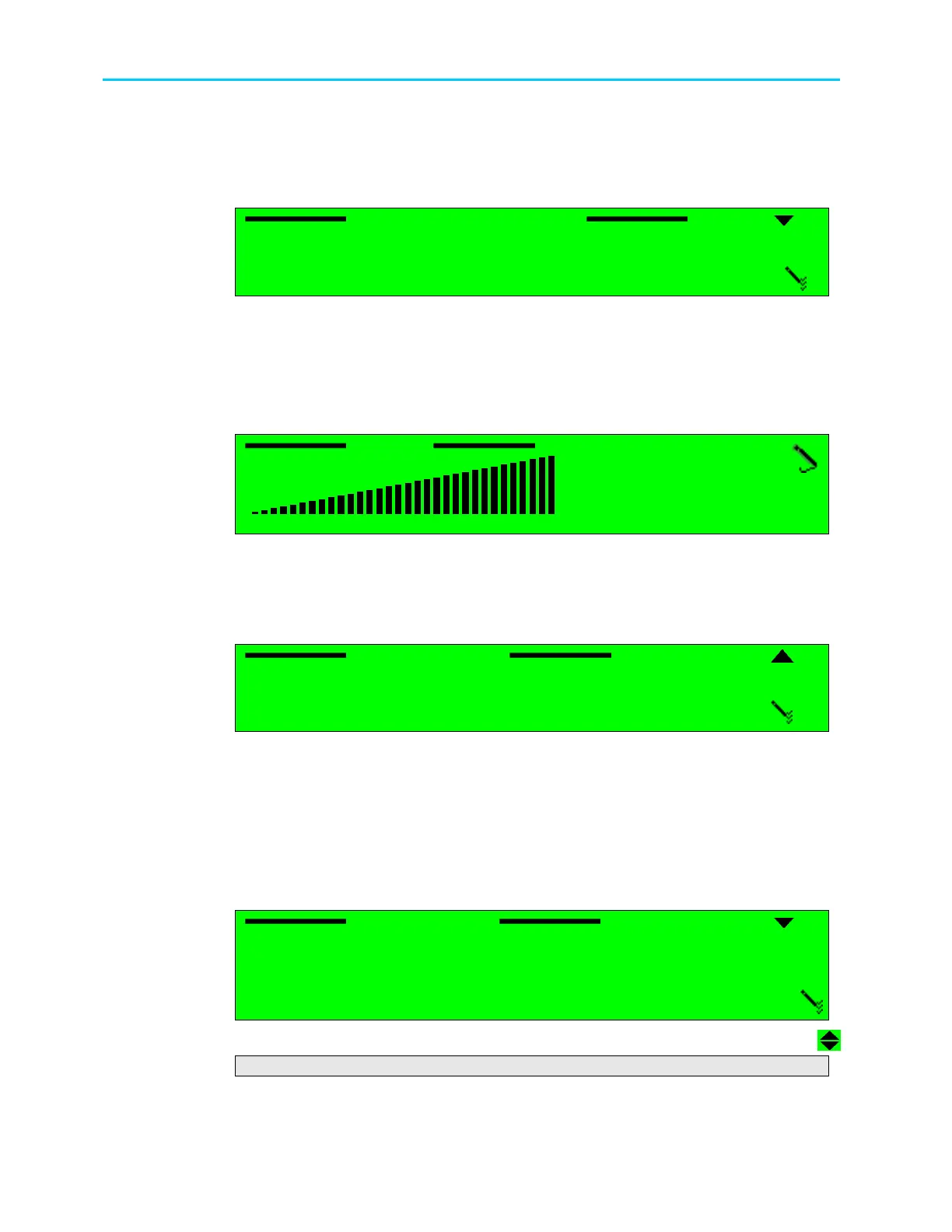
The PassThru Sample Rate parameter allows the user setting the sampling frequency for the
AC3 Pass-through.
PassThru Sample Rate
PassThru Sample Rate PassThru Sample Rate
PassThru Sample Rate
1
11
1
48.0 [KHz]
48.0 [KHz] 48.0 [KHz]
48.0 [KHz]
2
22
2
44.1 [KHz]
44.1 [KHz] 44.1 [KHz]
44.1 [KHz]
3
33
3
32.0 [KHz]
32.0 [KHz] 32.0 [KHz]
32.0 [KHz]
The available options are: 48.0 [KHz], 44.1 [KHz], 32.0 [KHz]
10.6. Volume
The Volume parameter allows the user setting the audio volume of the audio channel.
A graphical volume display illustrates the volume level.
Volume
Volume Volume
Volume
00 [dB]
00 [dB]00 [dB]
00 [dB]
<
< <
< -
--
-64
64 64
64 -
--
- 00 >
00 > 00 >
00 >
Available values are between (–)64 and 0dB.
10.7. Analog Output
The Analog Output parameter sets Mute or Play mode in an audio channel output.
Analog Output
Analog Output Analog Output
Analog Output
1
11
1
MUTE
MUTE MUTE
MUTE
2
22
2
UNMUTE (PLAY)
UNMUTE (PLAY) UNMUTE (PLAY)
UNMUTE (PLAY)
The available options are:
• MUTE – this analog audio output is disabled
• UNMUTE (PLAY) – this analog audio output is enabled
10.8. Analog Mixer
The Analog Mixer parameter, displayed on the following screen, allows setting the stereo and
mono options of the stereo channels.
Analog Mixer
Analog Mixer Analog Mixer
Analog Mixer
1
11
1
STEREO(L & R)
STEREO(L & R) STEREO(L & R)
STEREO(L & R)
2
22
2
MONO MIXING
MONO MIXING MONO MIXING
MONO MIXING
3
33
3
SWAP (R & L)
SWAP (R & L) SWAP (R & L)
SWAP (R & L)
4
44
4
BOTH RIGHT
BOTH RIGHT BOTH RIGHT
BOTH RIGHT
5
55
5
BOTH
BOTH BOTH
BOTH LEFT
LEFTLEFT
LEFT
The available options are:



 To Next Page