Chapter 9: Video Configuration Menu VBI 1 (and VBI 2) Configuration Options
© Harmonic Inc. Manual p/n 101543/Ver 1.0 9-14 ProView 2900 Series/SW Version 1.94
9.3.7. VI (Video Index) Parameter
The ProView 2900 supports AFD (Active Video Format Description) parsing, when such data
exists in the video e.s. – User Data, according to ETSI TS 101 154 Annex B. The AFD data is
reinserted into VBI VI (Video Indexing) line 11, on 625 systems, according to SMPTE RP
186-1995 (only Class 1.1 “Information required to display the signal, not including pan and
scan” is currently supported).
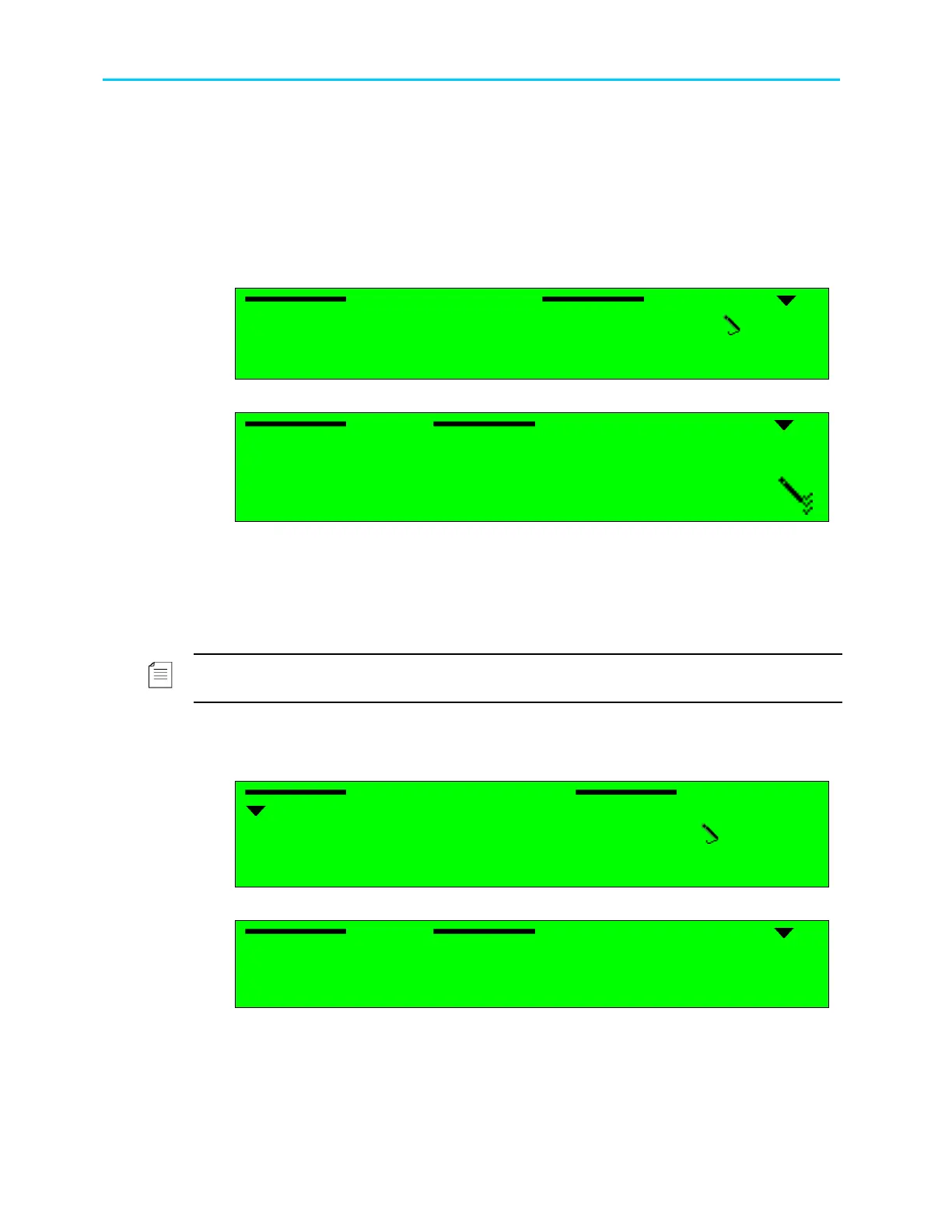
Selecting VI (Video Index) displays the following screen:
VI (Video Index)
VI (Video Index) VI (Video Index)
VI (Video Index)
1
1 1
1-
--
-2
22
2-
--
-4
44
4-
--
-2
22
2-
--
-7
7 7
7
1 Source
1 Source1 Source
1 Source
VIDEO
VIDEOVIDEO
VIDEO
2 Line1
2 Line12 Line1
2 Line1
11
1111
11
Selecting Source option displays the following screen:
Source
Source Source
Source
1
11
1
DISABLE
DISABLE DISABLE
DISABLE
2
22
2
E.S (EN
E.S (EN E.S (EN
E.S (EN-
--
-301
301301
301-
--
-775)
775)775)
775)
3
33
3
VIDE
VIDE VIDE
VIDEO
OO
O
The available options are:
• DISABLE – VI data is not reinserted.
• E.S.(EN-301-775) – will be supported in the future software releases
• VIDEO – the ProView 2900 automatically detects the existing standard and reinserts the
VI data accordingly.
NOTE
Line1 option is a read-only parameter. VI data is always reinserted into line 11.
9.3.8. TTX (Teletext-EBU) Parameter
When the TTX (Teletext-EBU) VBI parameter is selected, the following screen is displayed:
TTX (Teletext EBU)
TTX (Teletext EBU) TTX (Teletext EBU)
TTX (Teletext EBU)
1
1 1
1-
--
-2
22
2-
--
-4
44
4-
--
-2
22
2-
--
-8
8 8
8
1 Source
1 Source1 Source
1 Source
DISABLE
DISABLEDISABLE
DISABLE
Selecting Source option displays the following screen:
Source
Source Source
Source
1
11
1
DISABLE
DISABLE DISABLE
DISABLE
2
22
2
E.S (EN
E.S (EN E.S (EN
E.S (EN-
--
-301
301301
301-
--
-775)
775)775)
775)
The available options are:
• DISABLE – Teletext is disabled.
• E.S (EN-301-775) – The ProView 2900 re-inserts the Teletext signal as included in the
transport stream according to EN 301-775.



 To Next Page