Chapter 8: Service Configuration Menu Mapping Port to Service
© Harmonic Inc. Manual p/n 101543/Ver 1.0 8-9 ProView 2900 Series/SW Version 1.94
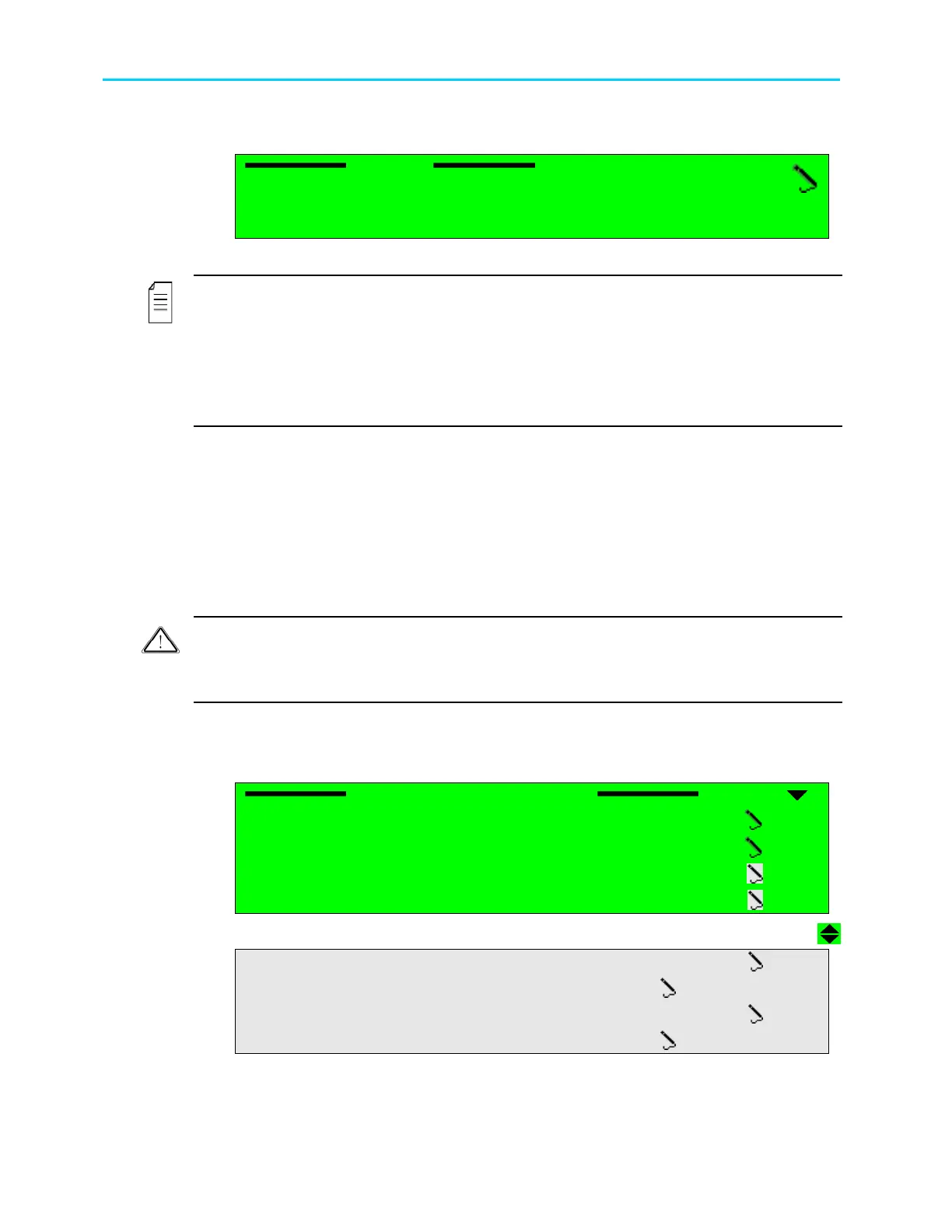
The following figure is an example of a PID Assigning screen, as it appears in the
ProView 2900 front panel control interface (the selected port in this example is Video1):
Video1
Video1 Video1
Video1
1062 [Hex]
1062 [Hex]1062 [Hex]
1062 [Hex]
<0000
<0000 <0000
<0000 -
--
- 1FFF>
1FFF> 1FFF>
1FFF>
The available value ranges from 0000 to 1FFF (Hexadecimal).
NOTES
The ProView 2900 decodes and displays DVB Subtitling according to the DVB-Subtitling
Standard ETS 300 743. This standard specifies the coding method of subtitles, logos, and
other graphical elements for the DVB and the method of carrying them within a DVB Bit
Stream.
Dual Decoder devices can decode two different programs, each with its own subtitling
simultaneously.
8.6. Mapping Port to Service
The Mapping Port to Service menu enables the operator to manually map ProView 2900
physical ports to Service 1 and to Service 2.
The factory default mapping (in dual decoders) is symmetrical. Service 1 is assigned Video1,
Audio1, Audio2, VBI1 etc. and Service 2 is assigned Video2, Audio3, Audio4, VBI2, etc.
Operator must not change these settings unless they are well informed with ProView 2900
internal properties.
Caution
Mapping Port to Service is intended for advanced users only. Changing this option’s values is
not recommended. in all cases It is recommended to use the Mapping Port to Service factory
defaults.
To access the Mapping Port to Service menu in the front panel control interface go to
Configuration
Service
Mapping Port to Service menu.
The following screen displays the Mapping Port to Service menu:
Mapping Port to Service
Mapping Port to ServiceMapping Port to Service
Mapping Port to Service
1
11
1-
--
-2
22
2-
--
-3
33
3-
--
-6
66
6
01 Pcr1
01 Pcr101 Pcr1
01 Pcr1
TV1
TV1TV1
TV1
03 Video1
03 Video103 Video1
03 Video1
TV1
TV1TV1
TV1
0
00
04
44
4 Audio 1
Audio 1 Audio 1
Audio 1
TV1
TV1TV1
TV1
0
00
05
55
5 Audio 2
Audio 2 Audio 2
Audio 2
TV1
TV1TV1
TV1
0
00
06
66
6 Vbi 1
Vbi 1 Vbi 1
Vbi 1
TV1
TV1TV1
TV1
07
0707
07 Subtitling 1
Subtitling 1 Subtitling 1
Subtitling 1
STAND ALONE
STAND ALONESTAND ALONE
STAND ALONE
08
0808
08 LS Data RS232
LS Data RS232 LS Data RS232
LS Data RS232
TV1
TV1TV1
TV1
09
0909
09 HS Data RS
HS Data RS HS Data RS
HS Data RS-
--
-422
422422
422
STAND ALONE
STAND ALONESTAND ALONE
STAND ALONE



 To Next Page