Chapter 14: Unit Configuration Menu Licensing Menu
© Harmonic Inc. Manual p/n 101543/Ver 1.0 14-9 ProView 2900 Series/SW Version 1.94
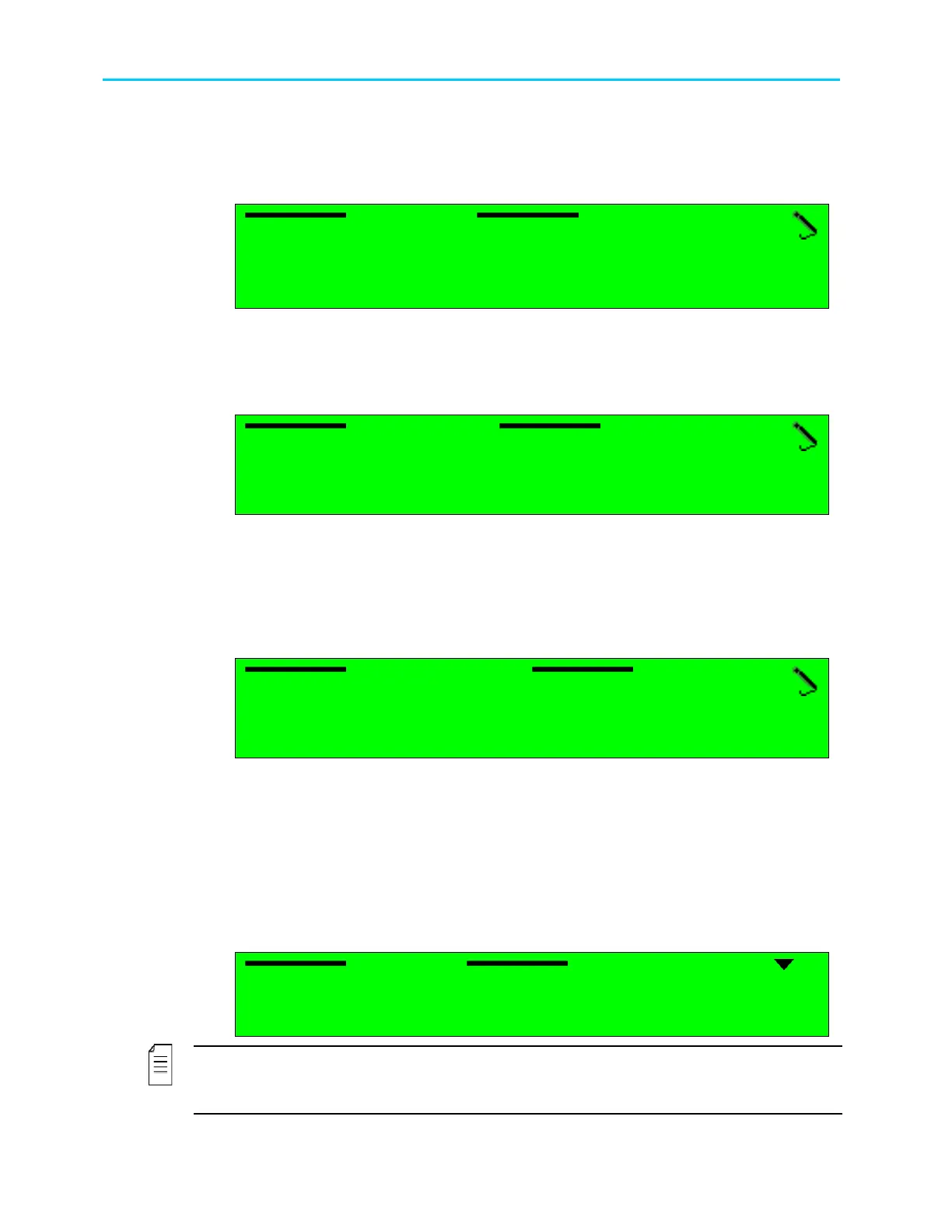
14.6.2. IP Address
The IP Address parameter displays and allows setting the currently active IP Address of the
management port
IP Address
IP Address IP Address
IP Address
010.008.
010.008.010.008.
010.008.000.216
000.216000.216
000.216
The value in each field must be a number between 0 and 255.
14.6.3. Network Mask
The Network Mask parameter allows setting the network sub-mask.
Network Mask
Network Mask Network Mask
Network Mask
255.255.255.000
255.255.255.000255.255.255.000
255.255.255.000
The value in each field must be a number between 0 and 255.
14.6.4. Default Gateway
The Default Gateway parameter allows setting the network default gateway address. This is
the address of a local IP router on the same network as the ProView 2900, which is used to
forward traffic beyond the local network.
Default Gateway
Default Gateway Default Gateway
Default Gateway
010.008.000.001
010.008.000.001010.008.000.001
010.008.000.001
The value in each field must be a whole number between 0 and 255.
14.7. Licensing Menu
The Licensing Menu screen allows the user to enable software-licensed features by entering
a serial number (key). The serial key can be entered thru the front panel or the web-
management. The serial key composed of 16 characters issued by Harmonic.
The Licensing Configuration menu in the ProView 2900 front panel enables the user to enter
the licencing key.
Licencing
Licencing Licencing
Licencing
1
11
1-
--
-2
22
2-
--
-8
88
8-
--
-4
44
4
1
1 1
1 Key
KeyKey
Key
00
0000
00-
--
-00
0000
00-
--
-00
0000
00-
--
-00….....
00….....00….....
00….....
NOTE
The current status of the ProView 2900 licensing is available at the Status
Unit
licencing
menu screen. For details see section 5.4.9.4.



 To Next Page