Chapter 14: Unit Configuration Menu General Configuration Menu
© Harmonic Inc. Manual p/n 101543/Ver 1.0 14-3 ProView 2900 Series/SW Version 1.94
14.2. General Configuration Menu
The General Menu adjusts the LCD contrast level and enables soft reset of the device. To
access the General Menu in the front panel control interface go to
Configuration
Unit
General.
The following screen displays the General menu:
General
General General
General
1
11
1-
--
-2
22
2-
--
-8
88
8-
--
-1
1 1
1
1 LCD Contrast
1 LCD Contrast1 LCD Contrast
1 LCD Contrast
02
0202
02[LEVEL]
[LEVEL][LEVEL]
[LEVEL]
2 Soft Reset
2 Soft Reset2 Soft Reset
2 Soft Reset
OFF
OFFOFF
OFF
The following paragraphs describe the General menu parameters.
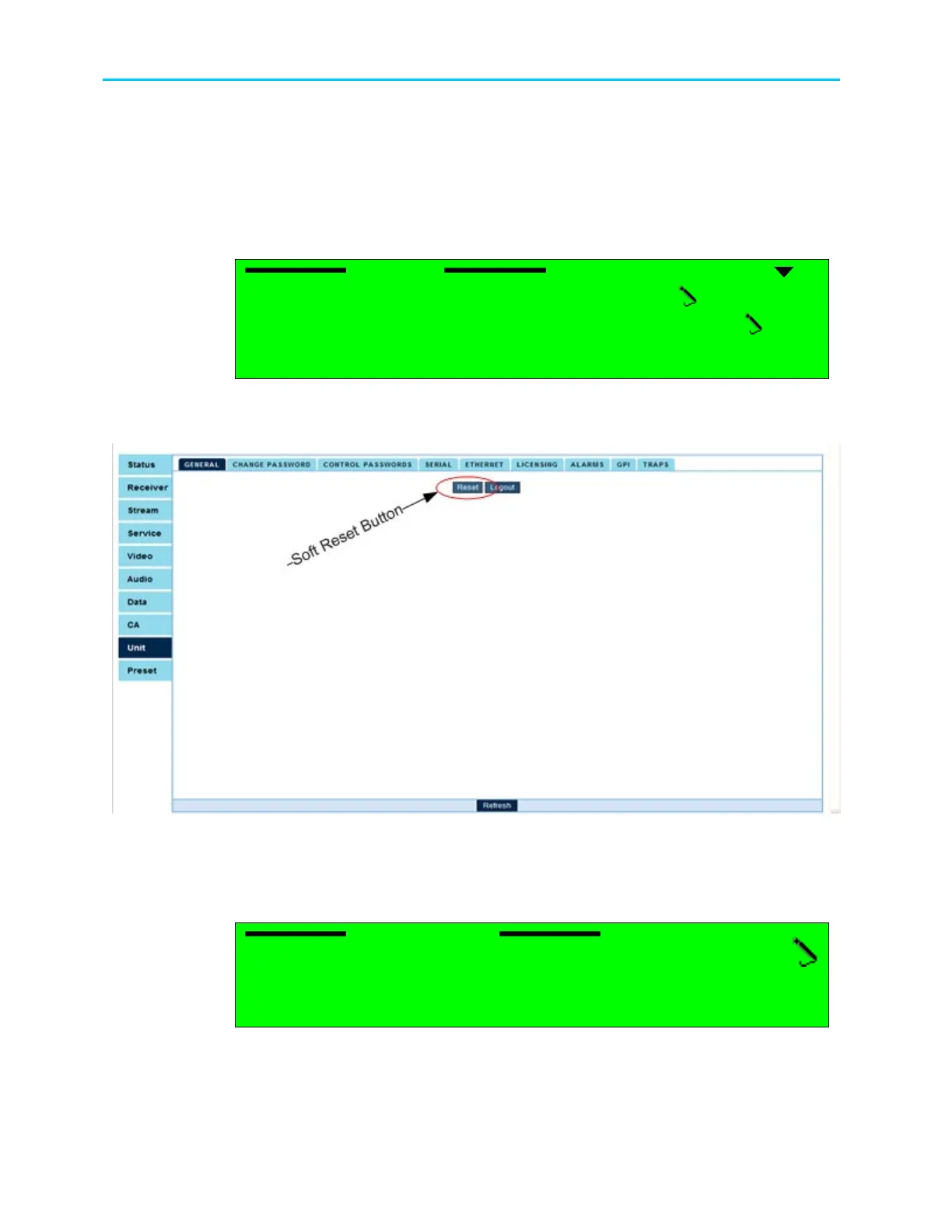
Figure 14-3 shows the corresponding Unit General Web management screen.
Figure 14-3: Soft Reset Web-Interface Screen
14.2.1. LCD Contrast (Front Panel Only)
The LCD Contrast option sets the ProView 2900 LCD contrast.
LCD Contrast
LCD Contrast LCD Contrast
LCD Contrast
02 [LEVEL]
02 [LEVEL]02 [LEVEL]
02 [LEVEL]
<00
<00 <00
<00 -
--
- 31>
31> 31>
31>
Valid range is between 0 and 31, where 0 is brightest and 31 is darkest.



 To Next Page