Chapter 12: GenLock Configuration Menu H Control
© Harmonic Inc. Manual p/n 101543/Ver 1.0 12-2 ProView 2900 Series/SW Version 1.94
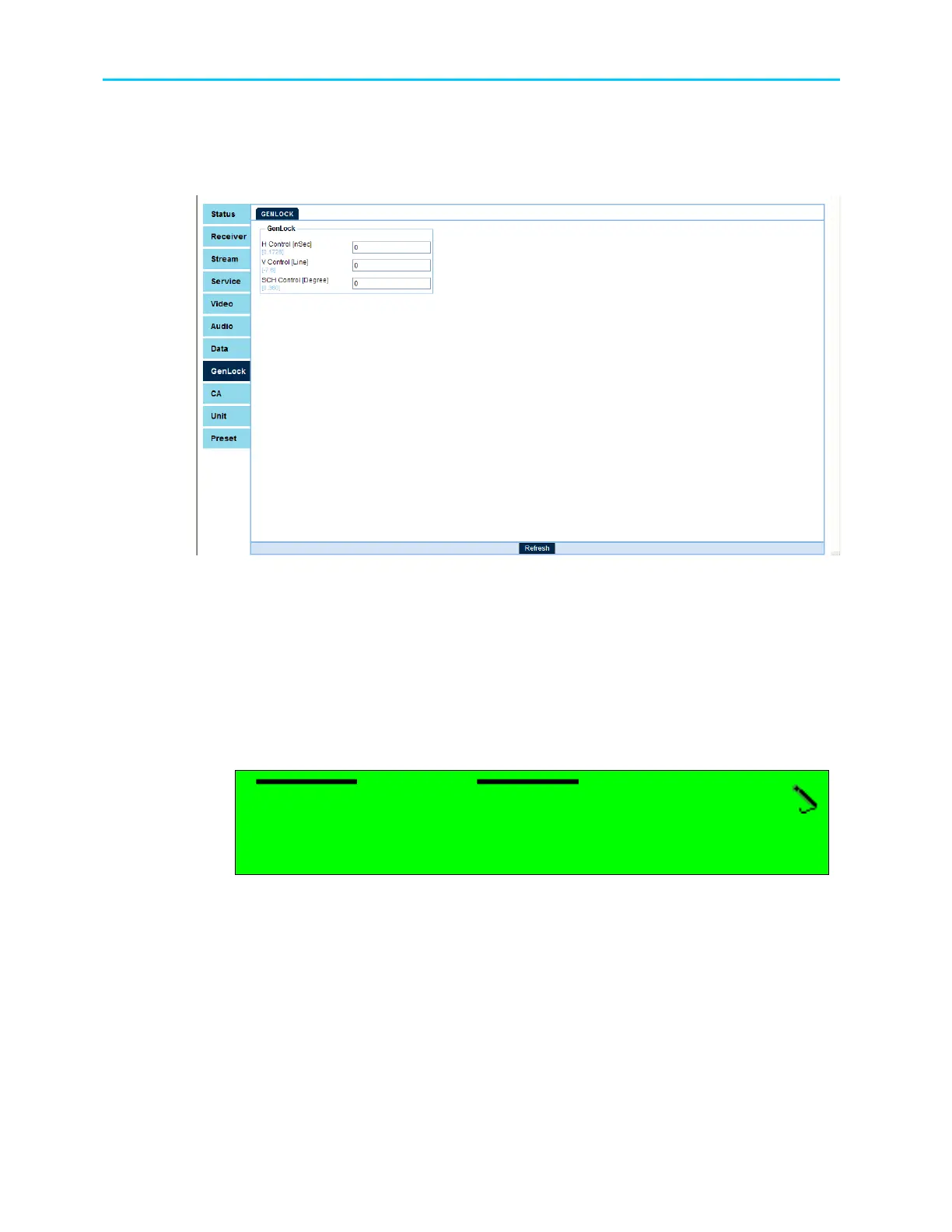
To access the Genlock configuration screen through the web-interface from the management
bar, click on the Genlock tab.
Figure 12-2 shows the web-interface Genlock screen:
Figure 12-2: Web Interface Genlock Screen
The Genlock menu consists of following sub-menus:
12.2. H Control
This submenu allows setting the Horizontal GenLock synchronization delay. To access the H
Control submenu go to:
Root
Configuration
Genlock
H Control
The following figure shows the front panel H Control edit screen:
H Control
H ControlH Control
H Control
+0000
+0000+0000
+0000[
[[
[nSec
nSecnSec
nSec]
]]
]
<
<<
<0
0 0
0 -
--
-+1728
+1728+1728
+1728>
>>
>
The Horizontal Control delay ranges from -7[nSec] to +1728[nSec].



 To Next Page