Chapter 7: Stream Configuration Menu Stream Output
© Harmonic Inc. Manual p/n 101543/Ver 1.0 7-8 ProView 2900 Series/SW Version 1.94
7.3. Stream Output
The ProView 2900 supports a wide range of optional output interfaces, allowing the
ProView 2900 to send output streams to different destinations.
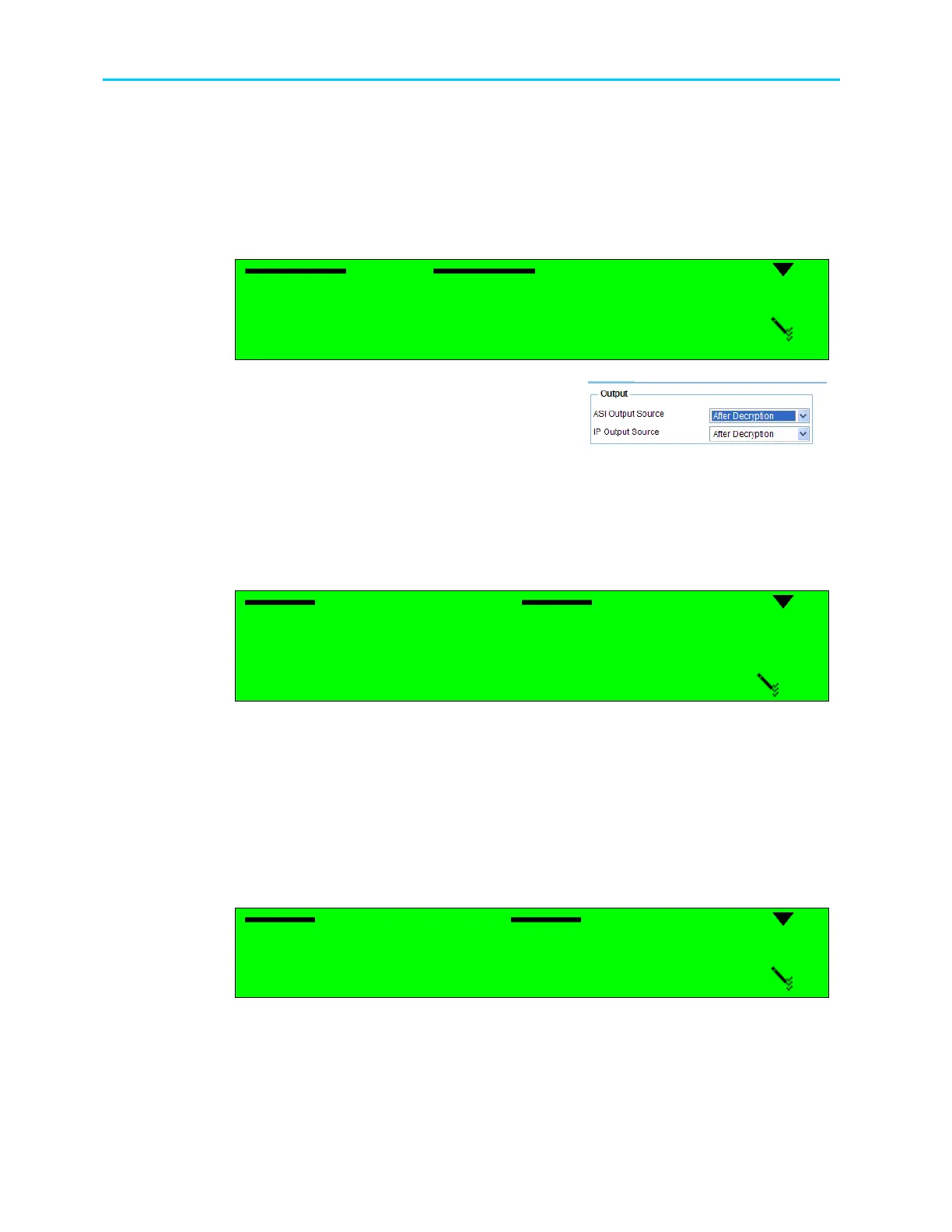
To access the Stream Output Configuration menu in the ProView 2900 Front Panel, go to
Configuration
Stream
Output .
Output
Output Output
Output
1
11
1
ASI Output Source
ASI Output SourceASI Output Source
ASI Output Source
2
22
2 IP Output Source
IP Output Source IP Output Source
IP Output Source
The respective Web Management menu is provided in
the Stream
General
Output window.
The following options are provided in both interfaces.
• ASI Output Source, which selects type of source for the ASI Output
• IP Output Source, which selects type of source for the IP Output
7.3.1. ASI Output Source
The ASI Output Source parameter defines the type of ASI output source.
ASI Output Source
ASI Output Source ASI Output Source
ASI Output Source
1
11
1
DECODER SOURCE
DECODER SOURCE DECODER SOURCE
DECODER SOURCE
2
22
2
AFTER DECRYPTION
AFTER DECRYPTION AFTER DECRYPTION
AFTER DECRYPTION
3
33
3
AFTER
AFTER AFTER
AFTER FILTERING
FILTERING FILTERING
FILTERING
4
44
4
DISABLED
DISABLED DISABLED
DISABLED
The available options are:
• DECODER SOURCE – Input stream is directly routed to the ASI output
• AFTER DECRYPTION – Stream passes the CAM and then is directed to the ASI output
• AFTER FILTERING – Stream passes the CAM and then is directed to the ASI output
• DISABLED – ASI output signal is disabled
7.3.2. IP Output Source
The IP Output Source parameter defines the type of IP output source.
IP Output Source
IP Output Source IP Output Source
IP Output Source
1
11
1
NO FILTERING
NO FILTERING NO FILTERING
NO FILTERING
2
22
2
AFTER
AFTER AFTER
AFTER FILTERING
FILTERING FILTERING
FILTERING
3
33
3
DISABLED
DISABLED DISABLED
DISABLED
The available options are:
• NO FILTERING – Input stream is directly routed to the IP Output
• AFTER FILTERING – Stream passes the CAM and then is directed to the IP Output
• DISABLED – IP output signal is disabled



 To Next Page