Chapter 9: Video Configuration Menu VBI 1 (and VBI 2) Configuration Options
© Harmonic Inc. Manual p/n 101543/Ver 1.0 9-12 ProView 2900 Series/SW Version 1.94
NOTES
The ProView 2900 enables the user to insert VITS signals to lines 17 and 18 as well as to
any other line between 0 and 23.
In Russian SECAM format, there are special VITS signals, different in format from PAL VITS.
The Russian SECAM VITS are inserted in lines 17 and 18 and in lines 330, and 331.
Only the ProView 2960, ProView 2961, and ProView 2990 support special Russian SECAM
VITS.
9.3.5. VITC (Vertical Interval Time Code) Parameter
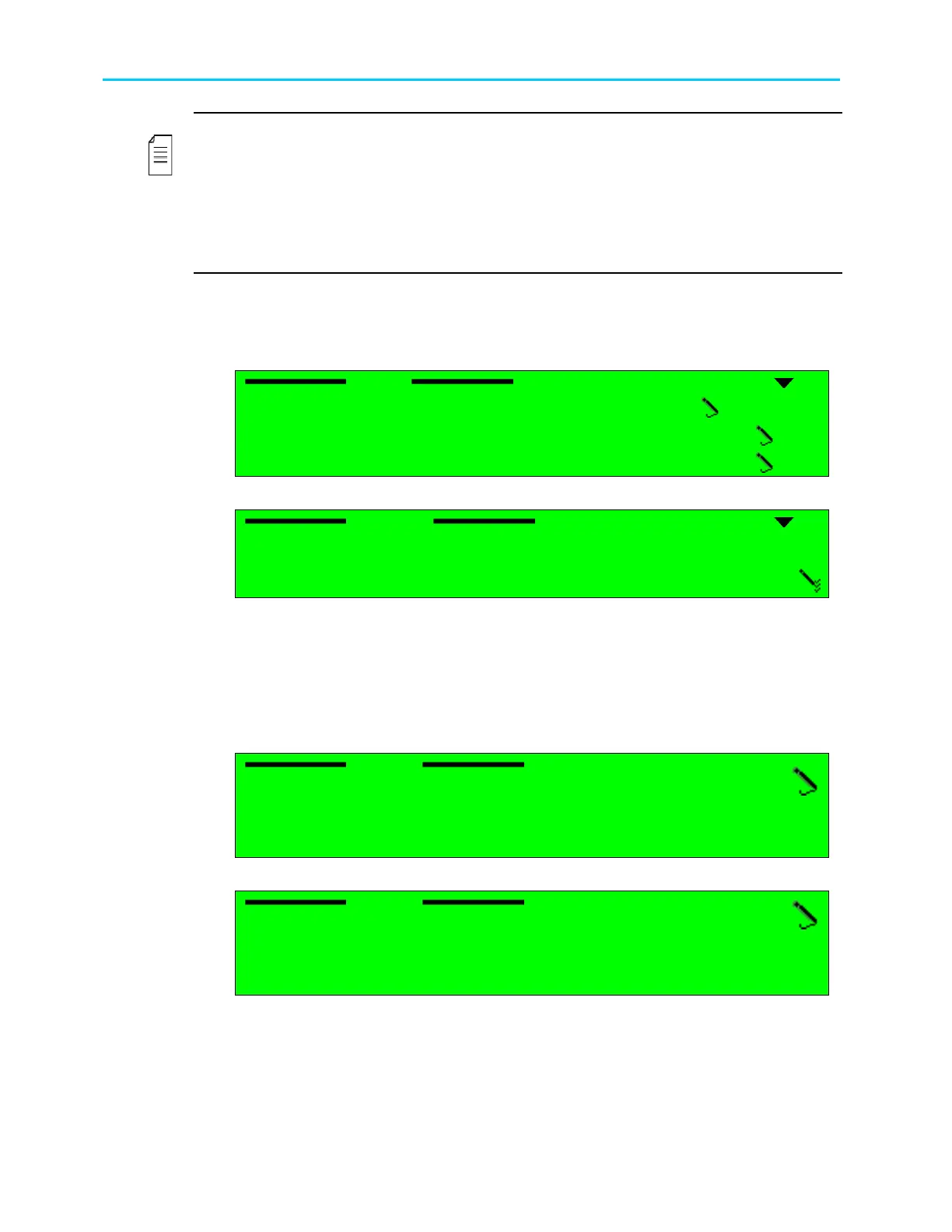
When the Vertical Interval Time Code (VITC) VBI parameter is selected, the following screen
is displayed:
VITC
VITC VITC
VITC
1
1 1
1-
--
-2
22
2-
--
-4
44
4-
--
-2
22
2-
--
-5
5 5
5
1 Source
1 Source1 Source
1 Source
DISABLE
DISABLEDISABLE
DISABLE
2 Line1
2 Line12 Line1
2 Line1
12
1212
12
3 Line2
3 Line23 Line2
3 Line2
14
1414
14
Selecting Source option displays the following screen:
Source
Source Source
Source
1
11
1
DISABLE
DISABLE DISABLE
DISABLE
2
22
2
INTERNAL
INTERNAL INTERNAL
INTERNAL
3
33
3
VIDEO
VIDEO VIDEO
VIDEO
The available options are:
• DISABLE – VITC is disabled.
• INTERNAL – The ProView 2900 re-inserts the ProView 2900 uptime.
• VIDEO – The ProView 2900 re-inserts the VITC signal as included in the transport
stream.
When selecting the Line 1 option, the following screen is displayed:
Line1
Line1 Line1
Line1
12
1212
12
<00
<00 <00
<00 -
--
- 23>
23> 23>
23>
When selecting the Line 2 option, the following screen is displayed:
Line2
Line2 Line2
Line2
14
1414
14
<00
<00 <00
<00 -
--
- 23>
23> 23>
23>
The ProView 2900 allows inserting VITC to any line between 0 and 23.



 To Next Page