Chapter 6: Receiver Configuration Modules DVB-ATM Receiver Configuration
© Harmonic Inc. Manual p/n 101543/Ver 1.0 6-37 ProView 2900 Series/SW Version 1.94
6.4.1. Mode
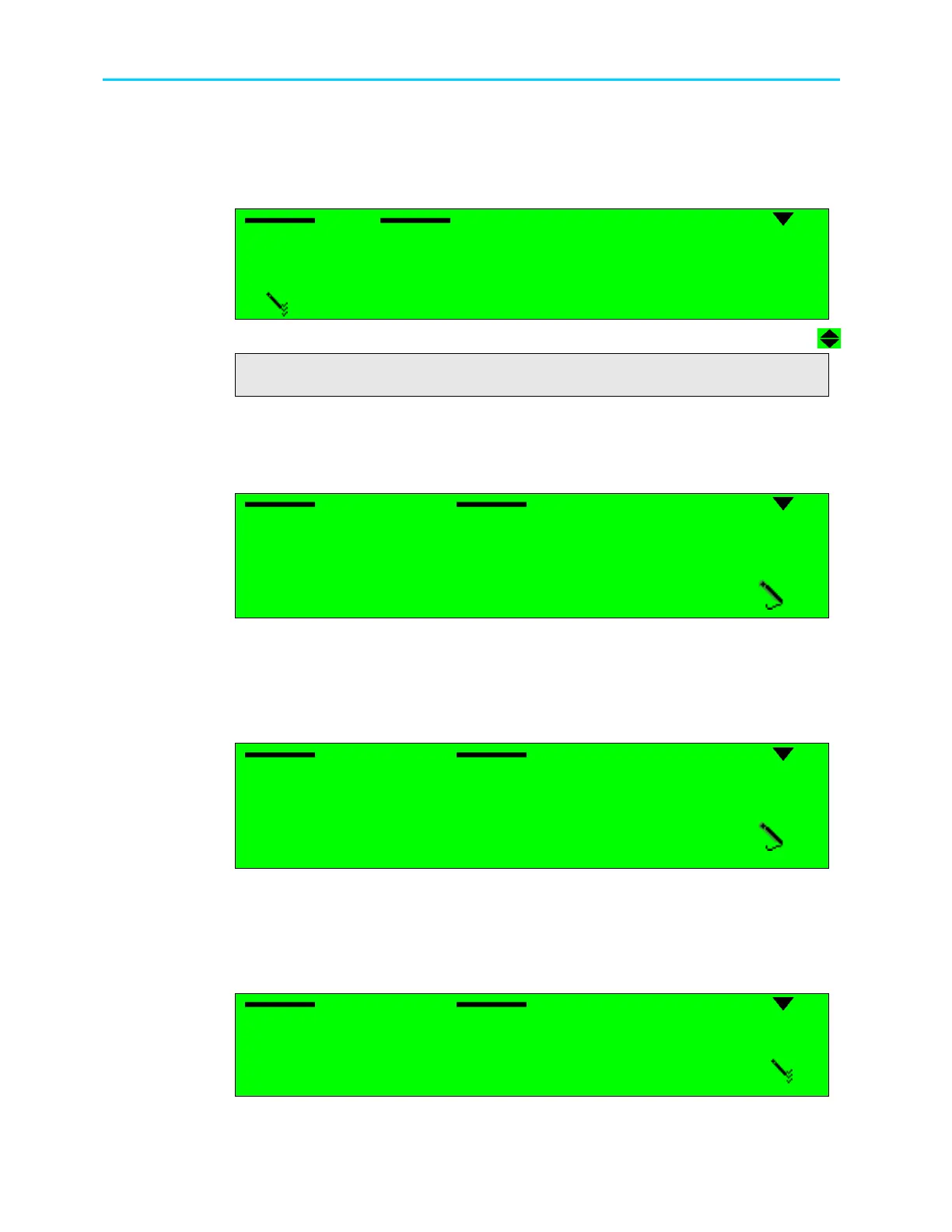
The Mode parameter allows the user to set the operational mode of the ATM
receiver. The following is the front panel Mode screen:
Mode
Mode Mode
Mode
1
1 1
1
E3
E3 E3
E3
2
2 2
2
DS3
DS3 DS3
DS3
2
2 2
2
STM
STM STM
STM-
--
-1 MULTI MODE
1 MULTI MODE 1 MULTI MODE
1 MULTI MODE
4
44
4
STM
STM STM
STM-
--
-1 SINGLE MODE
1 SINGLE MODE1 SINGLE MODE
1 SINGLE MODE
5
5 5
5
OC
OC OC
OC-
--
-3 MULTI MODE
3 MULTI MODE3 MULTI MODE
3 MULTI MODE
6
6 6
6
OC
OC OC
OC-
--
-3 SINGLE MODE
3 SINGLE MODE3 SINGLE MODE
3 SINGLE MODE
6.4.2. VPI Address
The VPI Address parameter allows the user to set the path address for the ATM receiver. The
following is the front panel VPI Address screen:
VPI Address
VPI Address VPI Address
VPI Address
01[Hex]
01[Hex]01[Hex]
01[Hex]
<00
<00<00
<00-
--
-FF>
FF>FF>
FF>
The available values range from 00 to FF.
6.4.3. VCI Address
The VCI Address parameter allows the user to set the channel address for the ATM receiver.
The following is the front panel VCI Address screen:
VPI Address
VPI Address VPI Address
VPI Address
0020[Hex]
0020[Hex]0020[Hex]
0020[Hex]
<0000
<0000<0000
<0000-
--
-FFFF>
FFFF>FFFF>
FFFF>
The available values range from 00 to FF.
6.4.4. FEC
The FEC parameter allows the user to enable or disable FEC for the ATM receiver. The
following is the front panel FEC screen:
VPI Address
VPI Address VPI Address
VPI Address
1
1 1
1
Enable
Enable Enable
Enable
2
2 2
2
Disable
Disable Disable
Disable



 To Next Page