© Harmonic Inc. Manual p/n 101543/Ver 1.0 5-1 ProView 2900 Series/SW Version 1.94
Chapter 5
Operation and Management
This chapter details managing the ProView 2900 locally, from its Front Panel interface and
remotely, from its Web Management interface.
The Front Panel control interface contains all the existing ProView 2900 control parameters,
while the Web management interface allows easy access to the same parameters from a
remote computer. Therefore the description of these two interfaces is interwined and brought
together in this chapter.
5.1. ProView 2900 Root Menu
The ProView 2900 managing functions are divided into three main groups;
• Preset, where the user can create, store and manage up to 50 different user-defined
setups (for details, see Section 5.2).
• Configuration, where the user may configure the ProView 2900 control parameters (for
details, see Section 5.3 and Chapters 6 and up).
• Status, where the user can monitor the status of the ProView 2900 (for details, see
Section 5.4).
All ProView 2900 management functions are organized within navigation menus, sub-menus
and edit menus, categorized according to parameters type and affected interfaces. The Root
menu is a general name for the initial screen enabling access to all menus
• The Front Panel "Root menu" is the first menu after the initial idle screen, and allows
access to the front panel main menus (see details in paragraph 5.1.1).
• The Web-Management "Root menu" is the main screen, a working space displaying all
menu tabs and their parameters and settings in the Explorer window (see details in
paragraph 5.1.2).
5.1.1. ProView 2900 Front Panel Root Menu
The front panel menu tree begins with the Root menu, which is a menu-navigation screen
that leads to the three main basic menus; Preset, Configuration and Status.
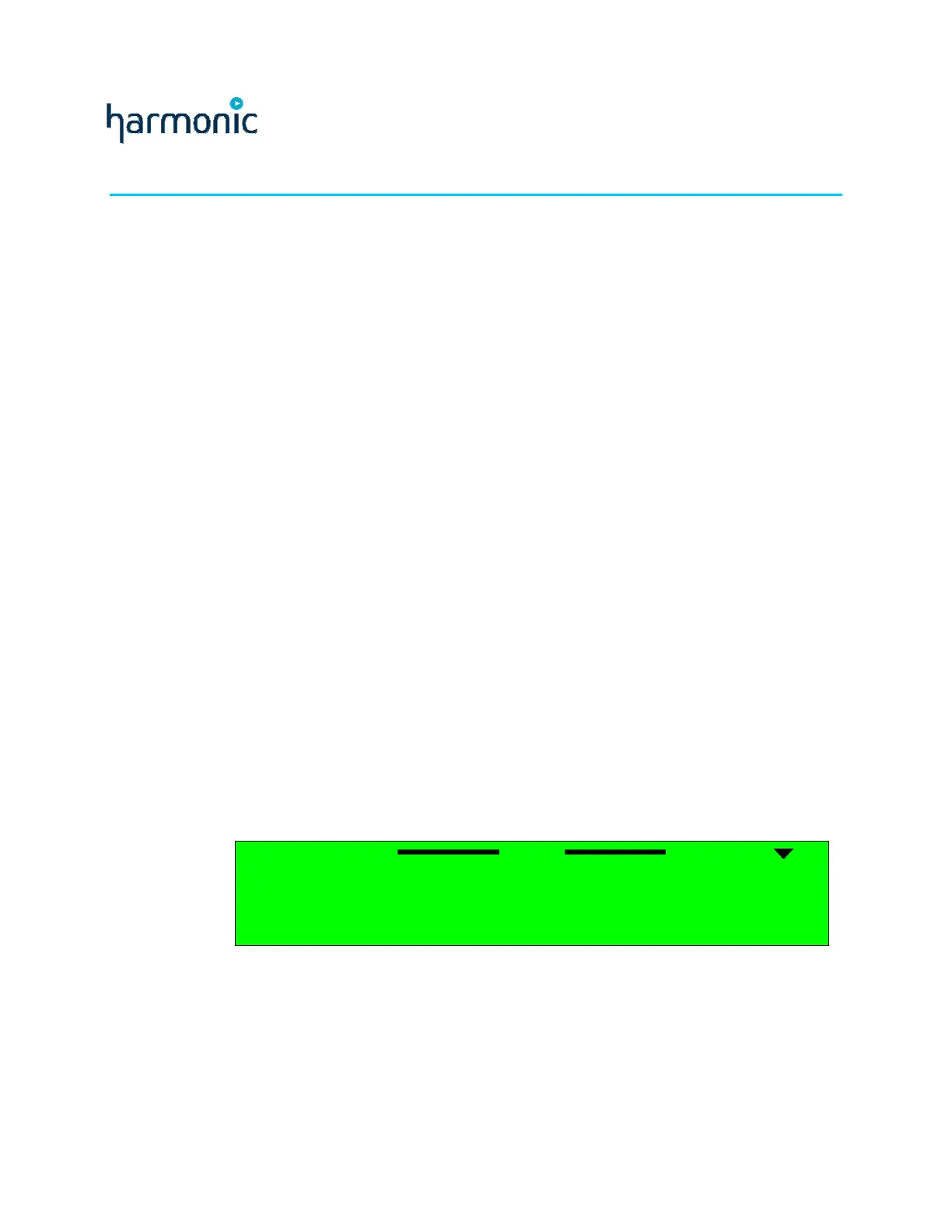
The following figure is a ProView 2900 Front Panel Root menu:
Root
Root Root
Root
1
11
1 Preset
Preset Preset
Preset
2
22
2 Configuration
Configuration Configuration
Configuration
3
33
3 Status
Status Status
Status
Figure 5-1 illustrates the ProView 2900 front panel tree structure from the Root menu.



 To Next Page