Chapter 5: Operation and Management Configuration
© Harmonic Inc. Manual p/n 101543/Ver 1.0 5-10 ProView 2900 Series/SW Version 1.94
5.3. Configuration
The Configuration menu screen allows the user to manage the ProView 2900 through the
Front Panel and the Web Manager.
To access the ProView 2900 Configuration menu from the Front Panel, select
Root
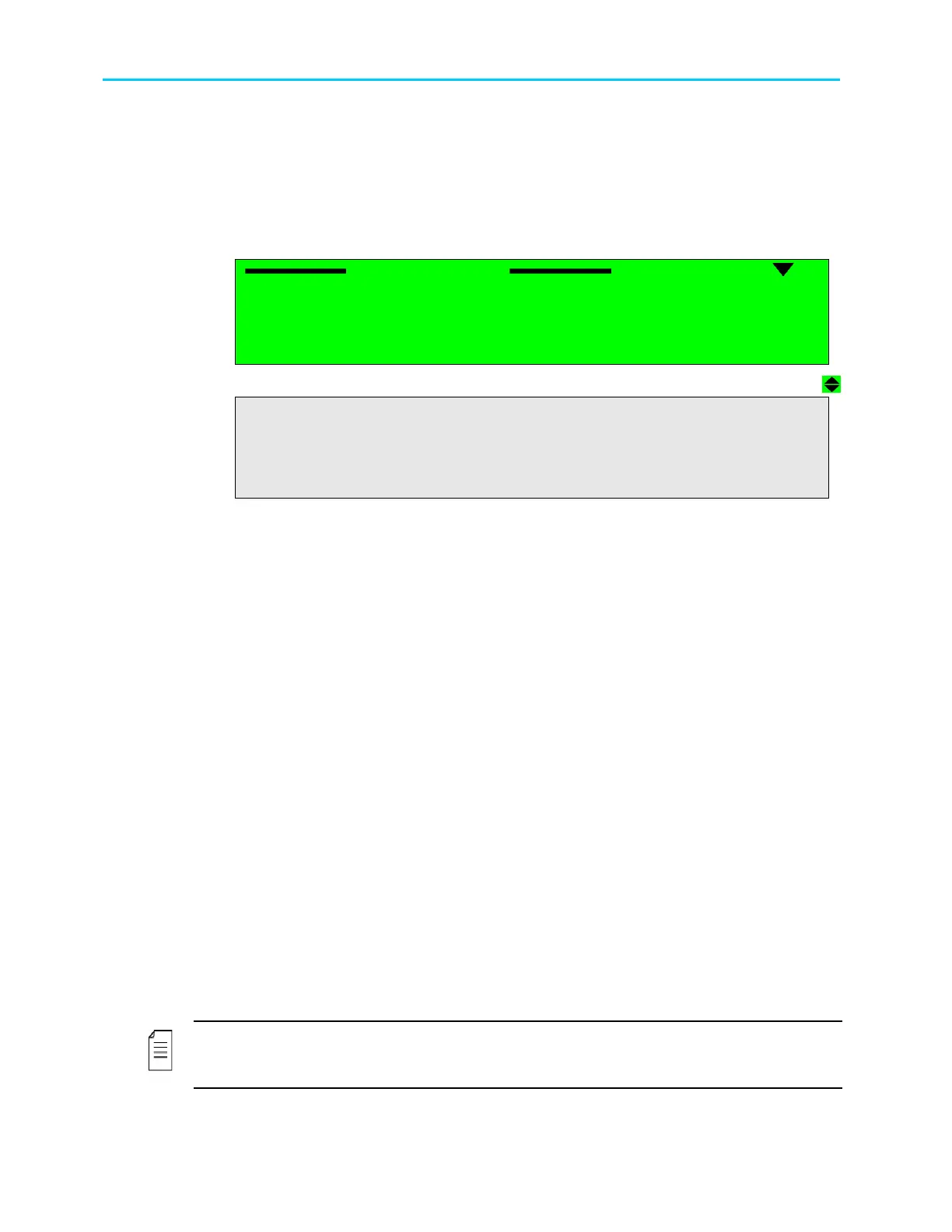
Configuration. The ProView 2900 Configuration menu is displayed in the following
menu:
Configuration
Configuration Configuration
Configuration
1
11
1-
--
-2
2 2
2
1 Receiver
1 Receiver1 Receiver
1 Receiver
2 Stream
2 Stream2 Stream
2 Stream
3 Service
3 Service3 Service
3 Service
4 Video
4 Video4 Video
4 Video
5
55
5
Audio
AudioAudio
Audio
6 Data
6 Data6 Data
6 Data
7
7 7
7 GenLock
GenLockGenLock
GenLock
8
8 8
8 Conditional Access
Conditional AccessConditional Access
Conditional Access
9
99
9 Unit
Unit Unit
Unit
• Receiver (For details, see Chapter 6).
The Receiver Configuration menu manages the Receiver Front-End module, according to
receiver type installed in the ProView 2900.
• Stream (For details, see Chapter 7).
The Stream Configuration menu manages the parameters of the demodulated transport
stream.
• Service (For details, see Chapter 8).
The Service Configuration menu manages the service parameters of the demodulated
stream.
• Video (For details, see Chapter 1).
The Video Configuration menu manages the video parameters of the demodulated
stream.
• Audio (For details, see Chapter 10).
The Audio Configuration menu manages the audio parameters of the demodulated
stream.
• Data (For details, see Chapter 11).
The Data Configuration Menu manages the data parameters of the output stream.
• GenLock (For details, see Chapter 12).
The GenLock configuration menu is used for synchronizing the ProView 2900 with an
external video input.
• Conditional Access (For details, see Chapter 13).
The Conditional Access (CA) Configuration menu manages CA parameters of the
demodulated stream.
• Unit (For details, see Chapter 14).
The Unit Configuration menu manages the ProView 2900 unit related parameters.
NOTE
Sub-menus parameters may be vary from one model to another according to the
ProView 2900 technical specifications and licensing.



 To Next Page