Chapter 14: Unit Configuration Menu Serial Control Port Configuration
© Harmonic Inc. Manual p/n 101543/Ver 1.0 14-6 ProView 2900 Series/SW Version 1.94
14.5. Serial Control Port Configuration
The Serial Control Port menu allows the user setting the serial control port parameters.
To access the Serial Control Port Menu in the front panel control interface go to
Configuration
Unit
Serial Control Port.
The following screen displays the Serial Control Port menu:
Serial Control Port
Serial Control Port Serial Control Port
Serial Control Port
1
11
1-
--
-2
22
2-
--
-8
88
8-
--
-2
2 2
2
1 HW Interface
1 HW Interface1 HW Interface
1 HW Interface
RS232
RS232RS232
RS232
2 SW Protocol
2 SW Protocol2 SW Protocol
2 SW Protocol
TERMINAL ECHO
TERMINAL ECHOTERMINAL ECHO
TERMINAL ECHO
3 Baud Rate
3 Baud Rate3 Baud Rate
3 Baud Rate
115200 [Baud]
115200 [Baud]115200 [Baud]
115200 [Baud]
4 Address
4 Address4 Address
4 Address
FFFF
FFFFFFFF
FFFF
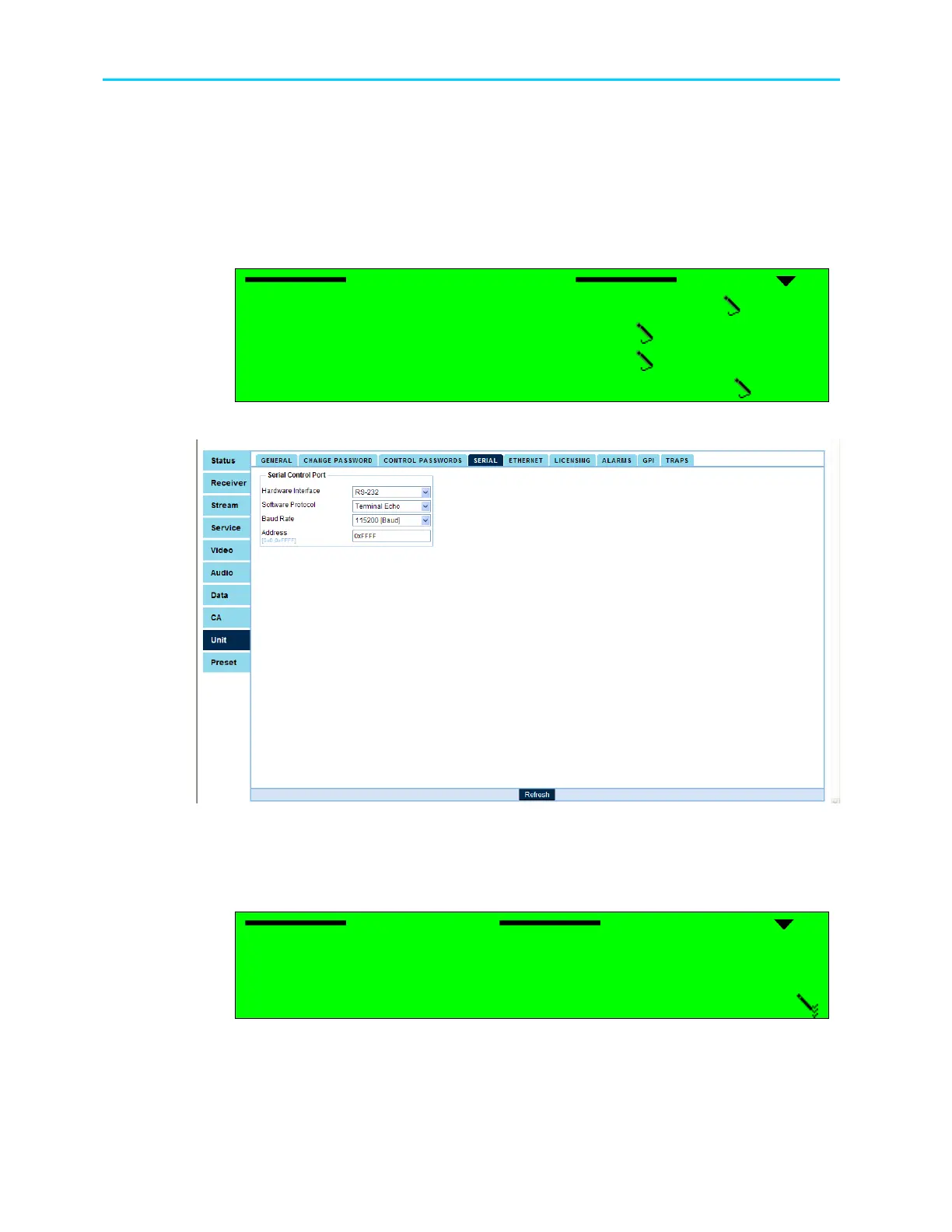
Figure 14-6 shows the corresponding Unit Serial Web management screen.
Figure 14-6: Unit Serial Screen
The following paragraphs detail the Unit Serial Control Port configuration options.
14.5.1. HW Interface
HW Interface
HW Interface HW Interface
HW Interface
1
11
1
RS232
RS232 RS232
RS232
2
22
2
RS485
RS485 RS485
RS485
The available options are: RS-232 and RS-485



 To Next Page