Chapter 12: GenLock Configuration Menu High Speed Data
© Harmonic Inc. Manual p/n 101543/Ver 1.0 11-9 ProView 2900 Series/SW Version 1.94
11.4. High Speed Data
High Speed Data is only supported in ProView 2960 and ProView 2990 models.
The High Speed Data Menu is used for setting the transfer rate & direction (MSB↔LSB) and
the type of data to be sent, through the High Speed Data port.
To access the Low Speed Data menu in the ProView 2900 front panel control interface go to
Configuration
Data
High Speed Data Port:
The following screen displays the High Speed Data menu:
High Speed Data
High Speed Data High Speed Data
High Speed Data
1
11
1-
--
-2
22
2-
--
-6
66
6-
--
-2
2 2
2
1 Tx Clock
1 Tx Clock 1 Tx Clock
1 Tx Clock
08.307692 [Mb/s]
08.307692 [Mb/s]08.307692 [Mb/s]
08.307692 [Mb/s]
2 Tx Direction
2 Tx Direction2 Tx Direction
2 Tx Direction
MS
MSMS
MSB
B B
B -
--
-> LSB
> LSB> LSB
> LSB
3 Layer Filtering
3 Layer Filtering3 Layer Filtering
3 Layer Filtering
T.S PAYLOAD
T.S PAYLOADT.S PAYLOAD
T.S PAYLOAD
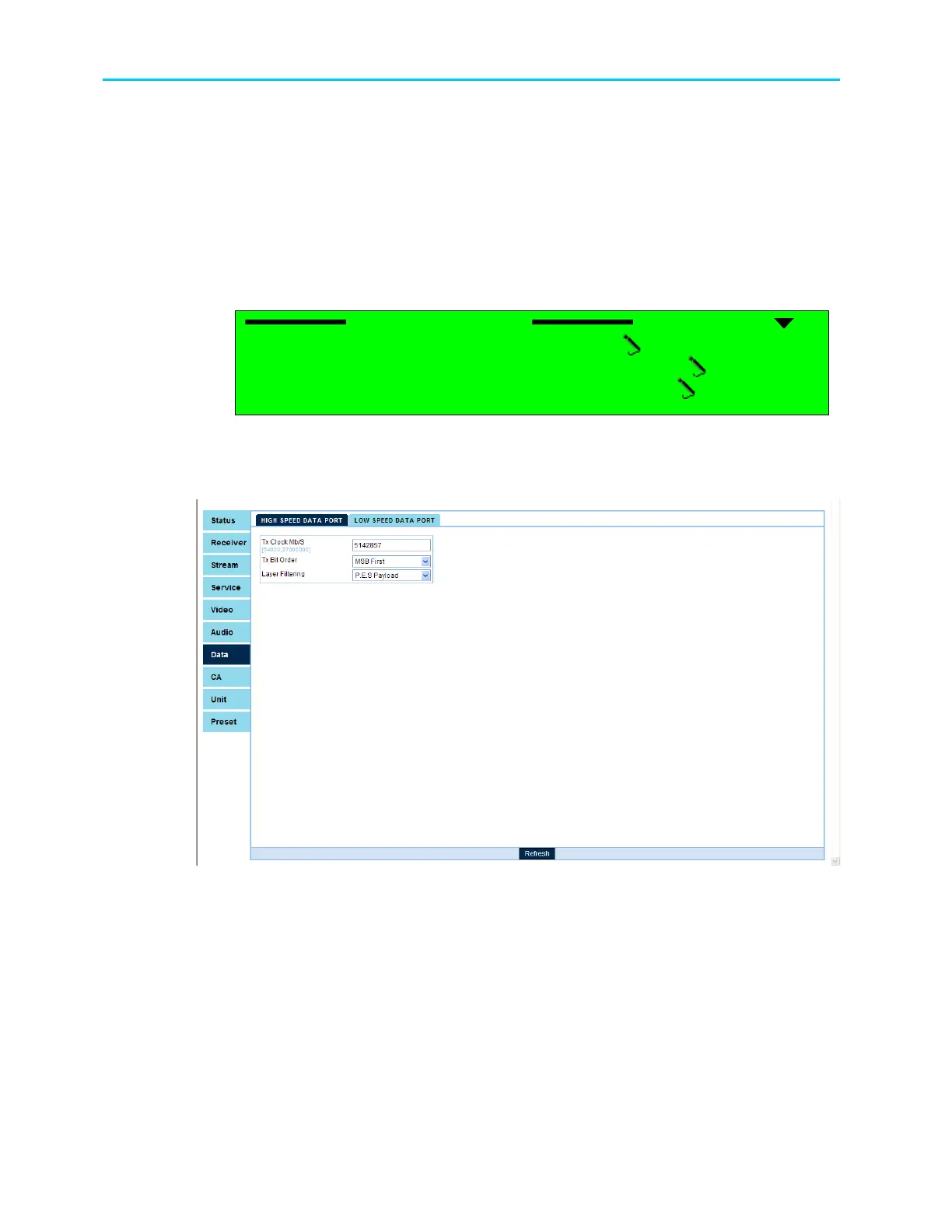
To access the Low Speed Data menu in the ProView 2900 web management window go to
Data
High Speed Data Port:
Figure 11-4 displays the corresponding IP Data Port menu (Web Management screen).
Figure 11-4: High Speed Data Configuration Menu



 To Next Page