Chapter 9: Video Configuration Menu Video 1 (and Video 2) Configuration Options
© Harmonic Inc. Manual p/n 101543/Ver 1.0 9-2 ProView 2900 Series/SW Version 1.94
To access the Video Configuration menu in the front panel control interface go to
Configuration
Video.
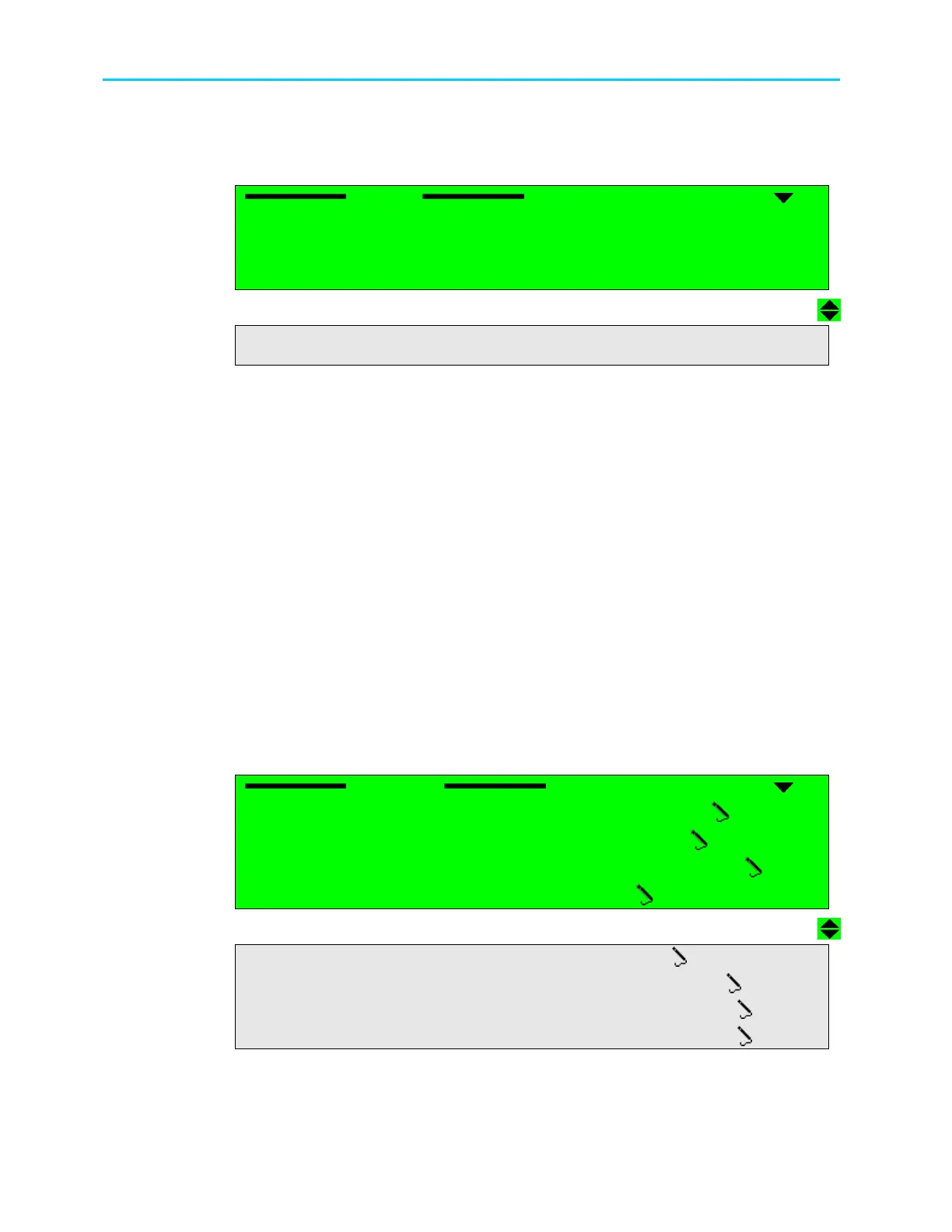
The following screen displays the Video menu:
Video
Video Video
Video
1
11
1-
--
-2
22
2-
--
-4
4 4
4
1 Video 1
1 Video 11 Video 1
1 Video 1
2 VBI 1
2 VBI 12 VBI 1
2 VBI 1
3 Osd 1
3 Osd 13 Osd 1
3 Osd 1
4 Video 2
4 Video 24 Video 2
4 Video 2
5 V
5 V5 V
5 VBI
BIBI
BI 2
2 2
2
6 Osd 2
6 Osd 26 Osd 2
6 Osd 2
The Video Configuration parameters are as follows:
• Video 1 / Video 2 (if available)
This group contains parameters that define the format, lip-sync mode and STC-PCR
delay parameters for the video stream for a signal to decoder #1/#2. For details, see
paragraph 9.2.
• VBI 1 / VBI 2 (if available)
This group contains parameters that define VBI functioning for decoder #1/#2. For
details, see paragraph 9.3.
• OSD 1 / OSD 2 (if available)
This group contains parameters that define OSD functioning for decoder #1/#2. For
details, see paragraph 9.4.
9.2. Video 1 (and Video 2) Configuration Options
The Video 1 (and Video 2 in dual decoders ProView 2900) menu allow the user to set
parameters for Video 1 and/or Video 2 outputs (if applicable).
To access Video 1 or Video 2 menu screens navigate to Root
Configuration
Video
Video 1 or Video2
The following section displays Video 1 configuration menu screens:
Video
Video Video
Video 1
11
1
1
11
1-
--
-2
22
2-
--
-4
44
4-
--
-1
1 1
1
1 Format
1 Format 1 Format
1 Format
PAL BG
PAL BGPAL BG
PAL BG
2 Interpolation
2 Interpolation2 Interpolation
2 Interpolation
PAN
PANPAN
PAN-
--
-SCAN
SCANSCAN
SCAN
3
3 3
3 Monitor Aspect
Monitor AspectMonitor Aspect
Monitor Aspect-
--
-Ratio
RatioRatio
Ratio
4:3
4:34:3
4:3
4 Lip
4 Lip4 Lip
4 Lip-
--
-sync Mode
sync Modesync Mode
sync Mode
STANDARD LOCK
STANDARD LOCKSTANDARD LOCK
STANDARD LOCK
5 STC
5 STC5 STC
5 STC-
--
-PCR Delay
PCR DelayPCR Delay
PCR Delay
040 [mSec]
040 [mSec]040 [mSec]
040 [mSec]
6 Blanking Mode
6 Blanking Mode6 Blanking Mode
6 Blanking Mode
Black
BlackBlack
Black
7
7 7
7 SDI Embedded Audio
SDI Embedded AudioSDI Embedded Audio
SDI Embedded Audio
NULL
NULLNULL
NULL
8
88
8 Test Mode
Test Mode Test Mode
Test Mode
NULL
NULLNULL
NULL
Figure 9-2 displays the corresponding Video1 menu (Web Management screen).



 To Next Page