Chapter 9: Video Configuration Menu Video 1 (and Video 2) Configuration Options
© Harmonic Inc. Manual p/n 101543/Ver 1.0 9-6 ProView 2900 Series/SW Version 1.94
In the Web management interface, set the STC PCR Delay by typing the required delay (in
Milliseconds) into the parameter’s free text window.
9.2.6. Blanking Mode
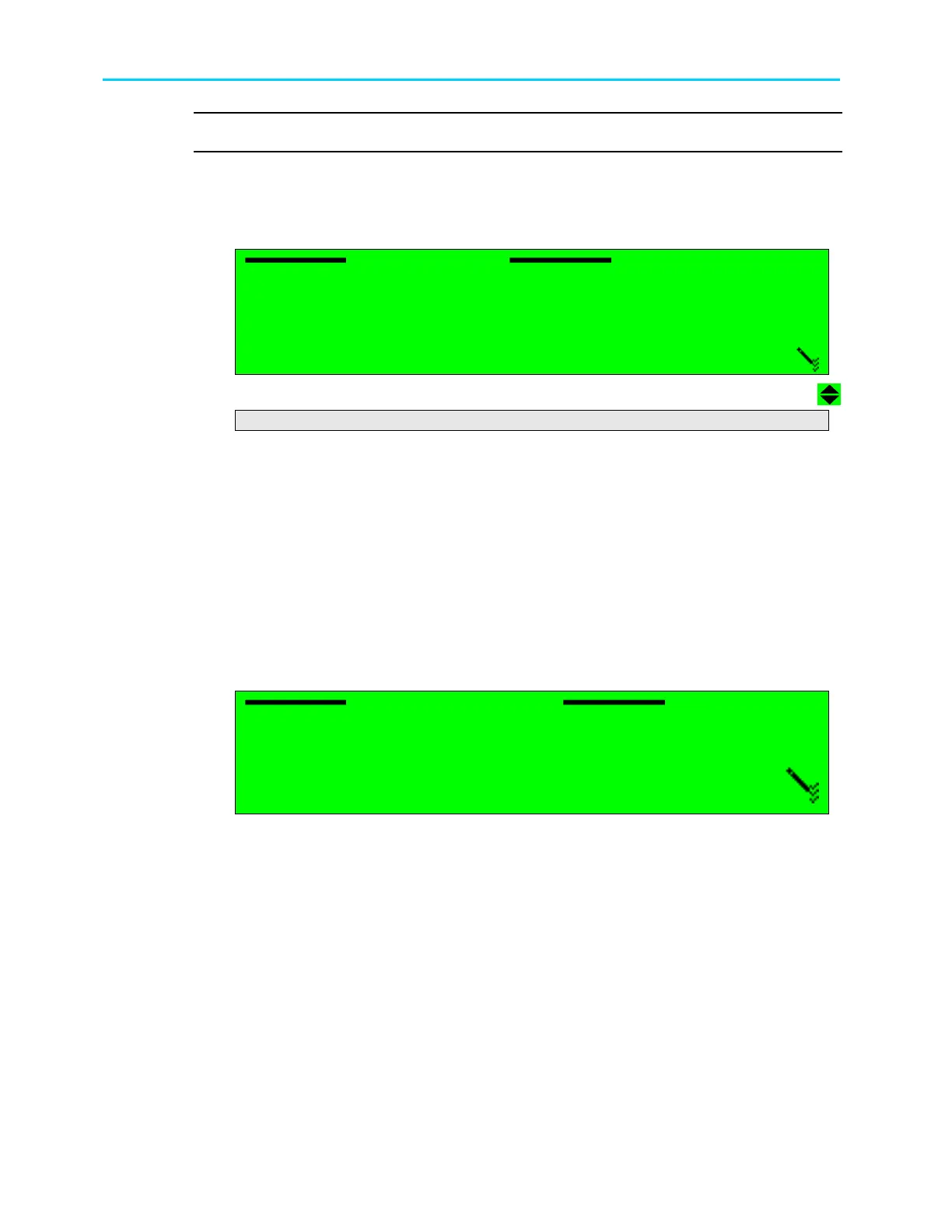
The Blanking Mode parameter sets the display mode of a service when reception stops. The
following figure illustrates the Blanking Mode screen.
Blanking Mode
Blanking Mode Blanking Mode
Blanking Mode
1
11
1
Blac
Blac Blac
Black
kk
k
2
22
2
Last Field
Last Field Last Field
Last Field
3
33
3
Last Frame
Last Frame Last Frame
Last Frame
4
44
4
75% BAR
75% BAR 75% BAR
75% BAR
5
55
5
Null
Null Null
Null
The available options are:
• Black – video output signal is a black screen.
• Last Field – video output signal is the last field displayed.
• Last Frame – video output signal is the last frame displayed.
• 75% BAR – video output signal is a colour-bar display.
• Null – video outputs shut down with no output signal.
9.2.7. SDI Embedded Audio
The SDI Embedded Audio menu allows using SDI with embedded audio output.
The following figure illustrates the SDI Embedded Audio screen.
SDI Embedded Audio
SDI Embedded AudioSDI Embedded Audio
SDI Embedded Audio
1
11
1
DISABLE
DISABLEDISABLE
DISABLE
2
22
2
ENABLE
ENABLEENABLE
ENABLE
The available options are:
• Disable – SDI output without embedded audio.
• Enable - SDI output with embedded audio



 To Next Page