Chapter 4: ProView 2900 Control Interfaces Web-Based Management Interface
© Harmonic Inc. Manual p/n 101543/Ver 1.0 4-10 ProView 2900 Series/SW Version 1.94
4.2.2. Initializing the Web-Based Management
4.2.2.1. Setting the Web-Management Address
Setting the Web management connection irequires setting the Ethernet Port parameters.
To access the Ethernet Management Port menu in the front panel control interface, go to
Configuration
Unit
Ethernet.
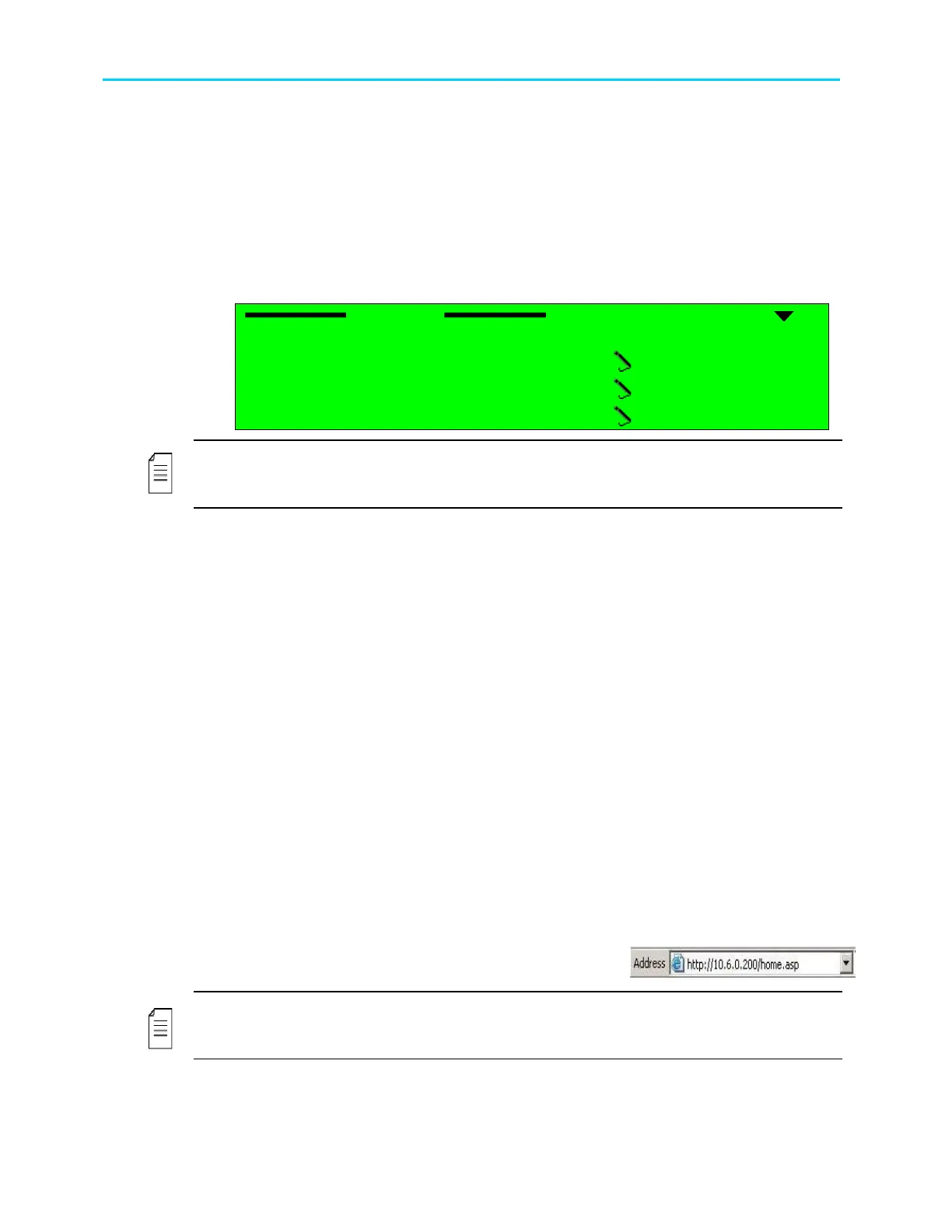
The following figure illustrates the Ethernet menu:
Ethernet
Ethernet Ethernet
Ethernet
1
11
1-
--
-2
22
2-
--
-8
88
8-
--
-3
3 3
3
1 MAC Address
1 MAC Address1 MAC Address
1 MAC Address
00
0000
00-
--
-58
5858
58-
--
-34
3434
34-
--
-25
2525
25-
--
-95
9595
95-
--
-67
6767
67
2 IP Address
2 IP Address2 IP Address
2 IP Address
010.008.000.216
010.008.000.216010.008.000.216
010.008.000.216
3 Network Mask
3 Network Mask3 Network Mask
3 Network Mask
255.255.255.000
255.255.255.000255.255.255.000
255.255.255.000
4 Default Gateway
4 Default Gateway4 Default Gateway
4 Default Gateway
010.008.000.001
010.008.000.001010.008.000.001
010.008.000.001
NOTE
In order to avoid any errors and faults, Harmonic recommends all Ethernet configurations to
be preformed through the front-panel.
A. To set the IP Address:
1. Access the IP Address edit screen.
IP Address.
2. Enter a valid IP Address. Verify that the entered IP address is not allocated to any
other device.
B. To set the Subnet Mask:
1. Access the Subnet Mask edit screen.
Subnet Mask.
2. Enter a valid subnet mask.
C. To set the Default Gateway:
1. Access the Default Gateway edit screen.
Default Gateway
2. Enter a valid Default Gateway. Verify that the IP Address (set in the procedure A)
is correlated with the Default Gateway address.
4.2.2.2. Launching the Web-Management
Once the IP definitions are set according to the network, the user can access the web-based
management interface.
To launch the web-management, enter the ProView 2900 IP Address in the Address field, in
the following format: http://xxx.xxx.xxx.xxx (where xxx.xxx.xxx.xxx is the IP address of the
Management port).
Once the web-management is displayed, the address
changes to http://xxx.xxx.xxx.xxx/home.asp.
NOTE
The web-based management is supported and can be operated through most web browsers.
However, Harmonic recommends Internet Explorer 6.0 and higher for optimal operation.



 To Next Page