Chapter 4: ProView 2900 Control Interfaces Web-Based Management Interface
© Harmonic Inc. Manual p/n 101543/Ver 1.0 4-11 ProView 2900 Series/SW Version 1.94
4.2.2.3. Accessing the Web-Management
To access the web-based management, user-name and password must be entered. The
default values are provided with the equipment.
NOTE
It is warmly recommended to change the default user name and password immediately after
installing the equipment.
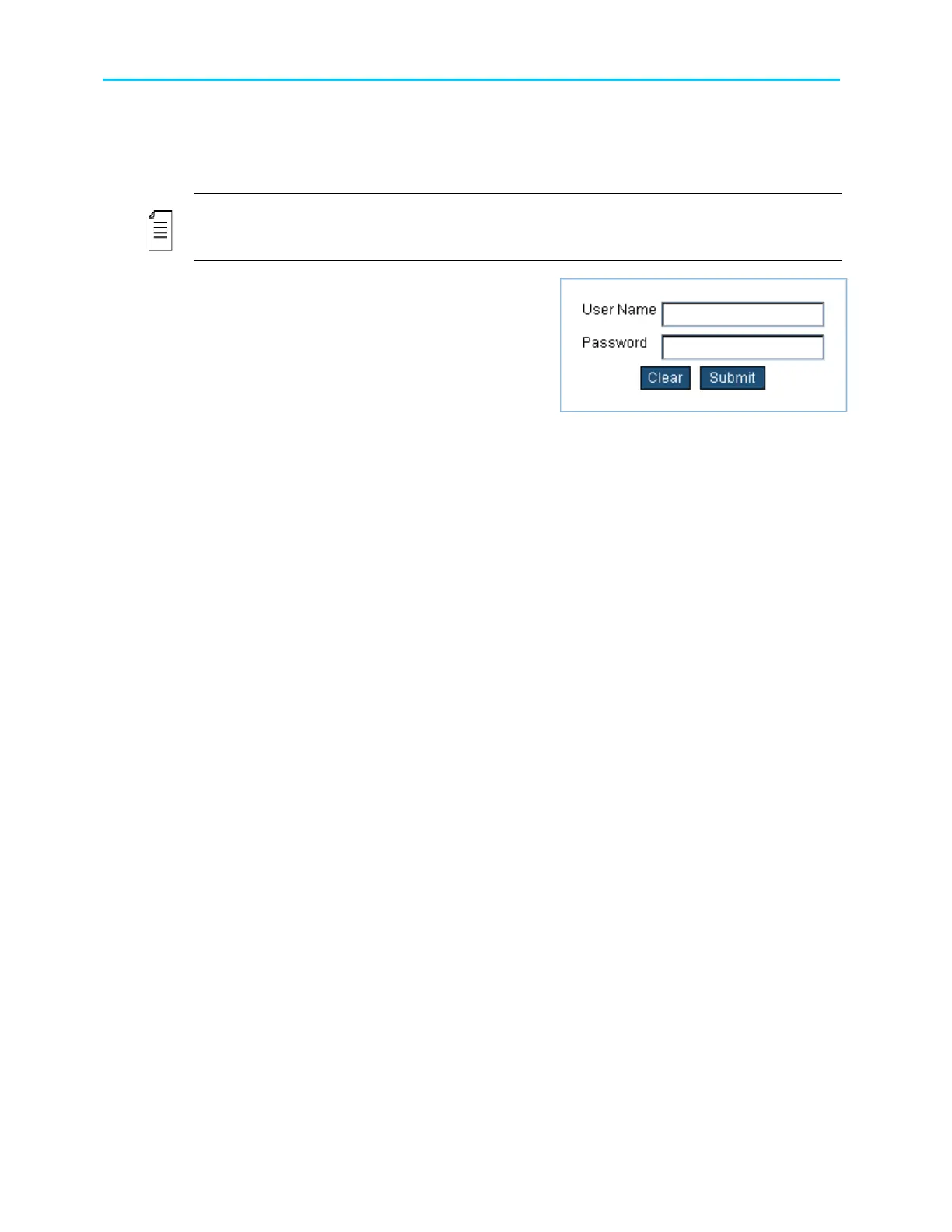
Enter your user name and password in the access
box. Press Submit to confirm or Clear to start
over. For password change see section 14.3
Once the initialization is complete and the web-
management is displayed, the user can set up the
system. For details on the web-management
operation, see Chapter 5.



 To Next Page