Chapter 6: Receiver Configuration Modules IP Receiver Configuration
© Harmonic Inc. Manual p/n 101543/Ver 1.0 6-32 ProView 2900 Series/SW Version 1.94
6.3.1.3. FEC (Forward Error Correction)
The ProView 2900 IP Front End-FEC Implementation complies with ProMPEG CoP3v2, with
the following limitations:
Columns support only
Maximum TS bit-rate - 20 Mbps
FEC
FEC FEC
FEC
1
11
1-
--
-2
22
2-
--
-1
11
1-
--
-1
11
1-
--
-3
3 3
3
1 FEC Column Port
1 FEC Column Port1 FEC Column Port
1 FEC Column Port
02002
0200202002
02002
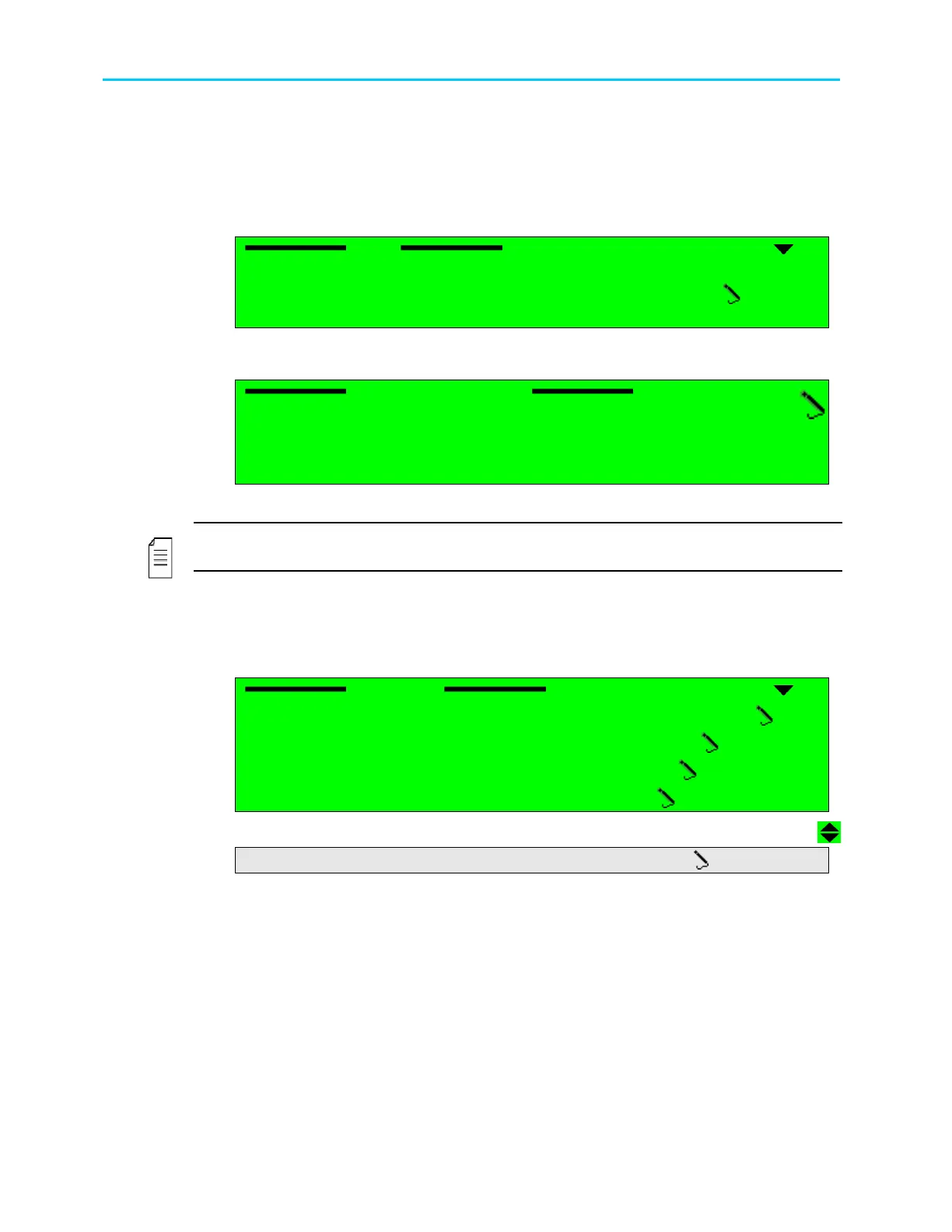
Selecting FEC Column Port displays the following screen, which allows setting the UDP port
number carrying the FEC data.
FEC Column Port
FEC Column Port FEC Column Port
FEC Column Port
02002
0200202002
02002
< 00000
< 00000 < 00000
< 00000 –
––
– 65535 >
65535 > 65535 >
65535 >
Available values range from 0 to 65535.
NOTE
The default FEC Column port is set to N+2, where N is the value of the UDP Destination port.
6.3.2. General
The IP Receiver General Configuration screen allows the user to set several parameters:
General
General General
General
1
11
1-
--
-2
22
2-
--
-1
11
1-
--
-3
33
3
1 Selected Active Port
1 Selected Active Port1 Selected Active Port
1 Selected Active Port
01
0101
01
2 Redundancy
2 Redundancy2 Redundancy
2 Redundancy
DISABLE
DISABLEDISABLE
DISABLE
3 Redundancy Delay
3 Redundancy Delay3 Redundancy Delay
3 Redundancy Delay
005 [Sec]
005 [Sec]005 [Sec]
005 [Sec]
4 De
4 De4 De
4 De-
--
-Jitter Delay
Jitter DelayJitter Delay
Jitter Delay
0100 [mSec]
0100 [mSec]0100 [mSec]
0100 [mSec]
5 FEC
5 FEC5 FEC
5 FEC
DISABLE
DISABLE DISABLE
DISABLE
Figure 6-7 displays the corresponding DVB-IP Receiver General Parameters Menu (Web
Management screen).



 To Next Page