Chapter 6: Receiver Configuration Modules IP Receiver Configuration
© Harmonic Inc. Manual p/n 101543/Ver 1.0 6-31 ProView 2900 Series/SW Version 1.94
6.3.1.1. Physical Link
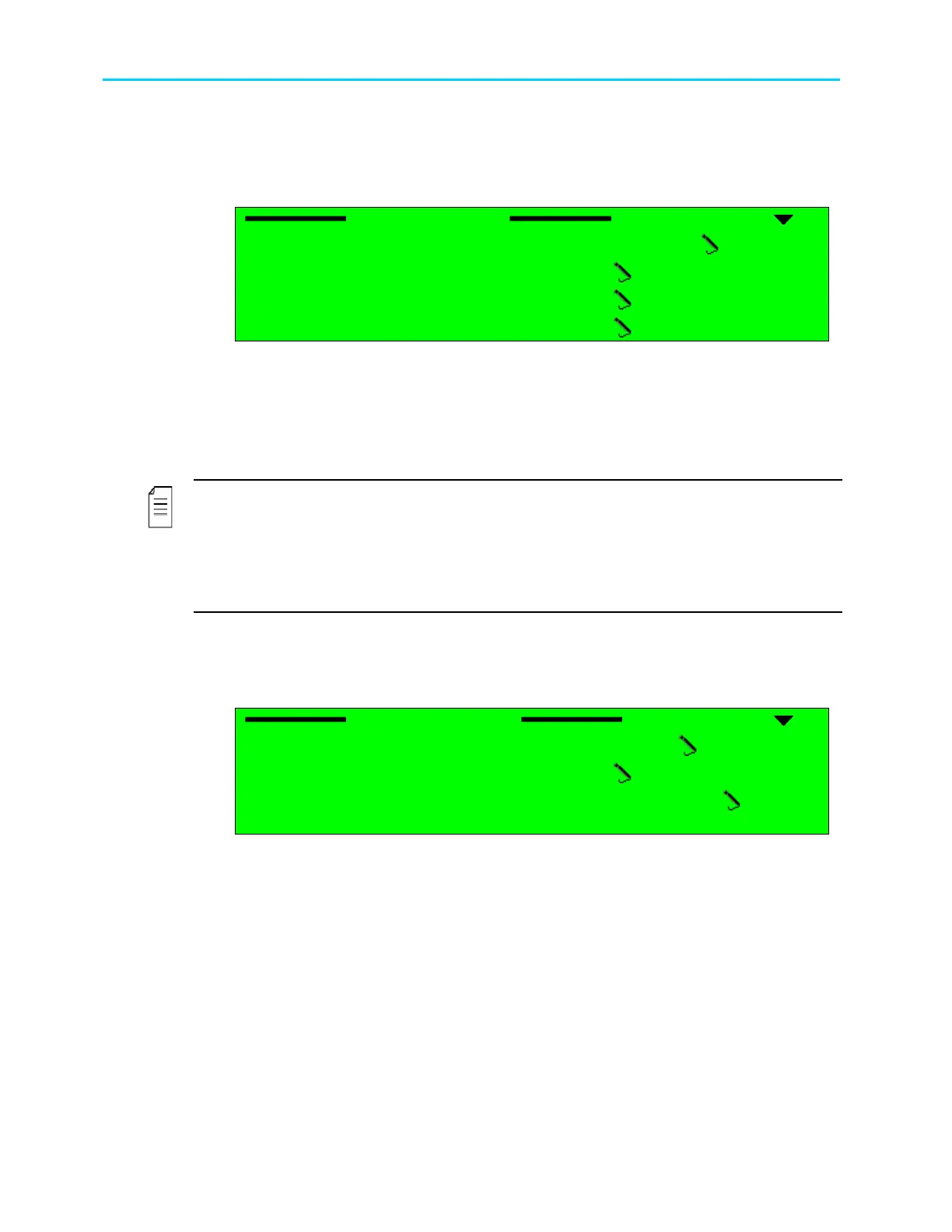
The physical Link menu is used for enabling the operation of the physical link (the MPEGoIP
IN1 interface in this example), as well as for configuring its parameters.
Physical Link
Physical Link Physical Link
Physical Link
1
11
1-
--
-2
22
2-
--
-1
11
1-
--
-1
11
1-
--
-1
1 1
1
01 Operation
01 Operation01 Operation
01 Operation
DISABLE
DISABLEDISABLE
DISABLE
02 IP Address
02 IP Address02 IP Address
02 IP Address
010.006.000.196
010.006.000.196010.006.000.196
010.006.000.196
03 Subnet Mask
03 Subnet Mask03 Subnet Mask
03 Subnet Mask
2
22
255.255.255.000
55.255.255.00055.255.255.000
55.255.255.000
04 Default Gateway
04 Default Gateway04 Default Gateway
04 Default Gateway
010.006.000.001
010.006.000.001010.006.000.001
010.006.000.001
Available options are:
• Operation - for enabling or disabling this port
• IP Address – for setting this MPEGoIP input port’s IP address
• Subnet Mask - for setting this MPEGoIP input port’s Subnet Mask
• Default Gateway - for setting the default gateway address
NOTES
The operator must enter valid IP addresses before the ProView 2900 can operate. If one or
more IP addresses are not entered correctly, the following message is desplayed: “Front-End
Warning – IP Configuration Error”. This message remains until all IP addresses are
entered correctly.
Both MPEGoIP input ports must use the same gateway.
6.3.1.2. Logical Source (socket)
The Logical Source menu is used for configuring the connection with the end device (“logical
port”).
Logical Source
Logical Source Logical Source
Logical Source
1
11
1-
--
-2
22
2-
--
-1
11
1-
--
-1
11
1-
--
-2
2 2
2
01 IP Address Type
01 IP Address Type01 IP Address Type
01 IP Address Type
MULTICAST
MULTICASTMULTICAST
MULTICAST
02 IP Multicast Address
02 IP Multicast Address02 IP Multicast Address
02 IP Multicast Address
224.010.010.010
224.010.010.010224.010.010.010
224.010.010.010
03 UDP Destination Port
03 UDP Destination Port03 UDP Destination Port
03 UDP Destination Port
02000
0200002000
02000
The available options are:
• IP Address Type - for choosing between Multicast and Unicast address types
MULTICAST – for selecting Multicast IP address type. When selected, the IP
Multicast address menu is displayed, which enables configuring the Multicast
address. An IGMP Join request is sent for connecting with the IP Multicast
address that was configured. The ProView 2900 filters the relevant transport
stream with the configured Multicast IP address and UDP port.
UNICAST - for selecting Unicast IP address type. The ProView 2900 filters the
relevant transport stream only by the configured UDP port.
• IP Multicast Address - for setting the logical port’s IP address (this menu is displayed
only when Multicast IP address type is selected)
• UDP Destination Port – for setting the logical port’s UDP port from which to receive data



 To Next Page