Chapter 9: Video Configuration Menu Video 1 (and Video 2) Configuration Options
© Harmonic Inc. Manual p/n 101543/Ver 1.0 9-3 ProView 2900 Series/SW Version 1.94
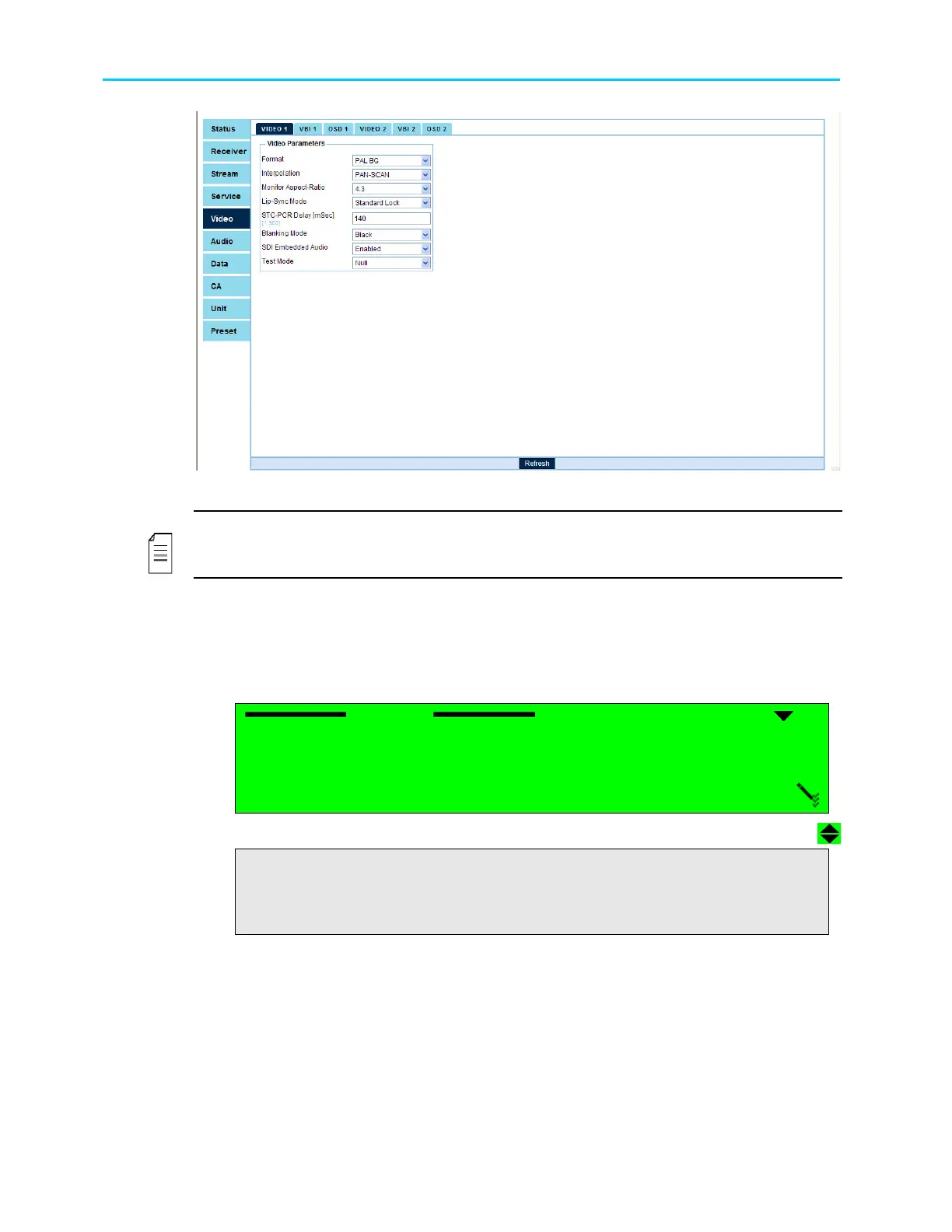
Figure 9-2: Video Configuration Web Manager - Video 1 Menu Screen
NOTE
After selecting an option under the Video (1..2) menu, the front panel returns to the Video
(1..2) menu and displays the current selection.
The following paragraphs detail Video Configuration options.
9.2.1. Format
The Format parameter selects the format of the video signal. The following figure illustrates
the Format screen.
Format
Format Format
Format
1
11
1
NTSC (SETUP ON)
NTSC (SETUP ON) NTSC (SETUP ON)
NTSC (SETUP ON)
2
22
2
NTSC (SETUP OFF)
NTSC (SETUP OFF) NTSC (SETUP OFF)
NTSC (SETUP OFF)
3
33
3
PAL M
PAL M PAL M
PAL M
4
44
4
PAL BG
PAL BG PAL BG
PAL BG
5
55
5
PAL D
PAL D PAL D
PAL D
6
66
6
PAL N
PAL N PAL N
PAL N
7
77
7
SECAM
SECAM SECAM
SECAM
8
88
8
RUSSIAN SECAM
RUSSIAN SECAM RUSSIAN SECAM
RUSSIAN SECAM
The available options are:
NTSC, PAL M, PAL BG, PAL D, PAL N, SECAM, RUSSIAN SECAM.



 To Next Page