Chapter 7: Stream Configuration Menu Stream Filtering Configuration
© Harmonic Inc. Manual p/n 101543/Ver 1.0 7-12 ProView 2900 Series/SW Version 1.94
7.5.3. Filtering Parameters
The Stream Filtering General menu provides several filtering parameters for ASI and IP
output ports.
To access the General menu through the front panel go to:
Configuration
Stream
Filtering
General
General
General General
General
1
11
1-
--
-2
22
2-
--
-2
22
2-
--
-4
44
4-
--
-1
11
1
1
11
1 Mode
Mode Mode
Mode
TRANSMIT
TRANSMITTRANSMIT
TRANSMIT
2
22
2 Strategy
Strategy Strategy
Strategy
PID
PIDPID
PID
3
33
3 Biterate Mod
Biterate Mod Biterate Mod
Biterate Mode
ee
e
CBR
CBRCBR
CBR
4
44
4 Bitrate
Bitrate Bitrate
Bitrate
72.000000[Mbs}
72.000000[Mbs}72.000000[Mbs}
72.000000[Mbs}
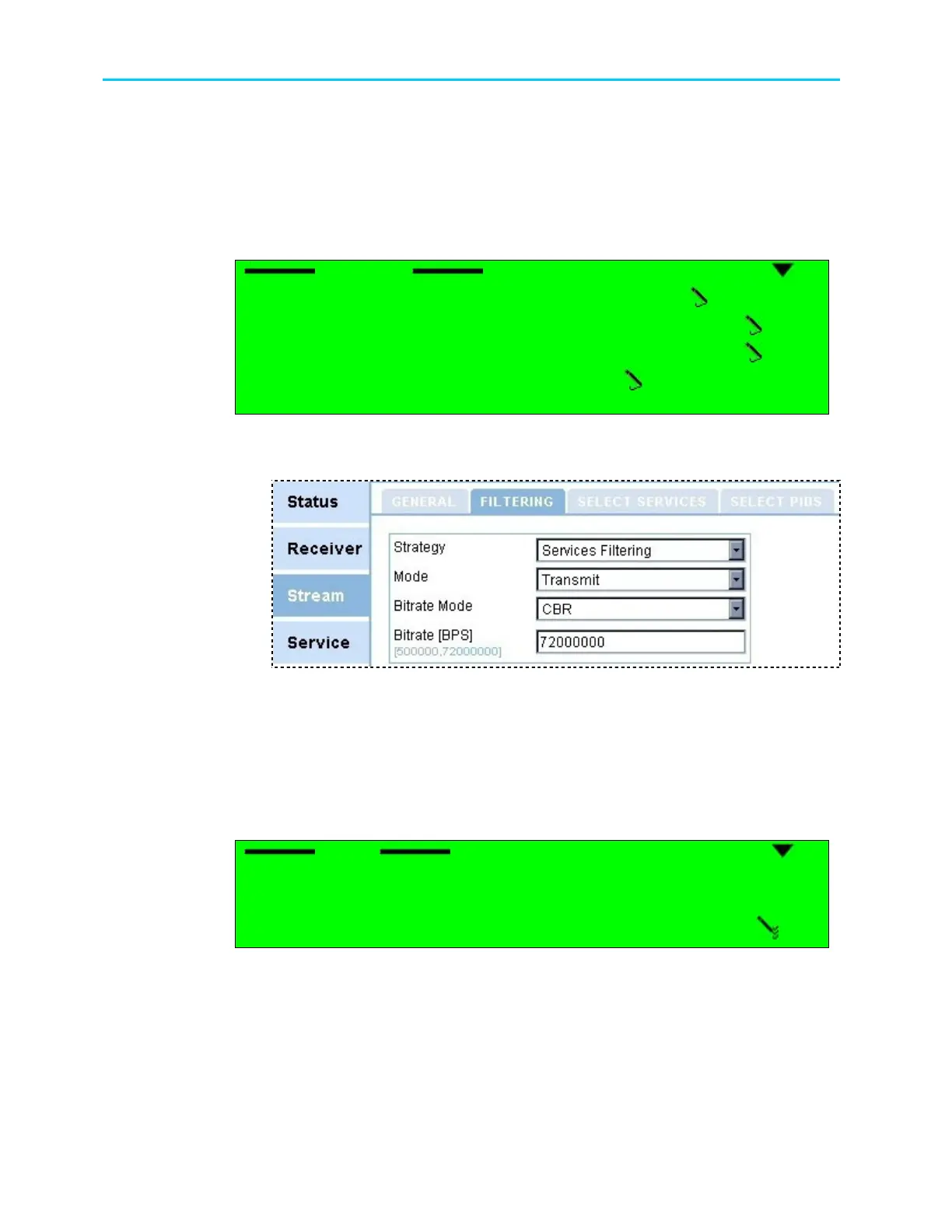
To access the General menu through the Web Manager go to: Stream
Filtering
Figure 7-4 displays the corresponding general filtering Web management screen.
Figure 7-4: General Filtering Parameters Menu Screen
7.5.3.1. Mode
This parameter allows the user to set the selected services or PIDs to be transmitted or
filtered at the output ports. Two values are available:
Configuration
Stream
Filtering
General
Mode
The following figure shows the Mode front panel screen:
Mode
Mode Mode
Mode
1
11
1-
--
-2
22
2-
--
-2
22
2-
--
-4
44
4
TRANSMIT
TRANSMIT TRANSMIT
TRANSMIT
FILTER
FILTER FILTER
FILTER
The available options are:
• TRANSMIT – this mode forwards only selected services or PIDs to the output (Excluding
unselected or unreferenced services or PIDs).
• FILTER - this mode excludes the selected services or PIDs from the output.



 To Next Page