Chapter 7: Stream Configuration Menu Stream Filtering Configuration
© Harmonic Inc. Manual p/n 101543/Ver 1.0 7-14 ProView 2900 Series/SW Version 1.94
7.5.3.4. Bitrate
This parameter allows setting the output bitrate limit.
The available values range is 0.500000 to 72.000000 (Mbs).
NOTES
When using VBR mode, a Bitrate limit must be defined.
In order to prevent system overflow it is highly recommended to use a bit-rate value which is
25% higher then the desired bit-rate.In case of system overflowing, the ProView 2900
provides an error trap
PSI/SI tables are NOT regenerated - Tables can be dropped (for example, in service mode,
PMTs of the filtered services is automatically dropped). However, tables are not modified (for
example, in service mode, the PAT includes all original services, including those which were
dropped)
7.5.4. Select Filtering Services
Service menu is a feature that allows the user to select services used for filtering mode on the
ProView 2900 ASI and IP output ports. The following describes service selection in filtering
mode through the front panel and the web-interface.
7.5.4.1. Select Services Using the Front Panel Interface
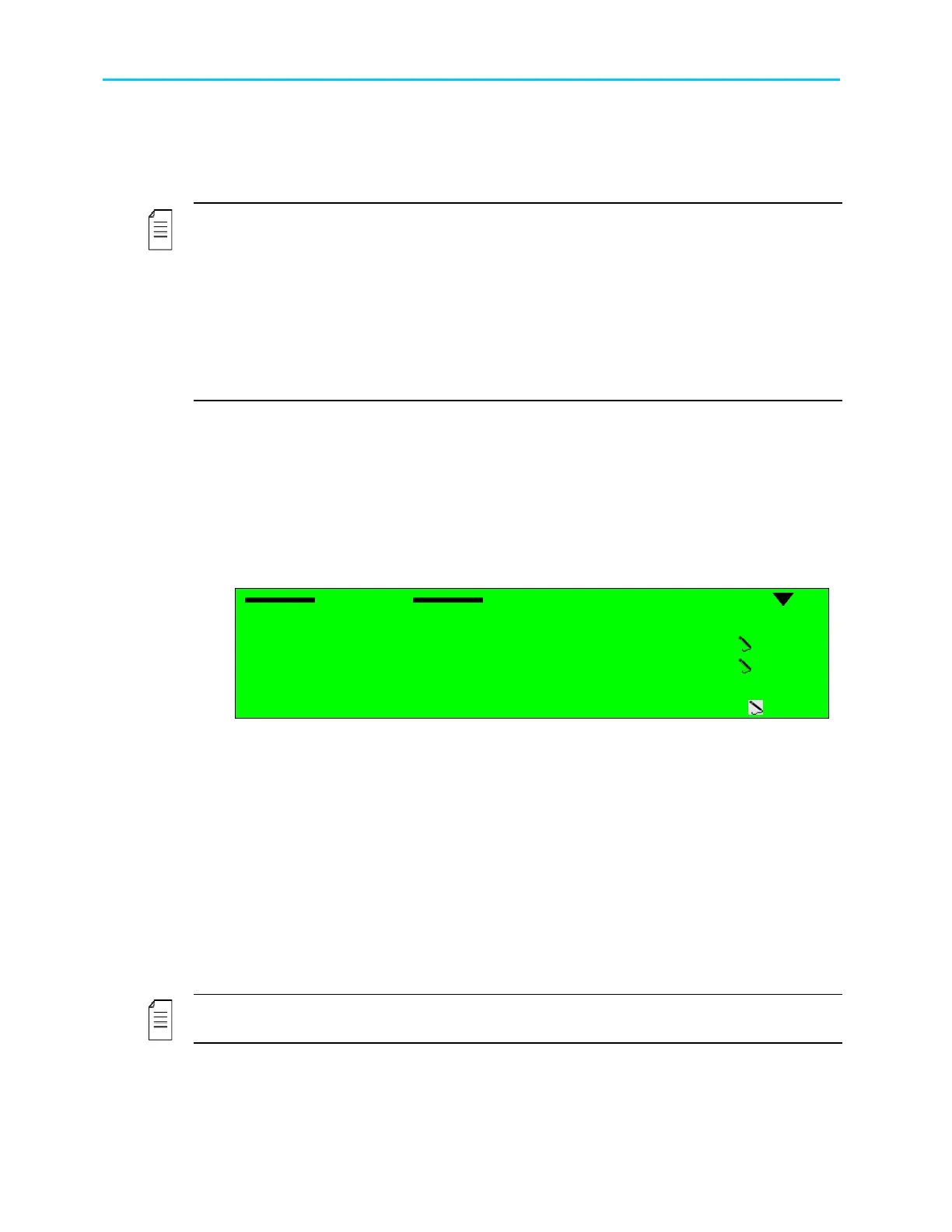
Service menu is located at Configuration
Stream
Filtering
Service
Service
Service Service
Service
1
11
1-
--
-2
22
2-
--
-2
22
2-
--
-4
44
4-
--
-2
22
2
1
11
1 Select
Select Select
Select
2
22
2 Add
Add Add
Add
0000
00000000
0000
3
33
3 Remove
Remove Remove
Remove
0000
00000000
0000
4
44
4 Selected List
Selected List Selected List
Selected List
5
55
5 Clear All
Clear All Clear All
Clear All
OFF
OFFOFF
OFF
Service menu includes the following parameters:
• Select - This parameter lists all available services on the received transport-stream. It
allows selection of specific services. The parameters displayed as the service' ID symbol
next to the service' name tag.
For example: '000A,PROGRAM1'.
• ADD - This parameter allow the user to manually add services by using the keypad and
enter the service' ID. The available values range is 0000 to FFFF [Hex].
• Remove - This parameter allow the user to manually remove by using the keypad and
enter the service' ID. The available values range is 0000 to FFFF [Hex].
• Selected List - displays all selected services' ID symbols. For example: 010A.
• Clear All – This parameter allows clearing all selected services list. The available options
are: OFF (clear list is disabled) or ON (clear list is active).
NOTE
Service menu is applicable only when service filtering is selected from the Strategy menu



 To Next Page