Chapter 14: Unit Configuration Menu Unit Configuration Menu Tree
© Harmonic Inc. Manual p/n 101543/Ver 1.0 14-2 ProView 2900 Series/SW Version 1.94
To access the Unit configuration menu from the front panel, go to Configuration
Unit.
The following screen illustrates the Unit menu:
Unit
Unit Unit
Unit
1
11
1-
--
-2
22
2-
--
-8
8 8
8
1 General
1 General1 General
1 General
2 Serial Control Port
2 Serial Control Port2 Serial Control Port
2 Serial Control Port
3 Ethernet Management Port
3 Ethernet Management Port3 Ethernet Management Port
3 Ethernet Management Port
4 Licensing
4 Licensing4 Licensing
4 Licensing
5 Dry Contact
5 Dry Contact5 Dry Contact
5 Dry Contact
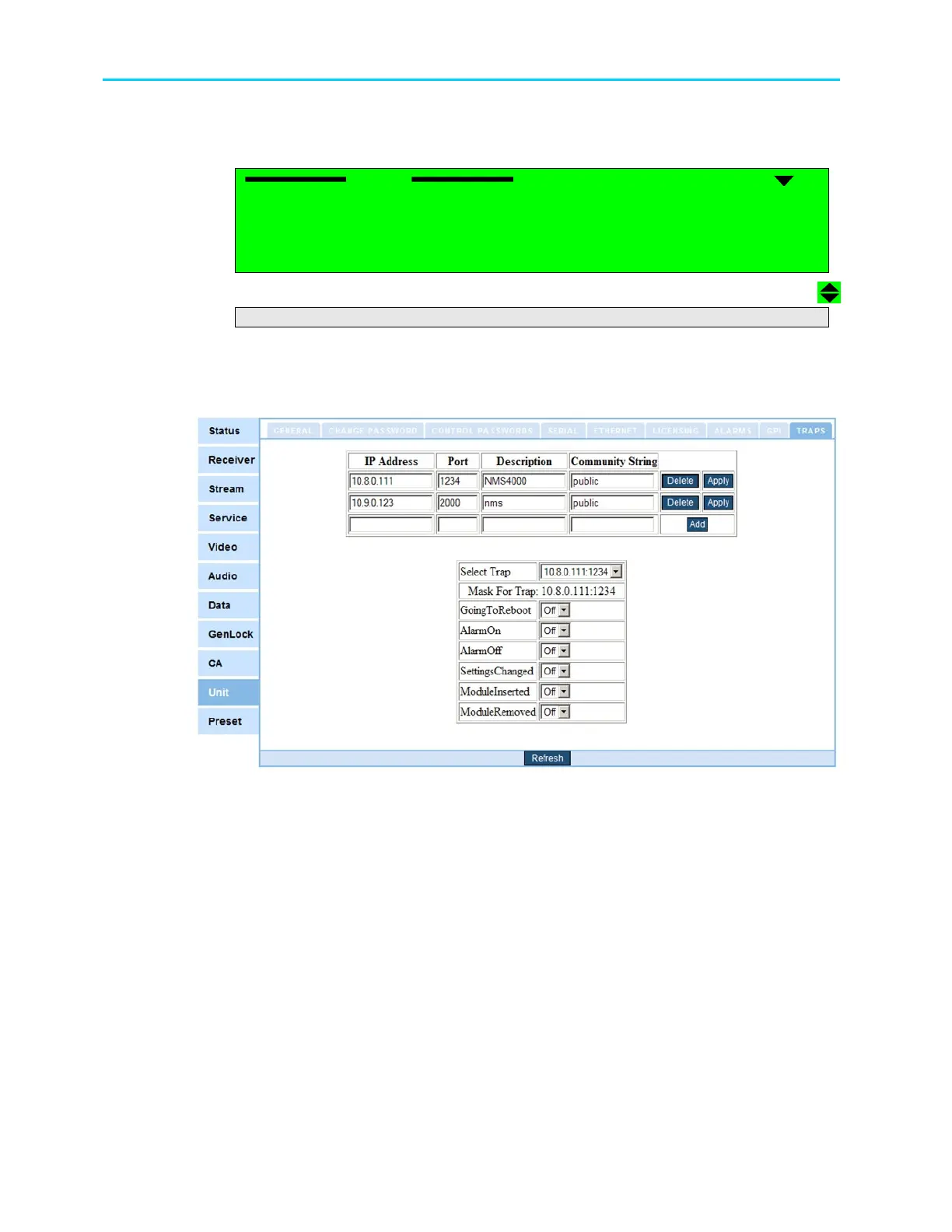
To access the Unit configuration screen from the Web interface, click the Unit Tab. Figure
14-2 displays the Web interface Unit screen.
Figure 14-2: Web Interface - Unit Screen
The Unit configuration includes the following sub-menus:
General – For details see Section 14.2.
Change Password – For details see Section 14.3.
Control Passwords - For details see Section 14.4.
Serial Control Port – For details see Section 14.5.
Ethernet Management Port - For details see Section 14.6.
Licensing - For details see Section 14.7.
Dry Contact (Alarms and GPI) – For details see Section 14.8.
Trap Menu - For details see Section 14.9.



 To Next Page