Chapter 5: Operation and Management ProView 2900 Preset Menu
© Harmonic Inc. Manual p/n 101543/Ver 1.0 5-4 ProView 2900 Series/SW Version 1.94
To access the Preset menu through the front panel, go to Root
Preset.
The following figure shows the front panel Preset menu:
Preset
PresetPreset
Preset
1
11
1-
--
-1
1 1
1
1
11
1 Recall
Recall Recall
Recall
2
2 2
2 Save Current
Save CurrentSave Current
Save Current
3
3 3
3 Rename
RenameRename
Rename
4
4 4
4 Delete
DeleteDelete
Delete
5
5 5
5 Delete All
Delete AllDelete All
Delete All
OFF
OFFOFF
OFF
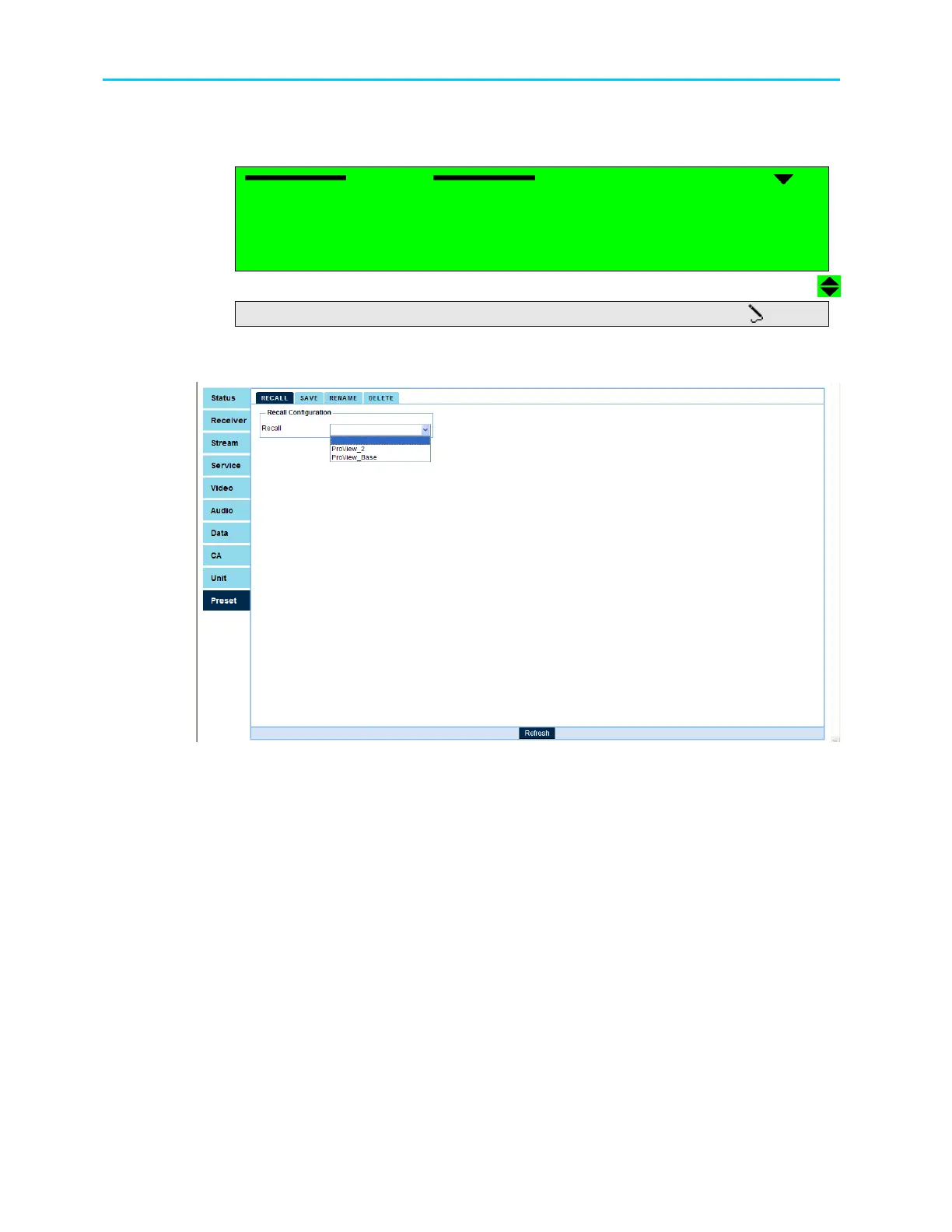
To access the Preset menu through the web-interface from the management bar, click on the
Preset tab. The following figure shows the web-interface Preset menu:
The Preset menu consists of the following five submenus (see menu tree structure in ):
• Recall – For details see section 5.2.1.
• Save current – For details see section 5.2.2.
• Rename – For details see section 5.2.3.
• Delete – For details see section 5.2.4.
• Delete all – For details see section 5.2.5 (front-panel only).



 To Next Page