Chapter 5: Operation and Management ProView 2900 Status Menu
© Harmonic Inc. Manual p/n 101543/Ver 1.0 5-25 ProView 2900 Series/SW Version 1.94
NOTE
The "Decoding Errors" parameter indicates the video stream health.
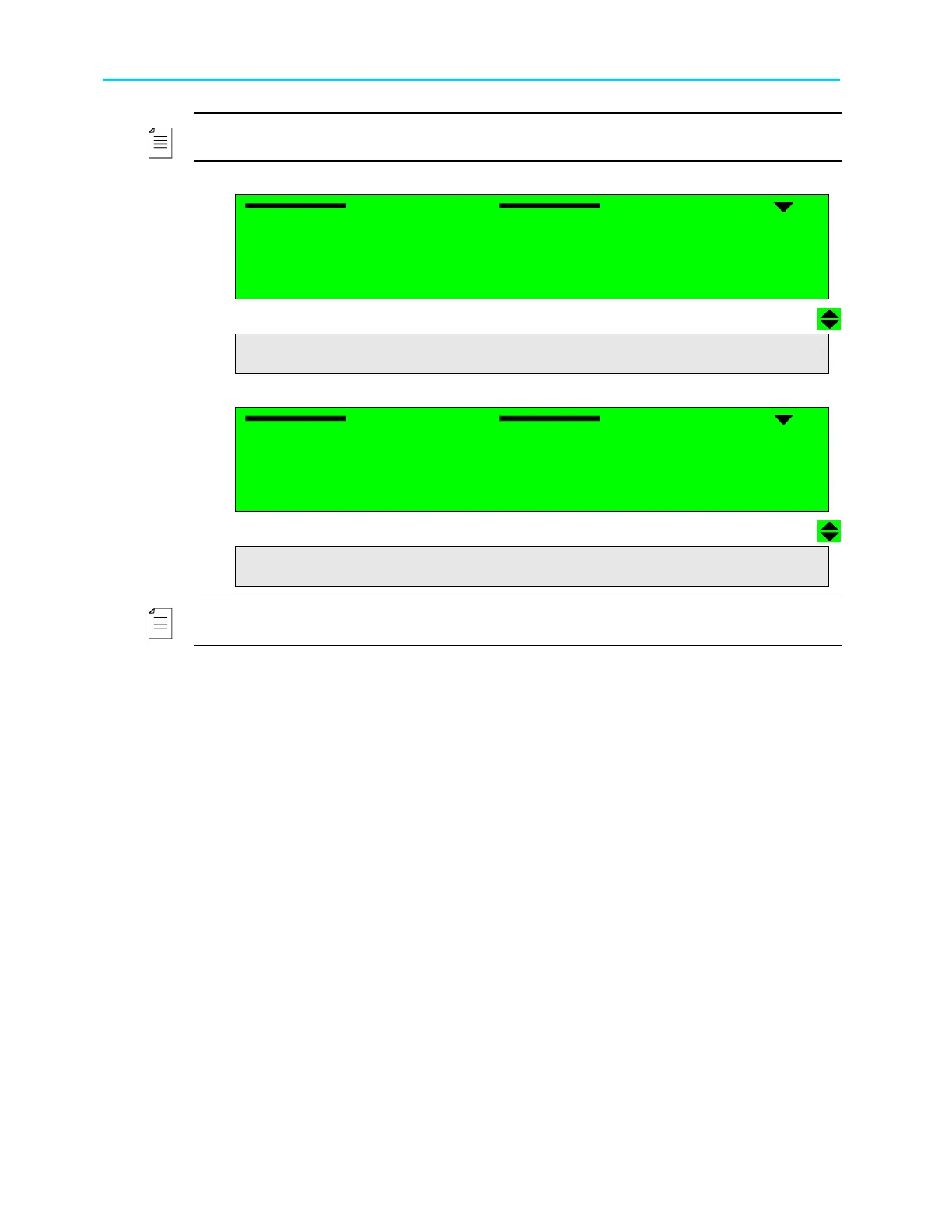
When Dolby-AC3 mode is activated, the following screen is displayed:
Audio (1..4)
Audio (1..4) Audio (1..4)
Audio (1..4)
1
11
1-
--
-3
33
3-
--
-5
55
5-
--
-1
1 1
1
1 ID
1 ID1 ID
1 ID
DOLBY AC3
DOLBY AC3DOLBY AC3
DOLBY AC3
2 Bit Rate
2 Bit Rate2 Bit Rate
2 Bit Rate
128000[Bps]
128000[Bps]128000[Bps]
128000[Bps]
3 Sample Rate
3 Sample Rate3 Sample Rate
3 Sample Rate
48[KHz]
48[KHz]48[KHz]
48[KHz]
4 AC Mode
4 AC Mode4 AC Mode
4 AC Mode
2/0 L,R STEREO
2/0 L,R STEREO2/0 L,R STEREO
2/0 L,R STEREO
5 BS Mode
5 BS Mode5 BS Mode
5 BS Mode
COMPLETE MAIN
COMPLETE MAINCOMPLETE MAIN
COMPLETE MAIN
6 Decoding Errors
6 Decoding Errors6 Decoding Errors
6 Decoding Errors
083914
083914083914
083914
When Linear PCM mode is activated, the screen below is displayed:
Audio (1..4)
Audio (1..4) Audio (1..4)
Audio (1..4)
1
11
1-
--
-3
33
3-
--
-5
55
5-
--
-1
1 1
1
1 ID
1 ID1 ID
1 ID
LINEAR
LINEARLINEAR
LINEAR
2 Sample Rate
2 Sample Rate2 Sample Rate
2 Sample Rate
48 [KHz]
48 [KHz]48 [KHz]
48 [KHz]
3 Bits per Sample
3 Bits per Sample3 Bits per Sample
3 Bits per Sample
20 BITS
20 BITS20 BITS
20 BITS
4 Channel ID
4 Channel ID4 Channel ID
4 Channel ID
2
22
2
5 Output Mode
5 Output Mode5 Output Mode
5 Output Mode
2/0 L,R
2/0 L,R2/0 L,R
2/0 L,R
6 Decoding Errors
6 Decoding Errors6 Decoding Errors
6 Decoding Errors
0003
00030003
0003
NOTE
The Channel ID parameter value is according to the channel number of the AC3 header.



 To Next Page