Chapter 6: Receiver Configuration Modules IP Receiver Configuration
© Harmonic Inc. Manual p/n 101543/Ver 1.0 6-35 ProView 2900 Series/SW Version 1.94
6.3.2.5. De-Jitter Delay
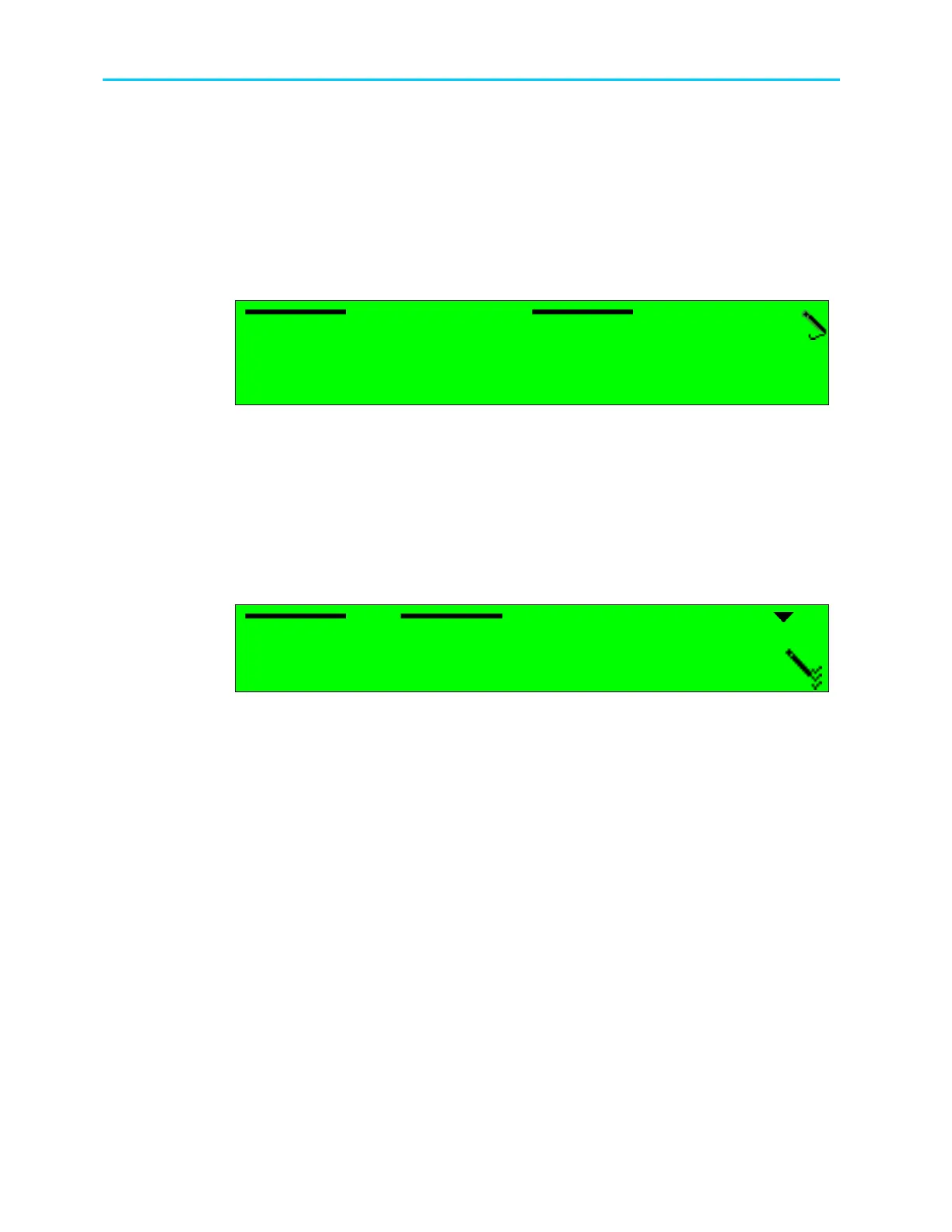
The De-jitter Delay menu is used for setting the decoder’s De-Jitter delay in milliseconds.
The aim of the De-Jittering mechanism is to eliminate the inherent jitter introduced by a
typical IP network. This mechanism practically acquires the source exact frequency and
follows it. The ProView 2900 supports de-jittering of CBR (Constant Bit Rate) streams.
The de-jitter delay configurability enables only optimizing unit-performance according to
specific needs. The longer the delay, the longer the jitter that can be eliminated (traded off by
longer latency).
De
De De
De-
--
-Jitter Delay
Jitter Delay Jitter Delay
Jitter Delay
0100 [mSec]
0100 [mSec]0100 [mSec]
0100 [mSec]
<
<<
<1
11
100
00 00
00 -
--
-
2
22
2000>
000>000>
000>
De-jitter delay values range from 100 to 2000 milliseconds.
6.3.2.6. FEC
The ProView 2900 IP Front End FEC Implementation complies with ProMPEG CoP3v2, with
the following limitations:
Columns support only
Maximum TS bit-rate: 25 Mbps
This menu enables OR disables FEC operation.
FEC
FEC FEC
FEC
1
11
1
ENABLE
ENABLE ENABLE
ENABLE
2
22
2
DISABLE
DISABLE DISABLE
DISABLE
The available options are:
• ENABLE – enables FEC operation; regenerates missing IP packets using FEC packets
received from the configured UDP port.
• DISABLE - disables FEC operation; ignores FEC packets and does not regenerate
missing IP packets.



 To Next Page