Chapter 10: Audio Configuration Menu Audio Configuration Menu Tree
© Harmonic Inc. Manual p/n 101543/Ver 1.0 10-2 ProView 2900 Series/SW Version 1.94
To access the Audio Configuration Menu, in the front panel control interface go to:
Configuration
Audio.
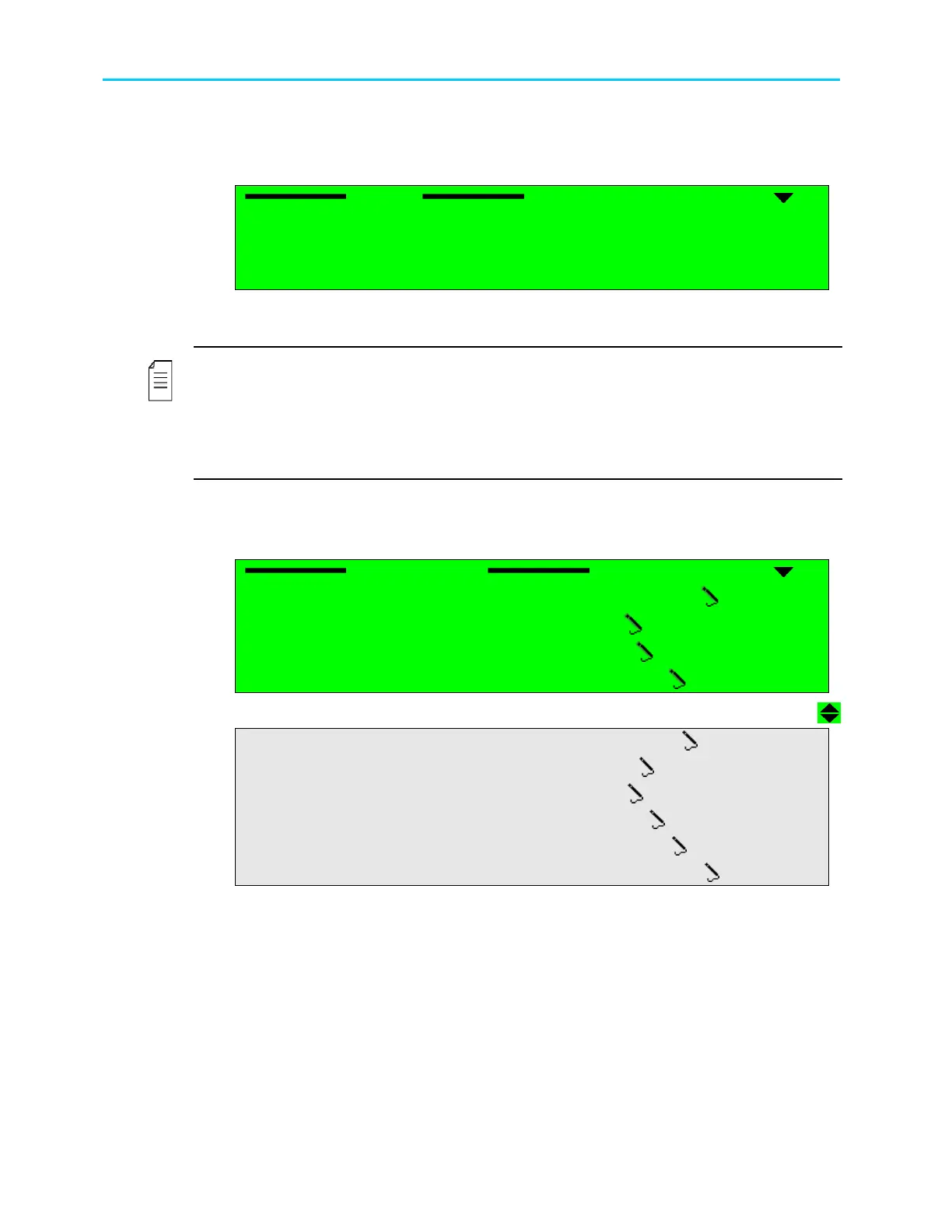
The following screen displays the Audio Configuration Menu:
Audio
Audio Audio
Audio
1
11
1-
--
-2
22
2-
--
-5
5 5
5
1 Audio 1
1 Audio 11 Audio 1
1 Audio 1
2 Audio 2
2 Audio 22 Audio 2
2 Audio 2
3 Audio 3
3 Audio 33 Audio 3
3 Audio 3
4 Audio 4
4 Audio 44 Audio 4
4 Audio 4
The available options are: Audio 1 and Audio 2, Audio 3 and Audio 4 (in dual decoder
ProView 2900s).
NOTES
Audios 1 through 4 have identical parameters, and are accessible through identical controls.
The following is an example of Audio 1 front panel control screen. Audio 2, 3, and 4 control
screens are exactly the same (except for the screen header).
Audio1 and Audio2 correspond with Video1 and are always available. Audio3 and Audio4
correspond with Video2 and are available only in dual decoder IRDs.
To access the Audio 1 Menu in the front panel control interface go to
Configuration
Audio
Audio1.
The following screen displays the Audio 1 menu:
Audio1(1..2)
Audio1(1..2) Audio1(1..2)
Audio1(1..2)
1
11
1-
--
-2
22
2-
--
-5
55
5-
--
-1
1 1
1
1 Decoder Mode
1 Decoder Mode1 Decoder Mode
1 Decoder Mode
MUSICAM
MUSICAMMUSICAM
MUSICAM
2 AC3 Downmix Mode
2 AC3 Downmix Mode2 AC3 Downmix Mode
2 AC3 Downmix Mode
2/0 L,R STEREO
2/0 L,R STEREO2/0 L,R STEREO
2/0 L,R STEREO
3 AC3 Operational
3 AC3 Operational3 AC3 Operational
3 AC3 Operational
LINE OUT MODE
LINE OUT MODELINE OUT MODE
LINE OUT MODE
4 PassThru Sample Rate
4 PassThru Sample Rate4 PassThru Sample Rate
4 PassThru Sample Rate
48.0 [KHz]
48.0 [KHz]48.0 [KHz]
48.0 [KHz]
5 Volume
5 Volume5 Volume
5 Volume
00.0 [Db]
00.0 [Db]00.0 [Db]
00.0 [Db]
6 Analo
6 Analo6 Analo
6 Analog Output
g Outputg Output
g Output
UNMUTE (PLAY)
UNMUTE (PLAY)UNMUTE (PLAY)
UNMUTE (PLAY)
7 Analog Mixer
7 Analog Mixer7 Analog Mixer
7 Analog Mixer
STEREO (L & R)
STEREO (L & R)STEREO (L & R)
STEREO (L & R)
8 Digital Format
8 Digital Format8 Digital Format
8 Digital Format
Professional
ProfessionalProfessional
Professional
9
99
9
Delay
DelayDelay
Delay
000 [mSec]
000 [mSec]000 [mSec]
000 [mSec]
10
1010
10 Test Tone
Test Tone Test Tone
Test Tone
DISABLE
DISABLEDISABLE
DISABLE



 To Next Page