Chapter 13: CA Configuration Menu CA Configuration Menu Tree
© Harmonic Inc. Manual p/n 101543/Ver 1.0 13-2 ProView 2900 Series/SW Version 1.94
To access the Conditional Access Configuration menu in the front panel control interface go
to Configuration
Conditional Access.
The following screen displays the Conditional Access menu:
Conditional Access
Conditional Access Conditional Access
Conditional Access
1
11
1-
--
-2
22
2-
--
-7
7 7
7
1 Common Interface
1 Common Interface1 Common Interface
1 Common Interface
2 BISS
2 BISS2 BISS
2 BISS
3 Embedded
3 Embedded3 Embedded
3 Embedded
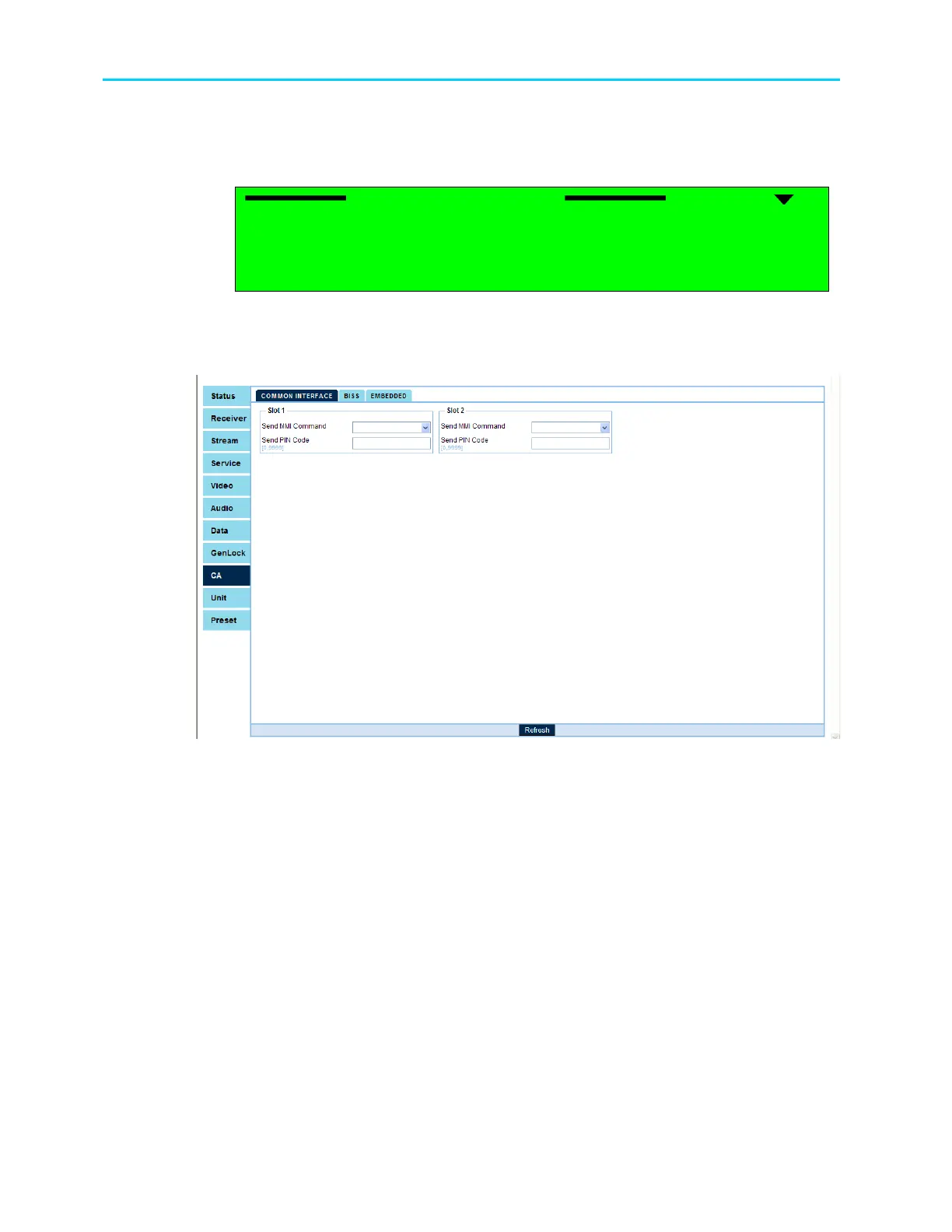
To access the Conditional Access configuration screen through the web-interface from the
management bar, click on the CA tab.
Figure 13-2 shows the web-interface CA screen:
Figure 13-2: Web Interface Conditional Access Screen
The Conditional Access Menu parameters are as follows:
• Common Interface (CI)
Enable setting up the configuration of the CAMS in the ProView 2900 using the DVB-CI
standard. For details, see Section 13.2.
• BISS Mode
Enable setting up the BISS encryption mode. For details, see Section 0.
• Embedded Mode
Enable setting up the embedded encryption mode. For details, see Section 13.3.2.



 To Next Page