Chapter 3: ProView 2900 Control Interfaces Electrical Installation
© Harmonic Inc. Manual p/n 101543/Ver 1.0 3-6 ProView 2900 Series/SW Version 1.94
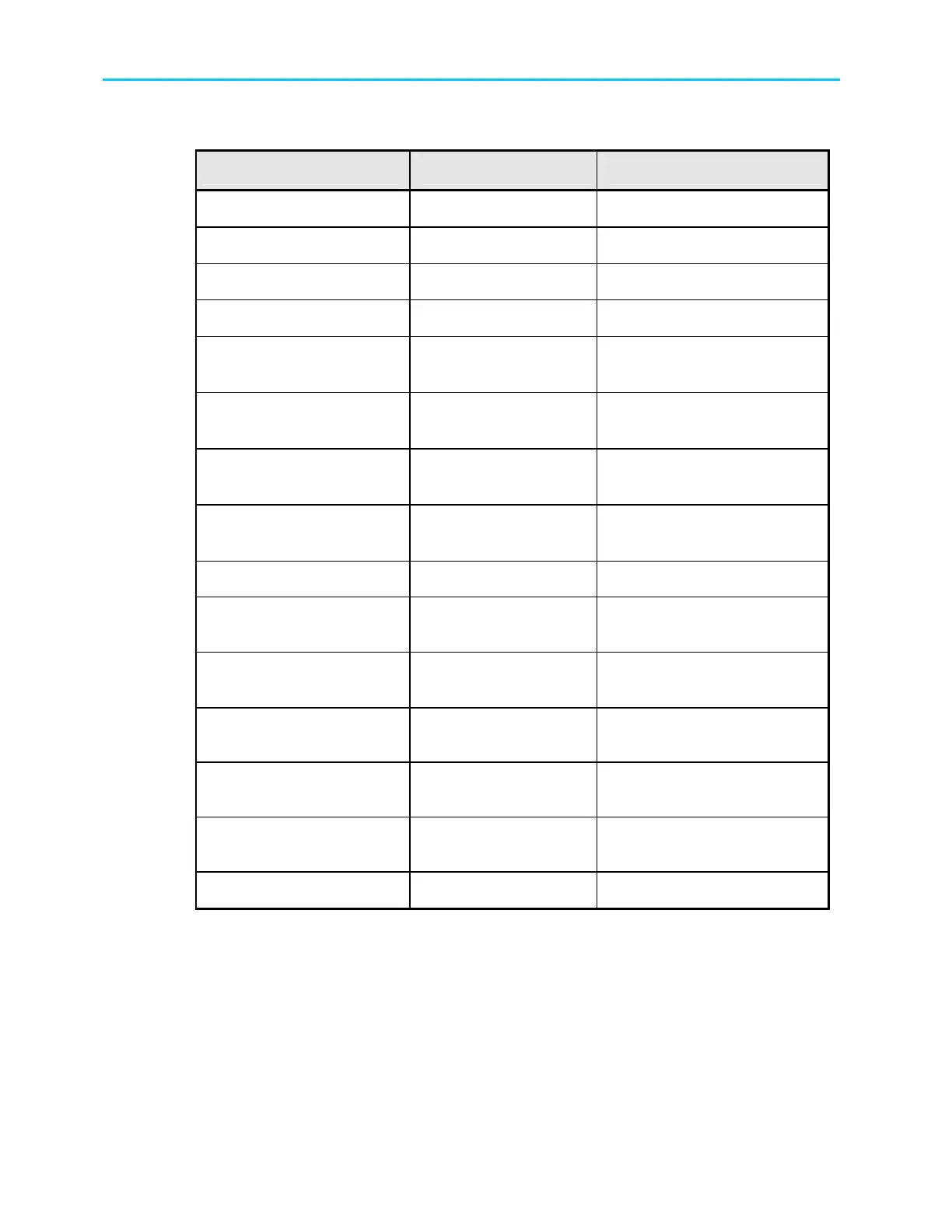
Table 3-1: ProView 2900 Rear Panel – Connectors and Cables
Interface Connector Type Cable Type
Analog Audio Out1 right
600 Ω XLR (balanced)
Shielded audio cable
Analog Audio Out2 left
600 Ω XLR (balanced)
Shielded audio cable
Analog Audio Out2 right
600 Ω XLR (balanced)
Shielded audio cable
Video Out, S-Video Y/C
75 Ω DIN connector
Super video cable
Composite Video Out,
CVBS1
75 Ω BNC
RG-59
RG11 A/U (recommended)
Composite Video Out,
CVBS2
75 Ω BNC
RG-59
RG11 A/U (recommended)
Composite Video Out,
CVBS3
75 Ω BNC
RG-59
RG11 A/U (recommended)
Data Output (RS-232/RS-
422)
9 PIN D-Type Serial Cable
Control (RS-232/RS-485)
9 PIN D-Type Serial Cable
Audio Balanced 3 & 4
600 Ω D-sub 15p to
4XLR
Breakout Cable
204346 (Harmonic material)
AES/EBU 1-4 Unbalanced
75 Ω 4xBNC or
75 Ω D-sub 15p
BNC Cable
ASI in/out1/out2
75 Ω BNC
RG-59
RG11 A/U (recommended)
Genlock In
75 Ω BNC
RG-59
RG11 A/U (recommended)
Genlock Out
75 Ω BNC
RG-59
RG11 A/U (recommended)
SDI out 1 &2
75 Ω BNC
RG-59
The ProView 2900 series supports terminal-control from a standard PC through a serial RS-
232 / RS-485 connector.
Figure 3-3 illustrates the Control Interface and Low Speed Data/GPI 9-pin male connectors
pin numbering. Table 3-2 lists the RS-232/RS-485 Control Interface connector pin-out. Table
3-3 lists the RS-232 low speed data and GPI interface pin-out. This connector is used at the
same time for both GPI and low-speed data output. Table 3-4 lists the RS-422 high speed
data and interface pin-out.



 To Next Page