Chapter 5: Operation and Management ProView 2900 Status Menu
© Harmonic Inc. Manual p/n 101543/Ver 1.0 5-21 ProView 2900 Series/SW Version 1.94
• 188 DETECTED – MPEG packets without FEC.
• 204 DETECTED – MPEG packets with FEC.
5.4.2.2. Information
The Information Menu displays information about the transport stream and network. To
access the Information Menu in the front panel control interface go to
Status
Stream
Information.
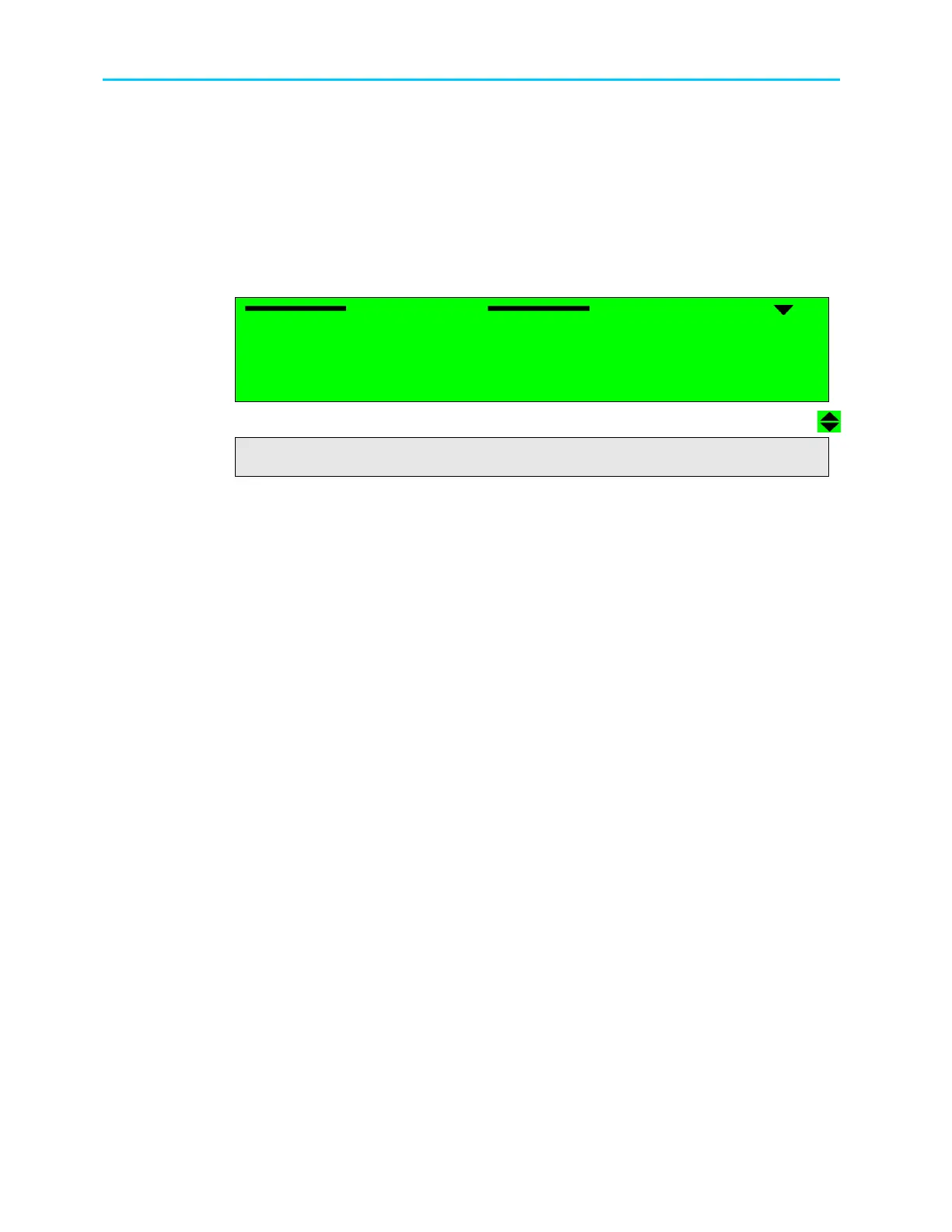
The following screen displays the Information menu:
Information
Information Information
Information
1
11
1-
--
-3
33
3-
--
-2
22
2-
--
-2
2 2
2
1 Transport Stream Rate
1 Transport Stream Rate 1 Transport Stream Rate
1 Transport Stream Rate
045.792 [Mbps]
045.792 [Mbps] 045.792 [Mbps]
045.792 [Mbps]
2 Transport Stream ID
2 Transport Stream ID2 Transport Stream ID
2 Transport Stream ID
0005
00050005
0005
3 Original
3 Original 3 Original
3 Original Network ID
Network ID Network ID
Network ID
0888
08880888
0888
4 Network Name
4 Network Name 4 Network Name
4 Network Name
CCTV
CCTVCCTV
CCTV
5 Stream Date
5 Stream Date5 Stream Date
5 Stream Date
05
0505
05-
--
-Oct
OctOct
Oct-
--
-2004
20042004
2004
6 Stream Time
6 Stream Time6 Stream Time
6 Stream Time
14:23:19
14:23:1914:23:19
14:23:19
The Information Menu parameters are as follows:
• Transport Stream Rate – Displays the Transport Stream rate
• Transport Stream ID – Displays the identification code of the current transport stream ID
in Hexadecimal values
• Original Network ID –Displays the identification code of the current network in
Hexadecimal values
• Network Name – Displays the provider name of the current network
• Stream Time – Displays the time (HH:MM:SS) of the current incoming stream
• Stream Date – displays the date (DD-MMMM-YYYY) of the current incoming stream



 To Next Page