Chapter 5: Operation and Management ProView 2900 Status Menu
© Harmonic Inc. Manual p/n 101543/Ver 1.0 5-23 ProView 2900 Series/SW Version 1.94
• OSD 1 / OSD 2 (if applicable) -
OSD parameter status will be available in future software versions.
5.4.4.1. Video 1 (and Video 2)
The Video 1 Menus (and Video 2 in dual decoder IRDs) display video parameter Statuses. To
access the Video 1 menu in the front panel control interface go to Status
Video
Video 1.
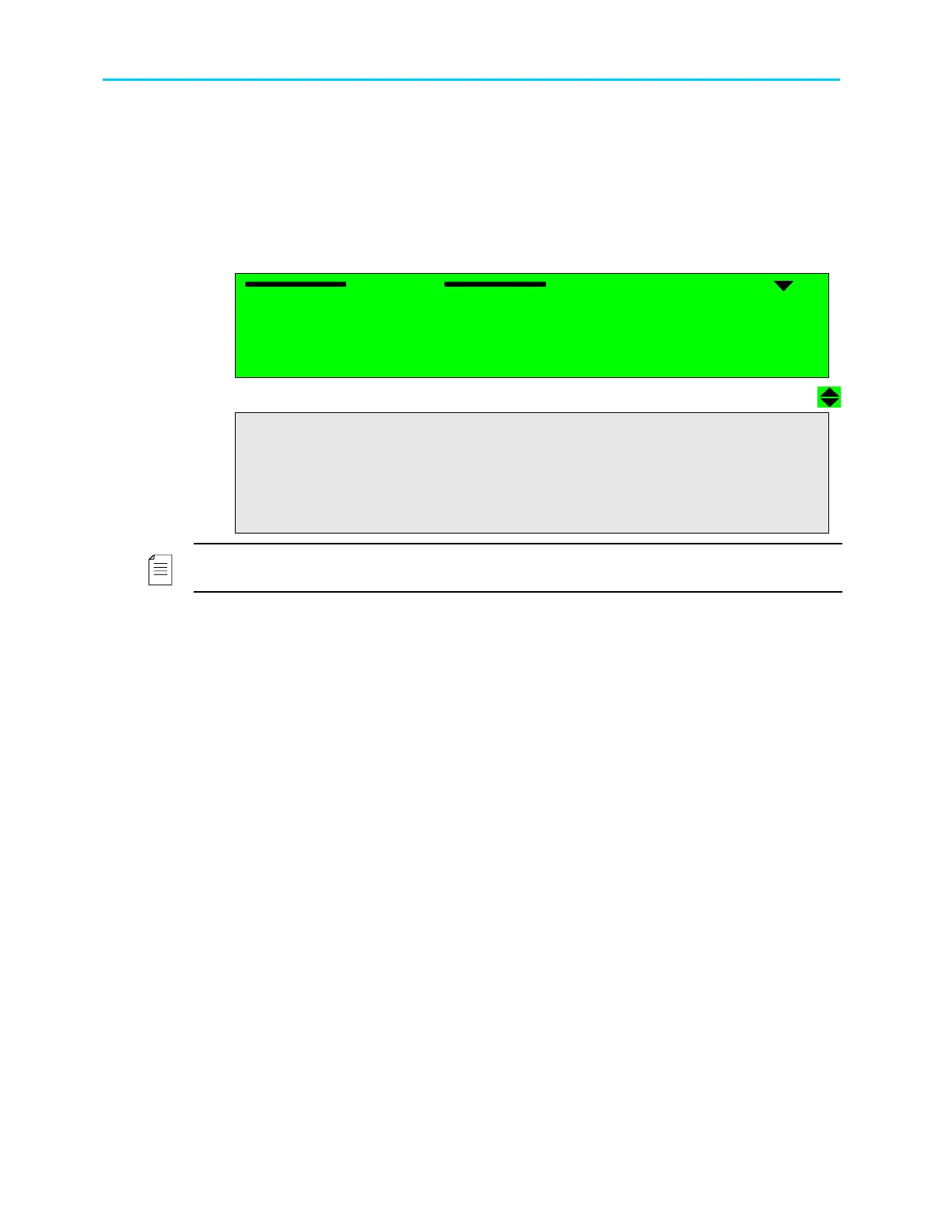
The following screen displays the Video 1 menu:
Video 1
Video 1 Video 1
Video 1
1
11
1-
--
-3
33
3-
--
-4
44
4-
--
-1
1 1
1
1 Standard Format
1 Standard Format 1 Standard Format
1 Standard Format
625 [Ln]
625 [Ln]625 [Ln]
625 [Ln]
2 Frame Rate
2 Frame Rate 2 Frame Rate
2 Frame Rate
25 [Hz]
25 [Hz]25 [Hz]
25 [Hz]
3 Chroma Format
3 Chroma Format 3 Chroma Format
3 Chroma Format
4:2:0
4:2:0 4:2:0
4:2:0
4 Resolution
4 Resolution 4 Resolution
4 Resolution
H:720 * V:60
H:720 * V:60H:720 * V:60
H:720 * V:608
88
8
5 Aspect Ratio
5 Aspect Ratio5 Aspect Ratio
5 Aspect Ratio
4:3
4:34:3
4:3
6 Field Sequence
6 Field Sequence6 Field Sequence
6 Field Sequence
NORMAL
NORMALNORMAL
NORMAL
7 Picture Coding Type
7 Picture Coding Type7 Picture Coding Type
7 Picture Coding Type
P
PP
P-
--
-B
BB
B
8 Bit Rat
8 Bit Rat8 Bit Rat
8 Bit Rate
ee
e
11080800 [Bps]e
11080800 [Bps]e11080800 [Bps]e
11080800 [Bps]e
9 VBV Buffer Size
9 VBV Buffer Size9 VBV Buffer Size
9 VBV Buffer Size
04096000 [Bit]
04096000 [Bit]04096000 [Bit]
04096000 [Bit]
10 Decoding Errors
10 Decoding Errors10 Decoding Errors
10 Decoding Errors
000000
000000000000
000000
NOTE
The "Decoding Errors" parameter indicates the video stream health.
The available information is:
• Standard Format – Indicates the number of lines in the incoming video. In this example,
625 lines indicate PAL video format.
• Frame Rate – Displays the frame rate of the incoming video stream
• Chroma Format – Displays the Chroma format currently used for the incoming video
stream
• Resolution – Displays the horizontal and vertical video resolutions for the incoming video
stream (for example, the number of pixels per horizontal and vertical screen lines)
• Aspect Ratio – Displays the aspect ratio for the incoming video stream
• Field Sequence – Displays the type of field sequence found in the decoded service.
There are two available values: Normal, and 3:2 Pulldown
• Picture Coding Type – displays the types of picture coding that were found in the
decoded service. Available picture coding types are: I-B-P, I-P, P-B and P Only.
• Bit Rate – Displays the bit rate, in bits/sec, for the incoming video stream
• VBV Buffer Size – Displays the VBV buffer size
• Decoding Errors – Displays the total number of decoding errors
5.4.4.2. VBI 1 (and VBI 2)
The VBI 1 Menu (and VBI 2 in dual decoder IRD’s) display VBI parameters Status. To access
the VBI 1 Menu in the front panel control interface go to Status
Video
Vbi 1.
The following screen displays the VBI 1 menu:



 To Next Page