Chapter 5: Operation and Management ProView 2900 Status Menu
© Harmonic Inc. Manual p/n 101543/Ver 1.0 5-30 ProView 2900 Series/SW Version 1.94
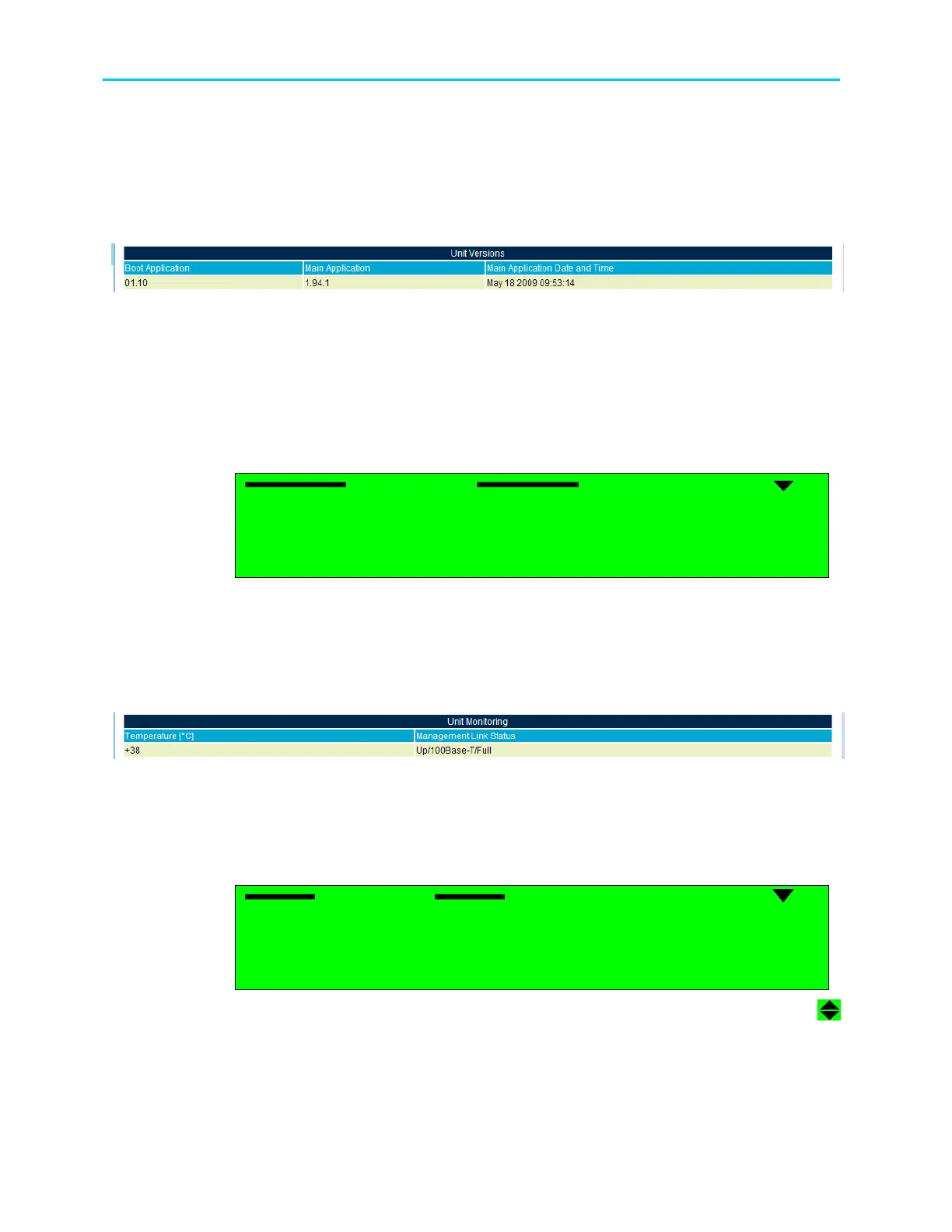
• Boot Application – Displays the boot application software version
• Main Application – Displays the main application software version
• Main Application Date – Displays the date when the main application was created
• Main Application Time – Displays the time when the main application was created
Figure 5-15 displays the corresponding Web management screen.
Figure 5-15: Unit – Versions Status Screen
5.4.9.3. Monitoring
The Monitoring Menu displays temperature and management port statuses.
To access the Monitoring Menu in the front panel control interface go to
Status
Unit
Monitoring.
The following screen displays the Monitoring Status menu:
Monitoring
Monitoring Monitoring
Monitoring
1
11
1-
--
-3
33
3-
--
-9
99
9-
--
-3
3 3
3
1 Temperature
1 Temperature 1 Temperature
1 Temperature
+20 [C]
+20 [C]+20 [C]
+20 [C]
2 Management Link
2 Management Link2 Management Link
2 Management Link Status
Status Status
Status
UP/100Base
UP/100BaseUP/100Base
UP/100Base-
--
-T/Full
T/FullT/Full
T/Full
The available options are:
• Temperature – Displays the internal temperature of the ProView 2900 as measured by
the temperature sensor
• Management Link Status – Displays the status of the Management Port link.
Figure 5-16 displays the corresponding Web interface screen.
Figure 5-16: Unit – Monitoring Status Screen
5.4.9.4. Licensing
The Licensing screen displays all ProView 2900 licensed features and their operational
status.
Licensing
Licensing Licensing
Licensing
1
11
1-
--
-3
33
3-
--
-9
99
9-
--
-4
44
4
01
0101
01 ASI Input
ASI Input ASI Input
ASI Input
YES
YESYES
YES
02
0202
02 ASI Output
ASI Output ASI Output
ASI Output
YES
YESYES
YES
03
0303
03 MPEGoIP/MPE Output
MPEGoIP/MPE Output MPEGoIP/MPE Output
MPEGoIP/MPE Output
NO
NONO
NO
04
0404
04 Audio 3
Audio 3 Audio 3
Audio 3
NO
NONO
NO



 To Next Page