Chapter 6: Receiver Configuration Modules Satellite Receiver Configuration
© Harmonic Inc. Manual p/n 101543/Ver 1.0 6-4 ProView 2900 Series/SW Version 1.94
6.2.1.1. Frequency
The Frequency parameter must be set in accordance with the required satellite transponder
frequency. The frequency can be acquired from the satellite transponder information.
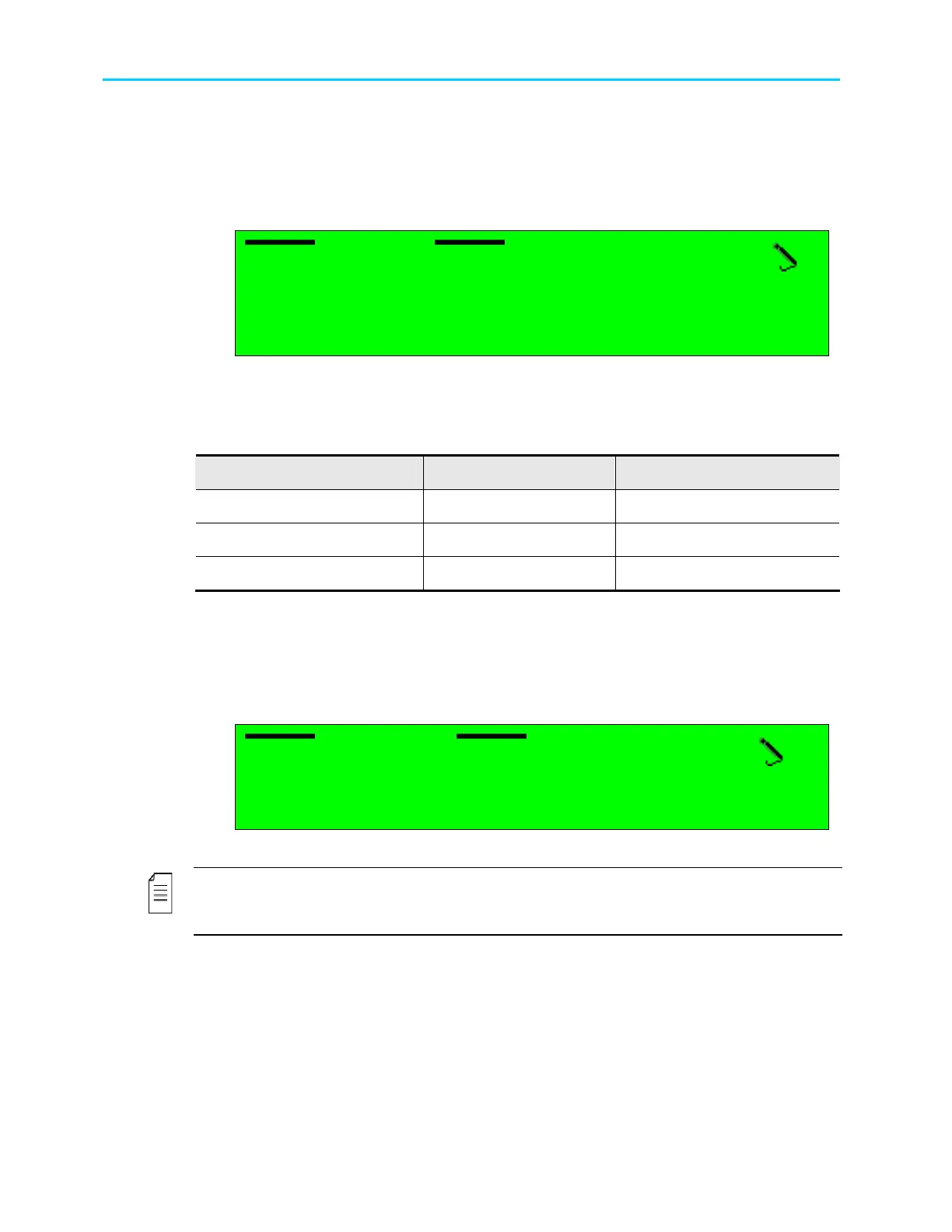
The following figure illustrates the L-Band Frequency screen.
Frequency
Frequency Frequency
Frequency
1.068000 [GHz]
1.068000 [GHz]1.068000 [GHz]
1.068000 [GHz]
<0.950000
<0.950000 <0.950000
<0.950000 -
--
- 2.150000>
2.150000> 2.150000>
2.150000>
The displayed frequency range corresponds with the frequency band that is currently
selected. Selecting the receiver frequency is done from the Frequency Range configuration
function, detailed in paragraph 6.2.1.10).
The following table lists the different bands and their respective frequency ranges.
Band Minimum Frequency Maximum Frequency
Ku-Band
10.700000GHz 12.750000GHz
C-Band
3.200000GHz 4.200000GHz
L-Band
0.950000GHz 2.150000GHz
6.2.1.2. Symbol Rate
The Symbol Rate parameter must be set according to the satellite transponder symbol rate.
The Symbol Rate value can be acquired from the satellite transponder information or can be
calculated, with the bit rate information. The following figure illustrates the C-Band Symbol
Rate screen.
Symbol Rate
Symbol Rate Symbol Rate
Symbol Rate
29.818000 [Mbaud]
29.818000 [Mbaud]29.818000 [Mbaud]
29.818000 [Mbaud]
<01.000000
<01.000000 <01.000000
<01.000000 -
--
- 45.000000>
45.000000> 45.000000>
45.000000>
Available values range from 01.000000 to 45.000000 Mbaud.
NOTE
The symbol rate must be set to match the exact symbol rate value used by the satellite
transponder, down to the sixt digit after the decimal point (i.e, correct rate in bauds).



 To Next Page