Chapter 6: Receiver Configuration Modules Satellite Receiver Configuration
© Harmonic Inc. Manual p/n 101543/Ver 1.0 6-14 ProView 2900 Series/SW Version 1.94
6.2.2.6. FEC Rate
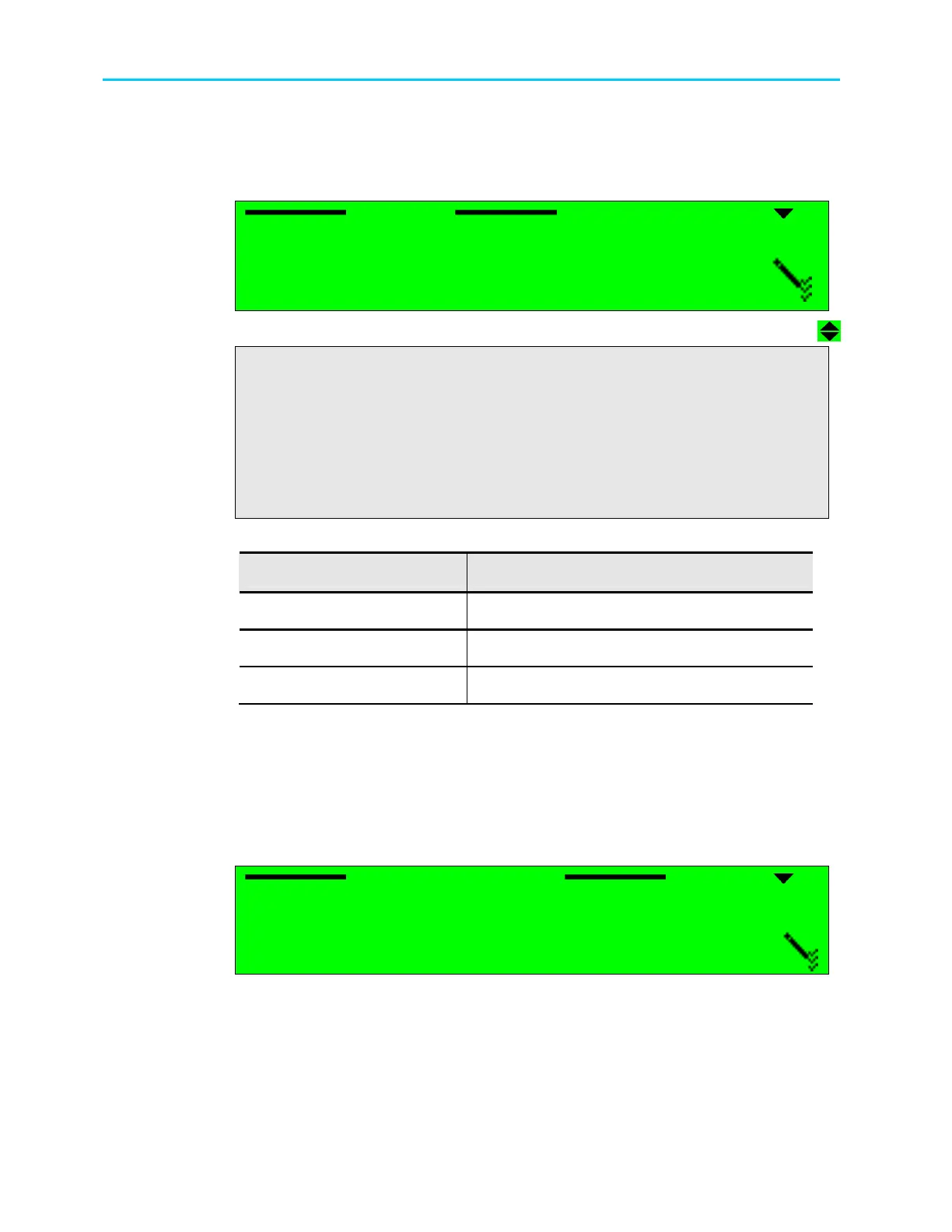
The FEC Rate menu enables to set the Forward Error Correction rate according to the FEC
rate of the transmitted signal. The following figure illustrates the FEC Rate screen.
FEC Rate
FEC Rate FEC Rate
FEC Rate
01
0101
01
1/4
1/4 1/4
1/4
02
0202
02
1/3
1/3 1/3
1/3
03
0303
03
2/5
2/5 2/5
2/5
04
0404
04
1/2
1/2 1/2
1/2
05
0505
05
3/5
3/5 3/5
3/5
06
0606
06
2/3
2/3 2/3
2/3
07
0707
07
3/4
3/4 3/4
3/4
08
0808
08
4/5
4/5 4/5
4/5
09
0909
09
5/6
5/6 5/6
5/6
10
1010
10
7/8
7/8 7/8
7/8
11
1111
11
8/9
8/9 8/9
8/9
12
1212
12
9/10
9/10 9/10
9/10
The following table shows the available FEC rates for each module:
Module available FEC rates
DVB-S2, QPSK
1/4, 1/3, 2/5, 1/2, 3/5, 2/3, 3/4, 4/5, 5/6, 8/9, 9/10
DVB-S2, 8PSK
3/5, 2/3, 3/4, 5/6, 8/9, 9/10
DVB-S2, 16APSK
2/3, 3/4, 4/5, 5/6, 8/9, 9/10
6.2.2.7. Spectral Inversion
The Spectral Inversion parameter sets the spectral mode of operation. This parameter is
configured according to the information provided from the broadcast head-end or can be set
to automatic. When set to automatic mode, the ProView 2900 tries the two spectral modes
until obtaining synchronization.
The following figure illustrates the Spectral Inversion screen.
Spectral Inversion
Spectral Inversion Spectral Inversion
Spectral Inversion
1
11
1
AUTOMATIC
AUTOMATIC AUTOMATIC
AUTOMATIC
2
22
2
INVERTED
INVERTED INVERTED
INVERTED
3
33
3
NORMAL
NORMAL NORMAL
NORMAL
The available options are: AUTOMATIC, INVERTED or NORMAL spectral mode.



 To Next Page