RDS Toolbox Information tiles
H000002007-RDS User Manual │Version 5.0.0 (2018-09-17) │113
Publications panel
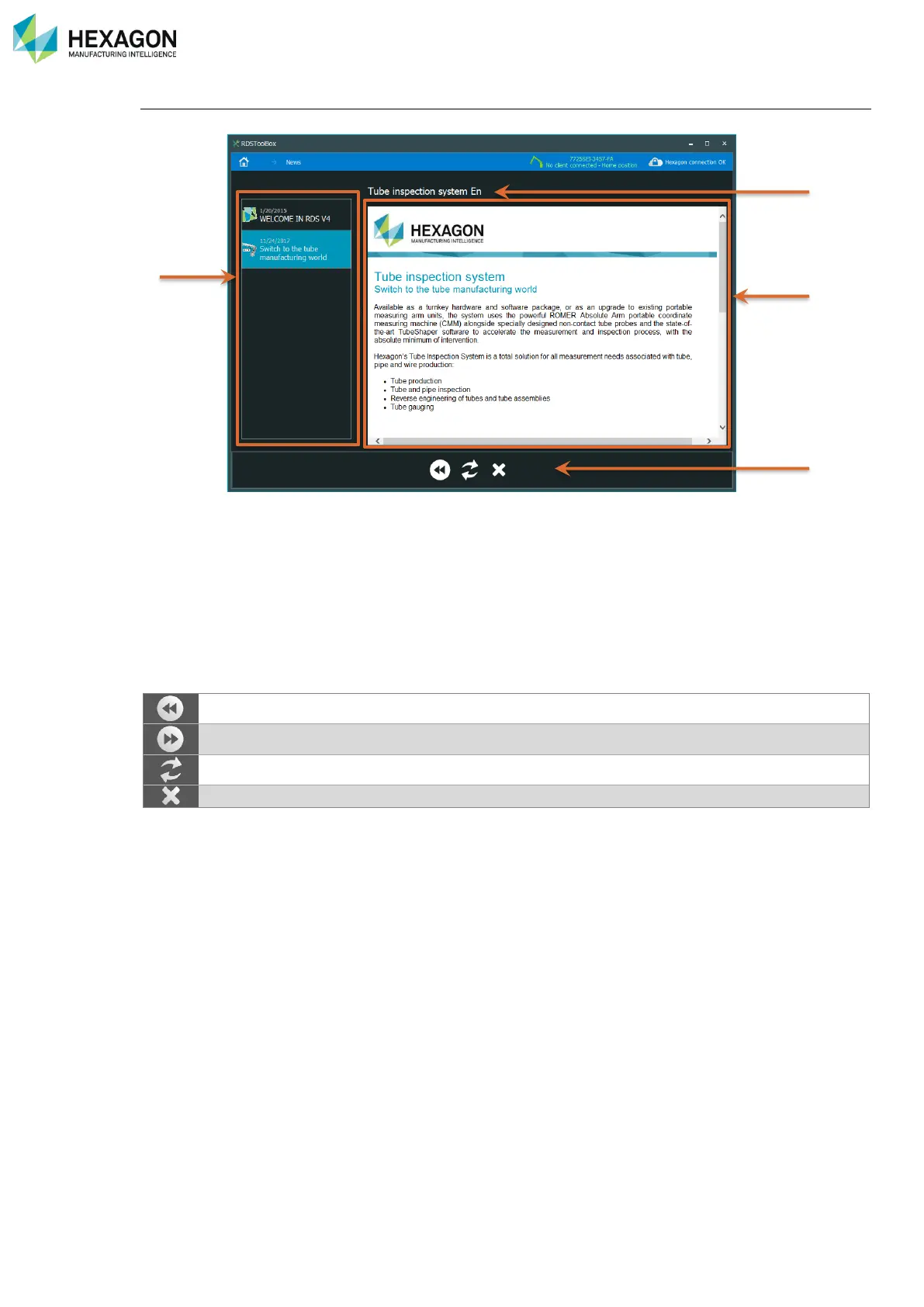
From the Home Panel, click on the News tile to open the publications screen:
Here are shown all the news and links publications.
a. List of publications
b. Tittle of the current publication
c. Publication window
d. Pages control buttons (Action line)
The list of news is sorted by publication date. Click on the news to display in the publication window.
The publication window behaves like an internet browser, the publications are html pages, with text, pictures
and eventually internal or external internet links. For example, a publication may contain a link to the
Hexagon Manufacturing Intelligence web site.



 To Next Page