Appendix
H000002007-RDS User Manual │Version 5.0.0 (2018-09-17) │192
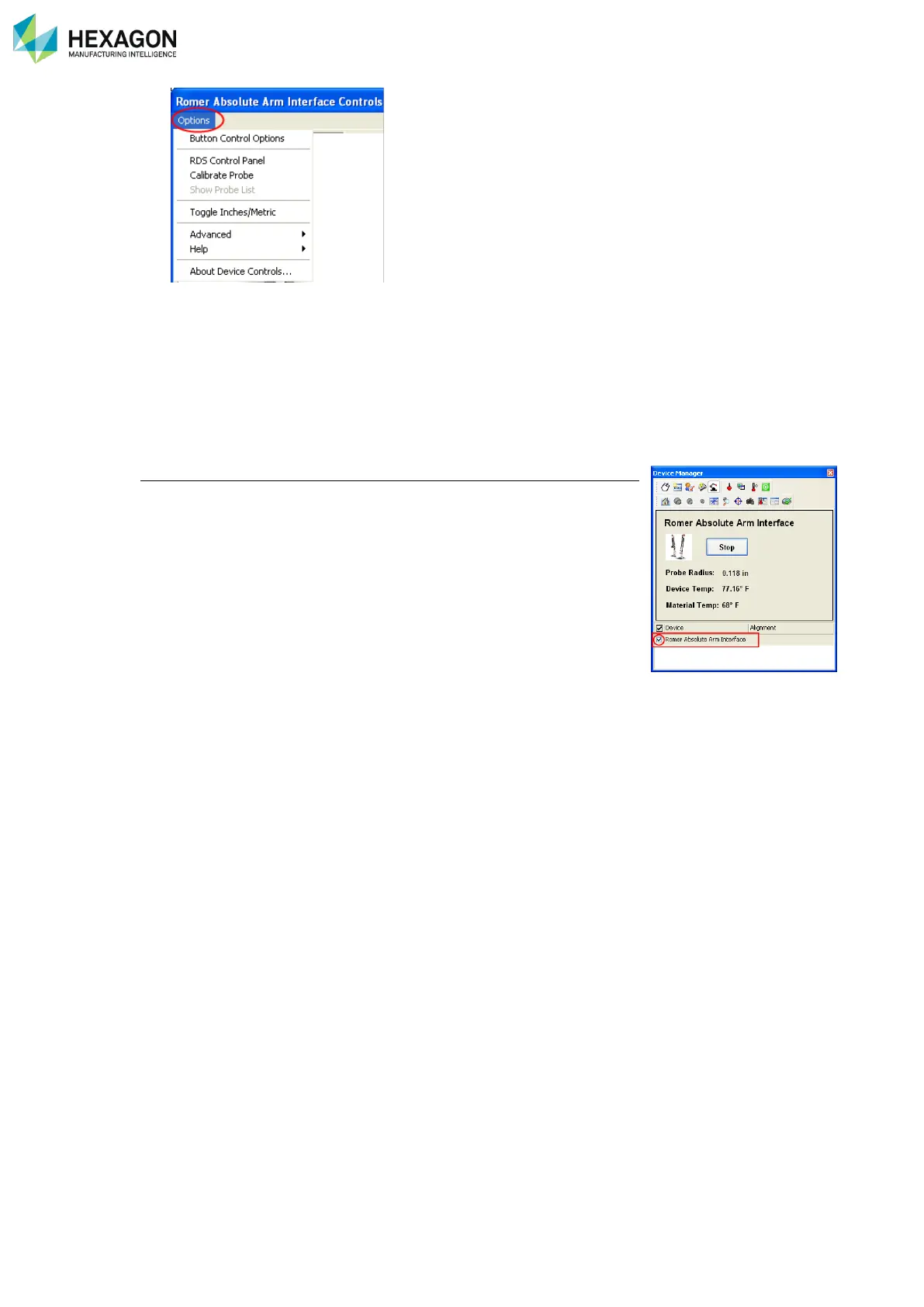
The same controls can be quickly accessed by selecting the Buttons available in the Absolute Arm Interface
Controls dialog.
There are two methods for Starting the connection:
• Select the Start button in the control area.
• On the Device List, right-click on the device that you want to activate, and then choose Start Device
from the speed menu (right).
Verisurf starts the device.
Activating a Device
Starting a device doesn’t mean make it active. As several devices can be
started, it is necessary to activate the one to use.
In the list of devices, check or uncheck the one to activate or not.



 To Next Page