RDS Control Panel
H000002007-RDS User Manual │Version 5.0.0 (2018-09-17) │67
Use a profile (all users)
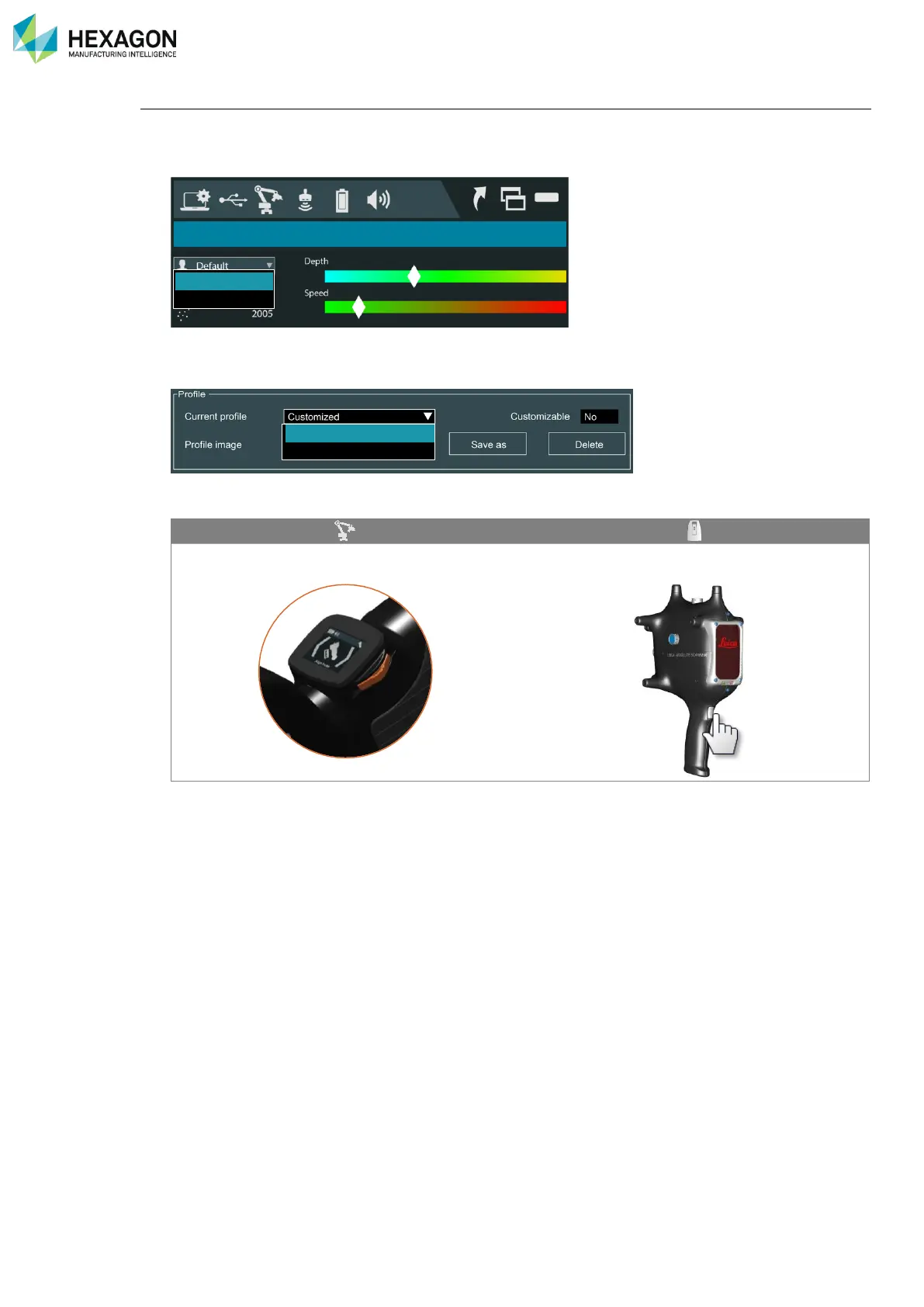
There are different ways to select and use a profile:
• From the RDS Agent: directly select the profile from the drop-down list on the RDS Scanning window.
• From RDS Control Panel: access the tab “Scanner” and select the profile in the drop-down list (don’t
forget to save Control Panel).
• With the machine: the main button of the tracker can be used to switch to the next profile:



 To Next Page