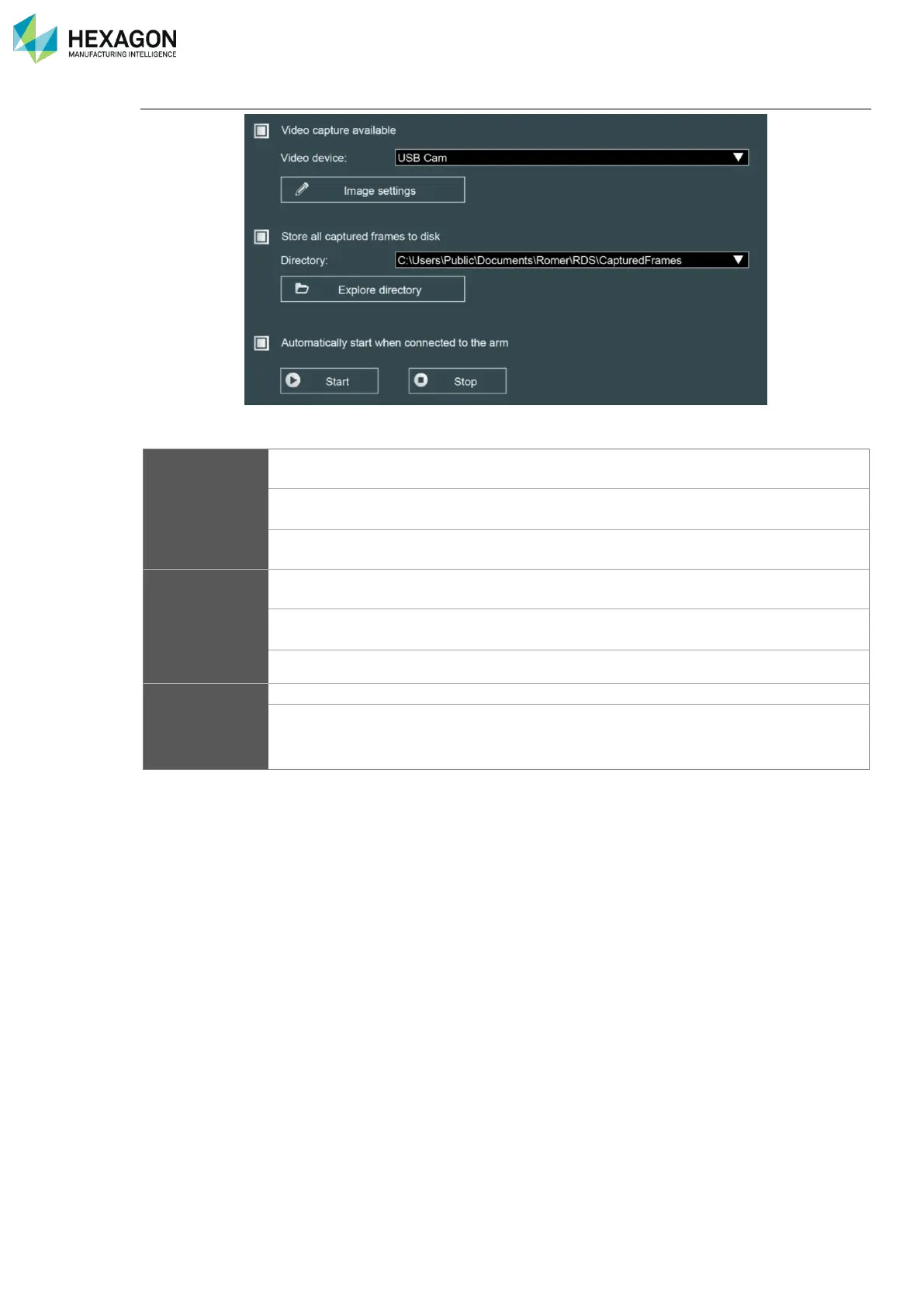
RDS Control Panel
H000002007-RDS User Manual │Version 5.0.0 (2018-09-17) │85
Main settings
Activate the use of camera by RDS
Use to select the camera to use
Gives access to change the parameters of the image (see next
paragraph)
Store captured
frames to disk
When this option is ticked, the taken picture is also saved on the computer, on the
specified folder
Path for stored frames and pictures (please contact your local
agent for modification)
Opens Windows® explorer on the specified folder.
Manually starts / stops the video
Automatically start
video …
As soon as the arm is connected, video capture starts, and the
video window is displayed



 To Next Page