I
-
I
-
(HARDKEY)
/
Sa$tksy
Reference
D
CAUTION
Data
on
OFF
Data/Mm
Data->Mm
DD+a+YYYY
HH:MM
Default
Softkey
in
[j)
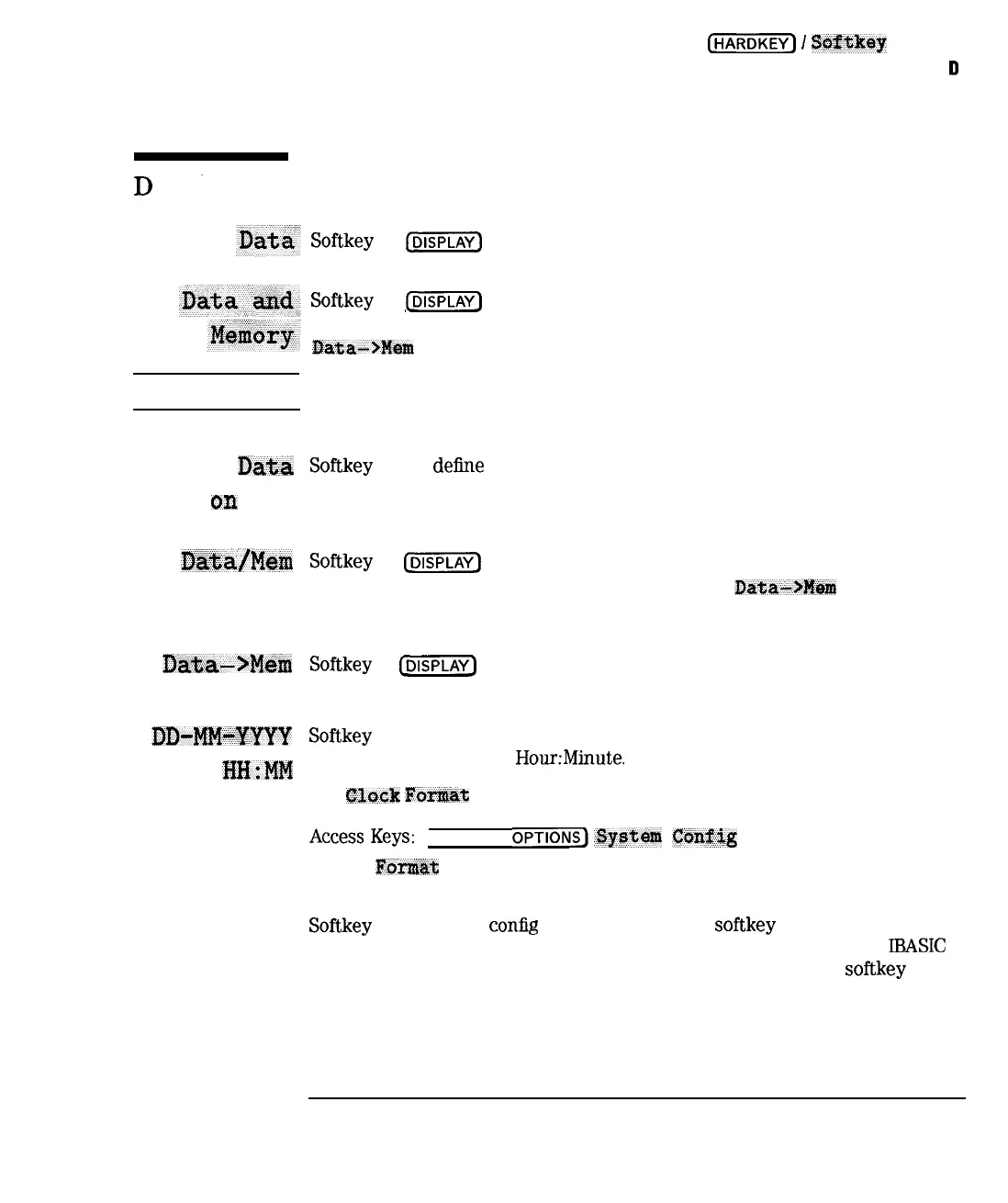
menu. Displays the current measurement data trace.
Softkey
in
(DISPLAY)
menu. Displays both the current data and memory
traces, with identical scaling and format. You must have selected
X?ata-#Br!t
first for this key to function.
Use care in interpreting memory trace values. The memory trace may have
been stored under conditions different from the current measurement trace.
Softkey
in the
define
save menu. Toggle to ON if you want to save the
current measurement data. Data can be saved by itself or with the
instrument state and current calibration.
Softkey
in
[DISPLAY)
menu. Divides current trace data by data in memory. For
this key to function, you must first have selected
IWa->Fb@m
and stored a
data trace in memory.
Softkey
in
(jj)
menu. Stores the active data trace in the memory of the
active measurement channel.
Softkey
in clock format menu. Formats the real-time internal clock to display
time as Day-Month-Year
HourMinute.
See
CWzk
Forraat in this chapter for more information on clock format.
AccessKeys:
(SYSTEM
OPTIONS)O~EWW
Config
Clock
F~x?w&
Softkey
in user TTL
config
menu. Pressing this softkey configures the rear
panel USER TTL IN/OUT connector for general purpose I/O use with
IBASIC
and SPCI commands. This connector can also be configured for softkey
sequencing using an external switch, and as a sweep out connector.
See “User-Defined TTL Input/Output” in Chapter 7 and “BNC Connectors” in
Chapter 8 for more information.
9-19
I-



 To Next Page