User’s Manual INNOMAR Parametric Sub-Bottom Profilers / SESWIN 43
Innomar Technologie GmbH (2023-01) 43
5.4 SESWIN Menu Bars
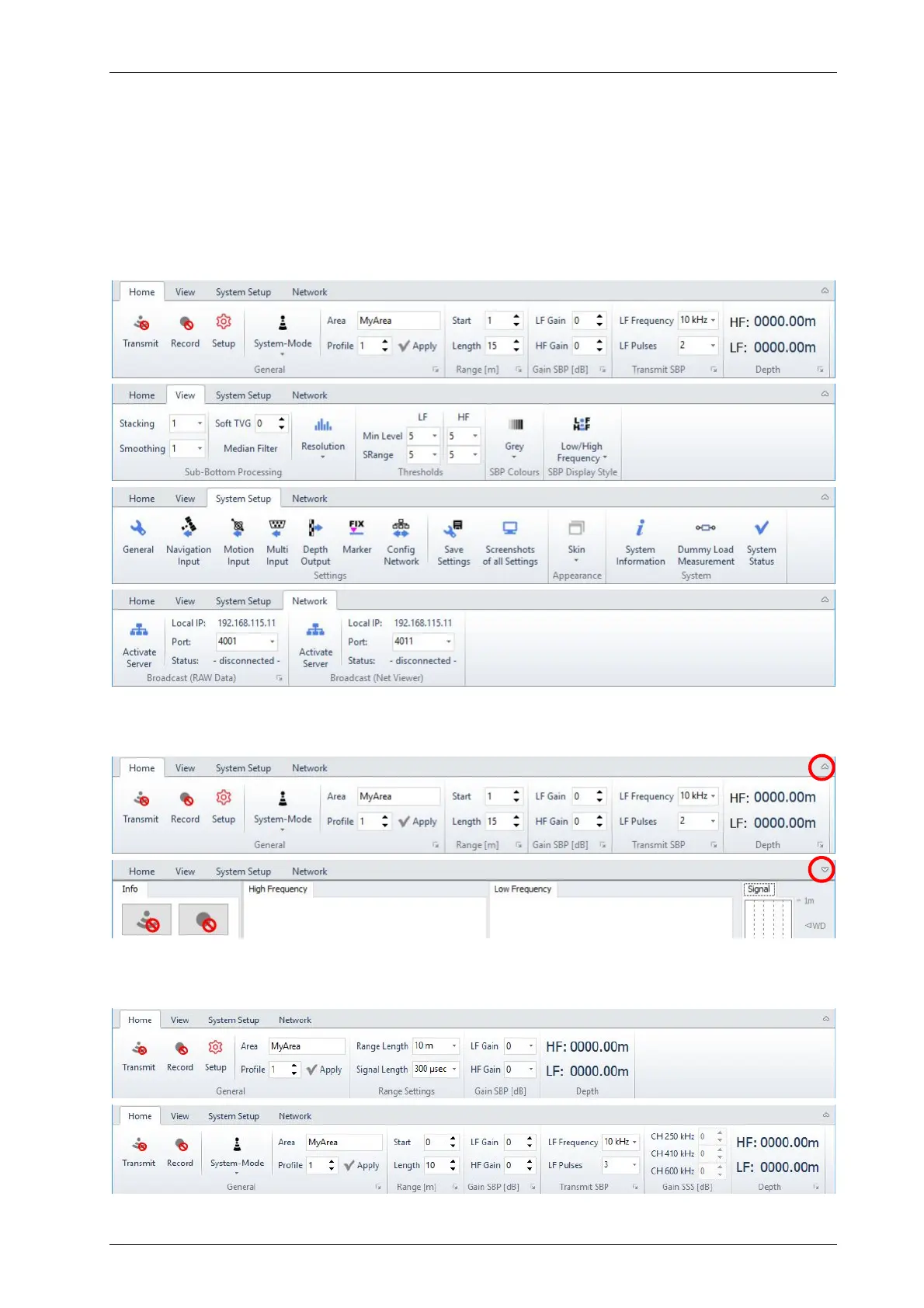
All settings are grouped into four menu bars:
Home: all settings that might be changed during the survey.
View: settings to control the online data representation (will not affect recorded data).
System Setup: settings for the system and sensor interfaces that are usually made only
once during mobilisation.
Network: settings for special ethernet data transmission (broadcast server).
If all settings are made and you are working on a small screen, you may hide/unhide the menu
bar; the “Transmit” and “Record” buttons are still available:
For the INNOMAR “smart” and “light-plus” / “standard-plus” models, the “Home” menu looks a bit
different:
smart
light-plus / standard-plus



 To Next Page