User’s Manual INNOMAR Parametric Sub-Bottom Profilers / SESWIN 97
Innomar Technologie GmbH (2023-01) 97
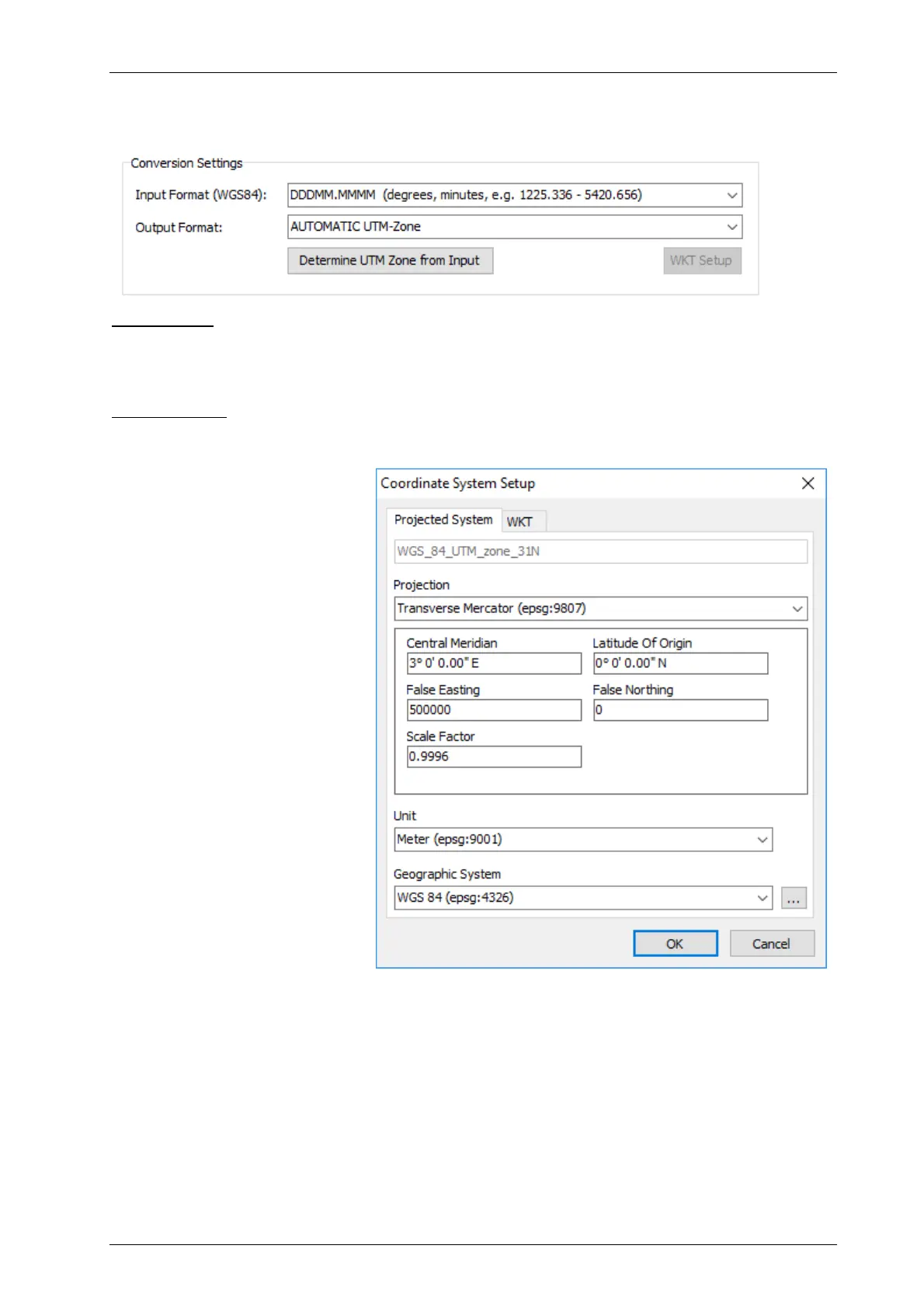
7.4.2 Conversion Settings
In this dialog you switch on/off the UTM conversion and specify the format of input data as well
as the desired output data format.
Input Format: You can select an input format according to your GNSS data:
DDD.DDDDDD (decimal degrees),
DDDMM.MMMM (degrees decimal minutes),
DDDMMSS.SSS (degrees minutes decimal seconds).
Output Format: There are a lot of possible output formats (projections). The UTM zone can by
determined from the current coordinates.
UTM Zone can be determined
automatically from the actual
GNSS position.
Conversion settings can be
checked and adapted if
necessary, in the “WKT Setup”.



 To Next Page